
Last updated: 2026-10-06
Jan is an Apache 2.0 desktop app from Menlo Research with more than 44,800 GitHub stars and 6.8 million downloads that runs open-weight language models offline on Windows, macOS and Linux. It also connects to OpenAI, Anthropic and Google with your own API keys, and ships built-in web search and MCP support.
About Jan
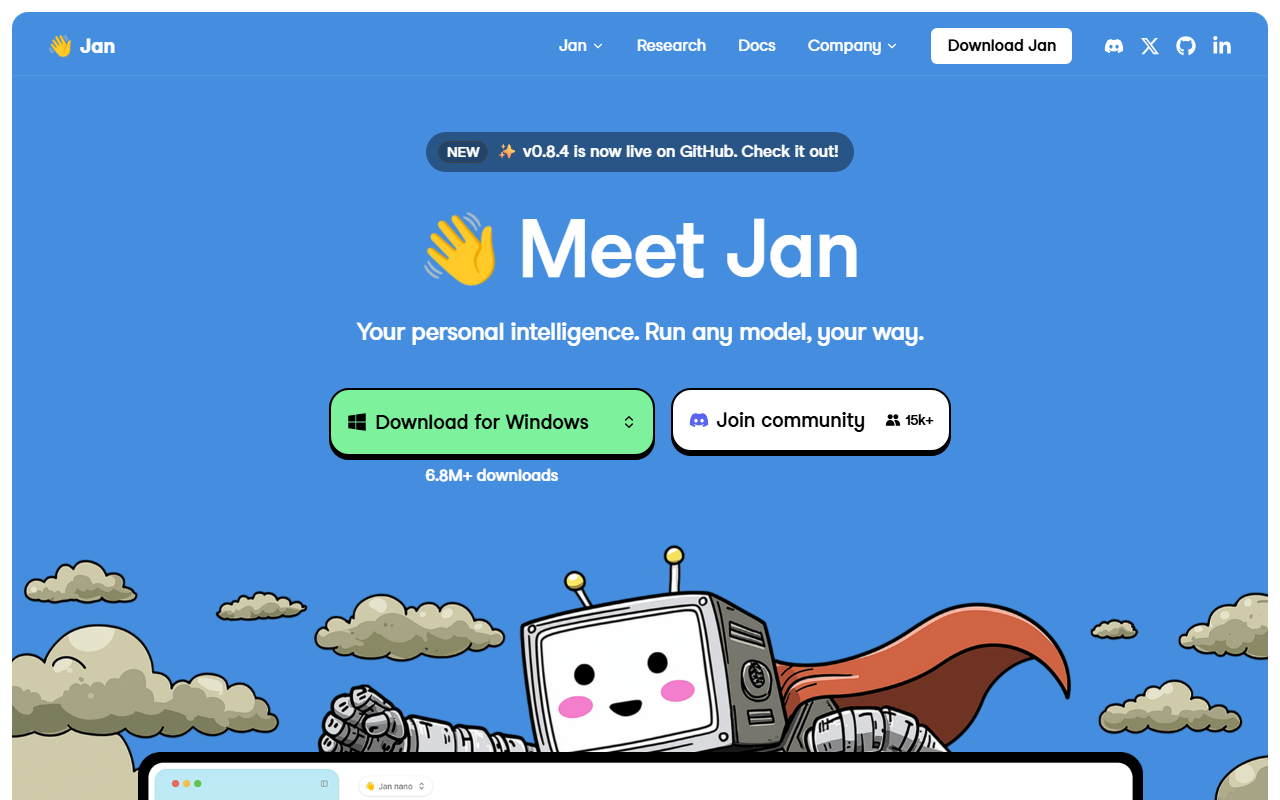
Jan is an open-source desktop app that downloads open-weight language models and runs them on your own computer, with a chat window that looks like a hosted assistant. It is built by Menlo Research, the code is published under the Apache 2.0 licence at github.com/janhq/jan, and the repository has passed 44,800 stars. The vendor's homepage reports more than 6.8 million downloads, and the latest release on GitHub at the time of writing is version 0.8.4.
The app installs as a normal program on Windows, macOS and Linux, and on first launch it downloads a default model so you can chat without any setup. A built-in Hub lists local models and shows whether each one fits your hardware, so you can try open weights such as Gemma 4 31B or Qwen3.8 27B without touching a terminal. Menlo also publishes its own small models, including Jan-Code-4B, Jan-v3-4B and the vision model Jan-v2-VL.
Local is the default, but the same window can talk to cloud models. You paste an API key for OpenAI, Anthropic or Google, or point Jan at any OpenAI-compatible or Anthropic-compatible endpoint, and pick the model from one selector. That makes Jan a front end you can use next to ChatGPT or Claude rather than instead of them. Built-in web search and page fetch work without extra setup, and a search provider such as Exa can be added through an MCP server.
Beyond chat, the app has Projects for grouping conversations, custom Assistants, Agents, and a Cowork preview that works through a task on its own. If you prefer a command line and a local API, Ollama is the closer match; if you want another graphical runner, LM Studio covers similar ground. Model files come from sources such as Hugging Face, and OpenRouter is the route to take when you want one hosted API instead of local hardware.
Screenshots
Pricing
ai and its docs list no paid plan as of 2026-10-06. Cloud models are billed by their provider, and local models need enough RAM and disk for the files you download. Compare how Ollama and LM Studio price their optional cloud plans.
Key Features
- Offline local models: Downloads open-weight models from a built-in Hub that flags which ones fit your hardware, then runs them with no internet connection.
- Cloud providers with your keys: Connects to OpenAI, Anthropic, Google and any OpenAI-compatible or Anthropic-compatible endpoint from the same model selector.
- Built-in web search and fetch: Answers questions about current events without setup, and can switch to the Exa MCP server with your own API key.
- MCP connectors: Adds tools such as search, code execution and databases through Model Context Protocol servers in Settings.
- Projects, Assistants and Agents: Groups chats with shared instructions and files, saves custom assistants, and runs agents that read files and take actions.
- Jan's own small models: Ships Jan-Code-4B for code, Jan-v3-4B for general instructions and Jan-v2-VL for image understanding, each in a 4B-class size meant for laptops.
Pros
- The full source is on GitHub under a permissive licence, so you can audit it, fork it or ship a modified build.
- No paid plan is listed on jan.ai or in its docs, so local use costs only your own hardware and electricity.
- One app mixes local models and cloud models from OpenAI, Anthropic and Google, so a single window covers private and heavy tasks.
- The first launch downloads a default model automatically, which removes the terminal step that other local runners expect.
Cons
- The README pairs 8 GB of RAM with 3B models, 16 GB with 7B models and 32 GB with 13B models, so older laptops stay limited to small models.
- The Cowork agent mode is labelled Preview and the Memory feature is marked Coming Soon on the homepage, so both are unfinished.
- No iOS, Android or hosted web version is offered, so chats stay on the machine where Jan is installed.
- No SOC 2, ISO 27001 or HIPAA attestation is published, which matters to teams that need audited controls.
Data Handling
- Training-data policy
- Vendor states it does not log prompts or scan files, and analytics are opt-in. Cloud models receive your messages under their own provider terms.
Frequently Asked Questions
What does Jan cost?
The app itself is free, and neither jan.ai nor its docs list a paid plan as of 2026-10-06. Cloud models reached through your own API keys are billed by OpenAI, Anthropic, Google or whichever provider you connect. Local models cost only the disk space and hardware you already own.
What are the limits of running Jan for free?
The limit is your machine, not an account cap: bigger models need more memory, and the README suggests 32 GB for 13B models on macOS. Cowork is labelled Preview and Memory is marked Coming Soon, so those features may change.
What should you use instead of Jan?
Ollama fits developers who want a command line and a local API. LM Studio is another graphical runner with its own model search. If you do not want to run anything locally, a hosted assistant such as ChatGPT or Claude avoids the hardware requirement.
Is Jan better than LM Studio?
It depends on what you value. Jan is open source, so you can read and fork the code, while LM Studio's app is proprietary freeware with an MIT command-line tool. LM Studio runs models on llama.cpp and MLX with an OpenAI-compatible local server, and Jan puts more weight on a simple chat window and mixing local with cloud models.
How long does it take to set up Jan?
Install it from jan.ai like any desktop app, then wait for the default model to finish downloading on first launch. After that you can chat straight away, and extra models come from the Hub in the left sidebar. The wait depends mostly on your connection and the model size.
Top Alternatives
- Ollama: Pick Jan for a ready chat window; pick Ollama when you want a command line and a local API for scripts.
- LM Studio: Choose Jan for an open-source app you can audit; choose LM Studio for its llama.cpp and MLX engines and local server.
- ChatGPT: Pick Jan to keep chats on your machine at no subscription cost; pick ChatGPT when you need frontier models without local hardware.