
Last updated: 2026-08-19
Hugging Face is an open-source machine learning hub with 2M+ models, a Git-based Model Hub, a Transformers library, and Spaces for deploying AI demos. It differs from closed model marketplaces by keeping community models, datasets, and code fully open and versioned rather than locked to one vendor.
About Hugging Face
Hugging Face is an open-source machine learning platform and community founded in 2016 by French entrepreneurs Clément Delangue, Julien Chaumond, and Thomas Wolf. What began as a chatbot startup evolved into a central hub for discovering, sharing, and deploying AI models and datasets.
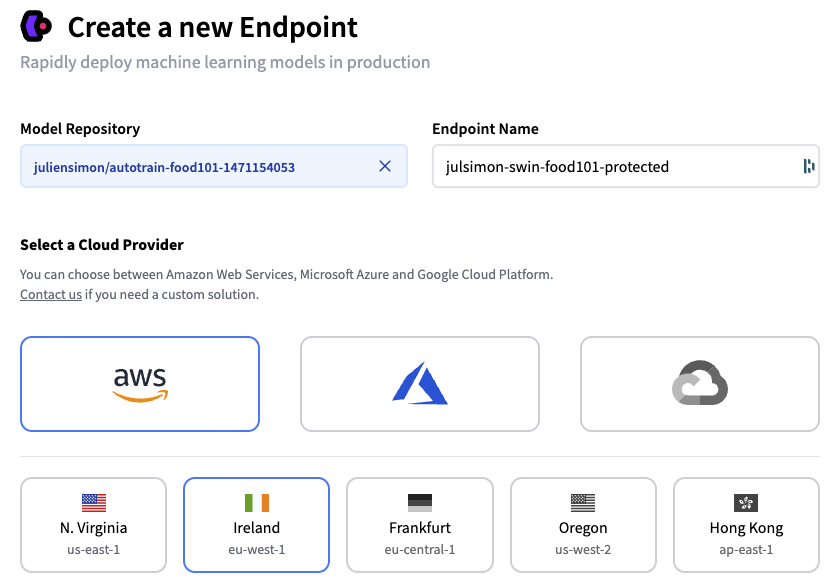
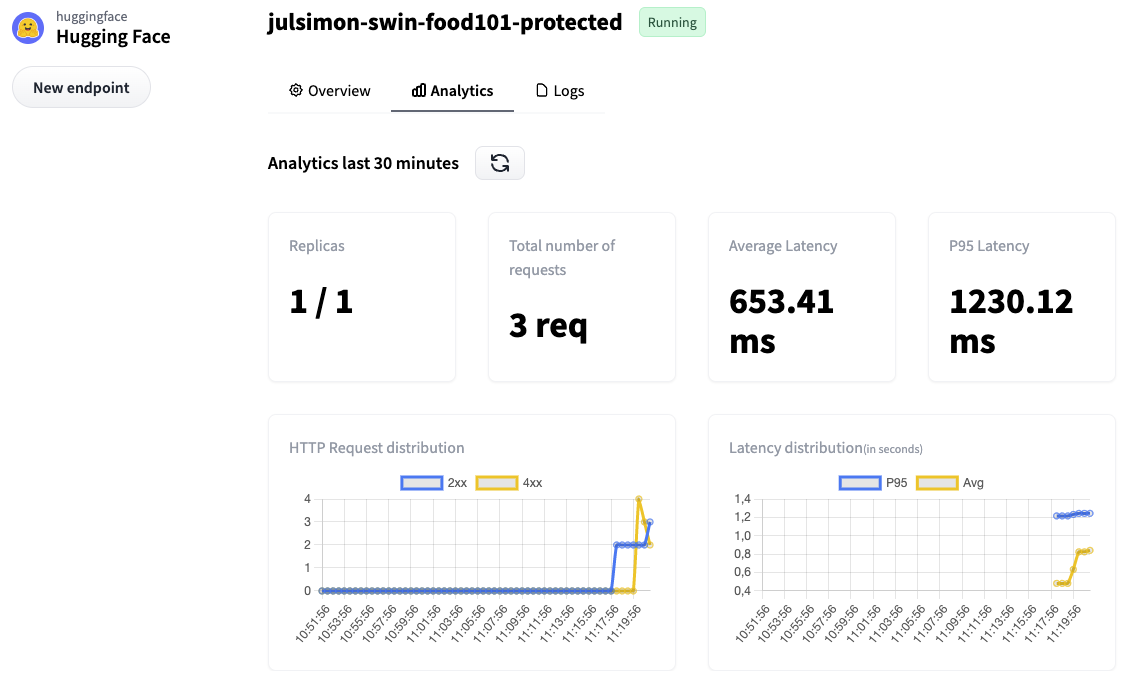
The product line spans the Transformers library for NLP, vision, audio, and multimodal models, a Git-based Hub for versioned model and dataset repositories, Spaces for deploying interactive ML demos, and Inference Endpoints for production model deployment. Community access stays free, with paid plans for teams and enterprises that need more storage, compute, or governance controls.
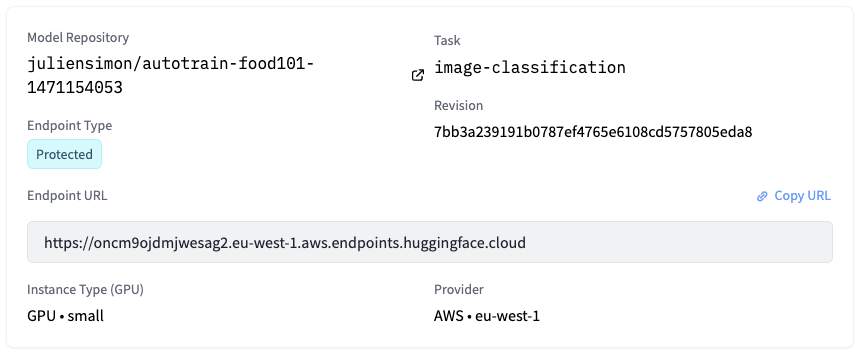
Screenshots
Pricing
Free tier with unlimited access to public models/datasets and basic CPU Spaces. PRO at $9/month includes 10x private storage and 8x ZeroGPU quota. Team at $20/user/month with SSO, audit logs and resource groups.
Enterprise starts at $50/user/month with custom pricing. 40-$40/hour. 5/GPU-hour.
Inference Providers charges compute time x hardware cost with shared monthly credits.
| Tier | Monthly price | What it includes |
|---|---|---|
| Free (Hub) | Free | Free access to public models via Inference API with rate limits; paid usage beyond free tier |
| PRO | $9/mo | Monthly included inference credits; overages billed at compute-time x hardware rate |
| Team | $20/mo | Shared team credits; detailed usage analytics per team member |
| Enterprise | $50/mo | Custom annual billing; managed by sales team with flexible payment terms |
Feature Comparison by Tier
| Feature | PRO | Free | Team | Enterprise |
|---|---|---|---|---|
| Private repo storage | 1 TB (10x) | 100 GB | 1 TB/seat | 1 TB/seat |
| Public repo storage | Up to 10 TB | Best-effort | 12 TB + 1 TB/seat | 200 TB + 1 TB/seat |
| ZeroGPU daily quota | ~40 min (8x priority) | ~5 min | ~40 min/member (8x) | ~45 min/member (highest) |
| Inference Provider credits/month | $2 (20x) | $0.10 | $2/seat (pooled) | $2/seat (pooled) |
| Spaces Dev Mode (SSH + VS Code) | ??? | ??? | ??? | ??? |
| Private Dataset Viewer | ??? | ??? | ??? | ??? |
| SSO (SAML/OIDC) | ??? | ??? | ??? | ??? |
| Audit Logs | ??? | ??? | ??? | ??? |
| Resource Groups (access control) | ??? | ??? | ??? | ??? |
| Support tier | Community forum | Community forum | Priority support | Dedicated account rep |
Key Features
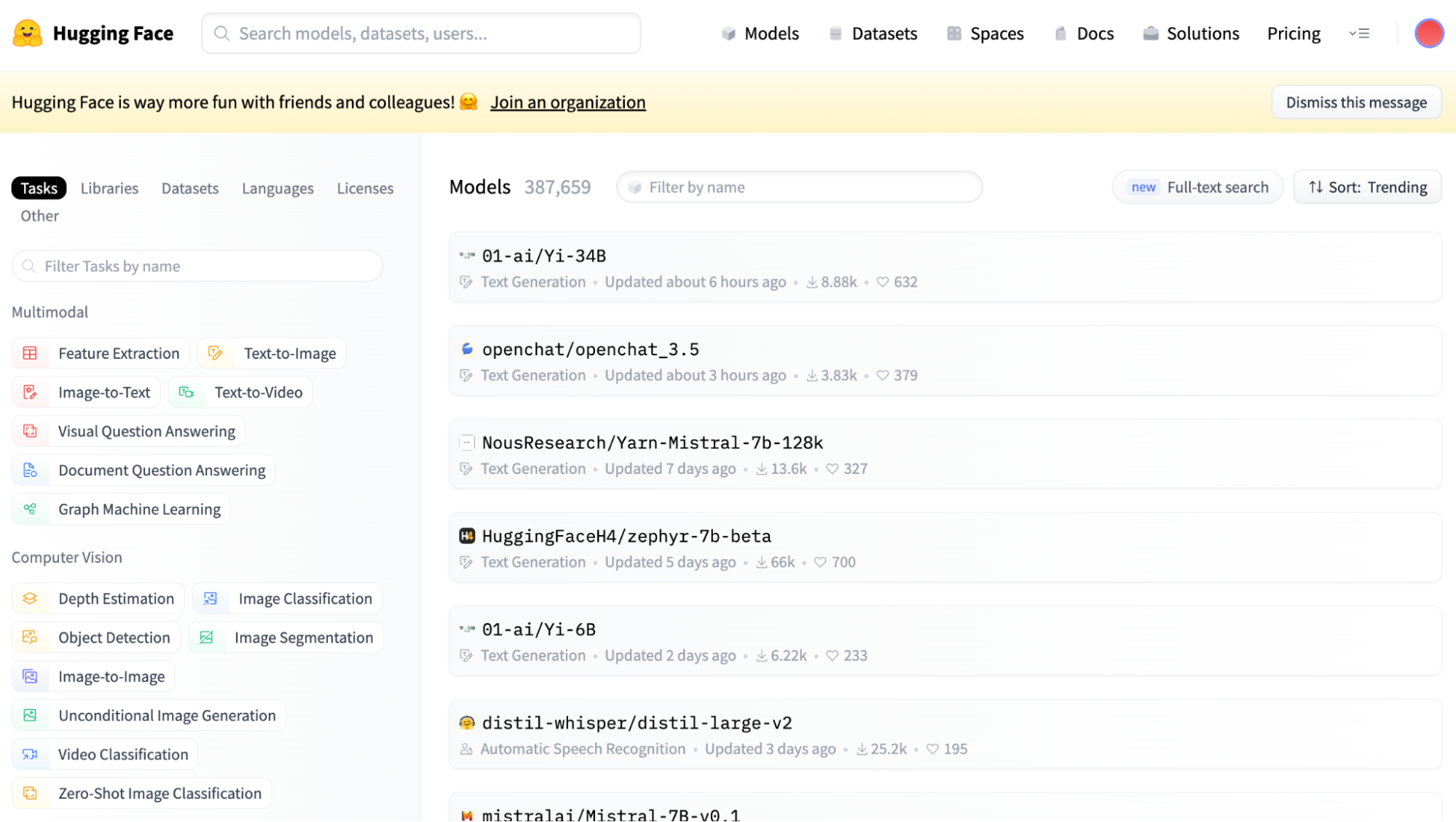
- Model Hub: 2M+ pre-trained models from the community covering text, image, video, audio, 3D and multimodal tasks with built-in versioning, model cards, and documentation
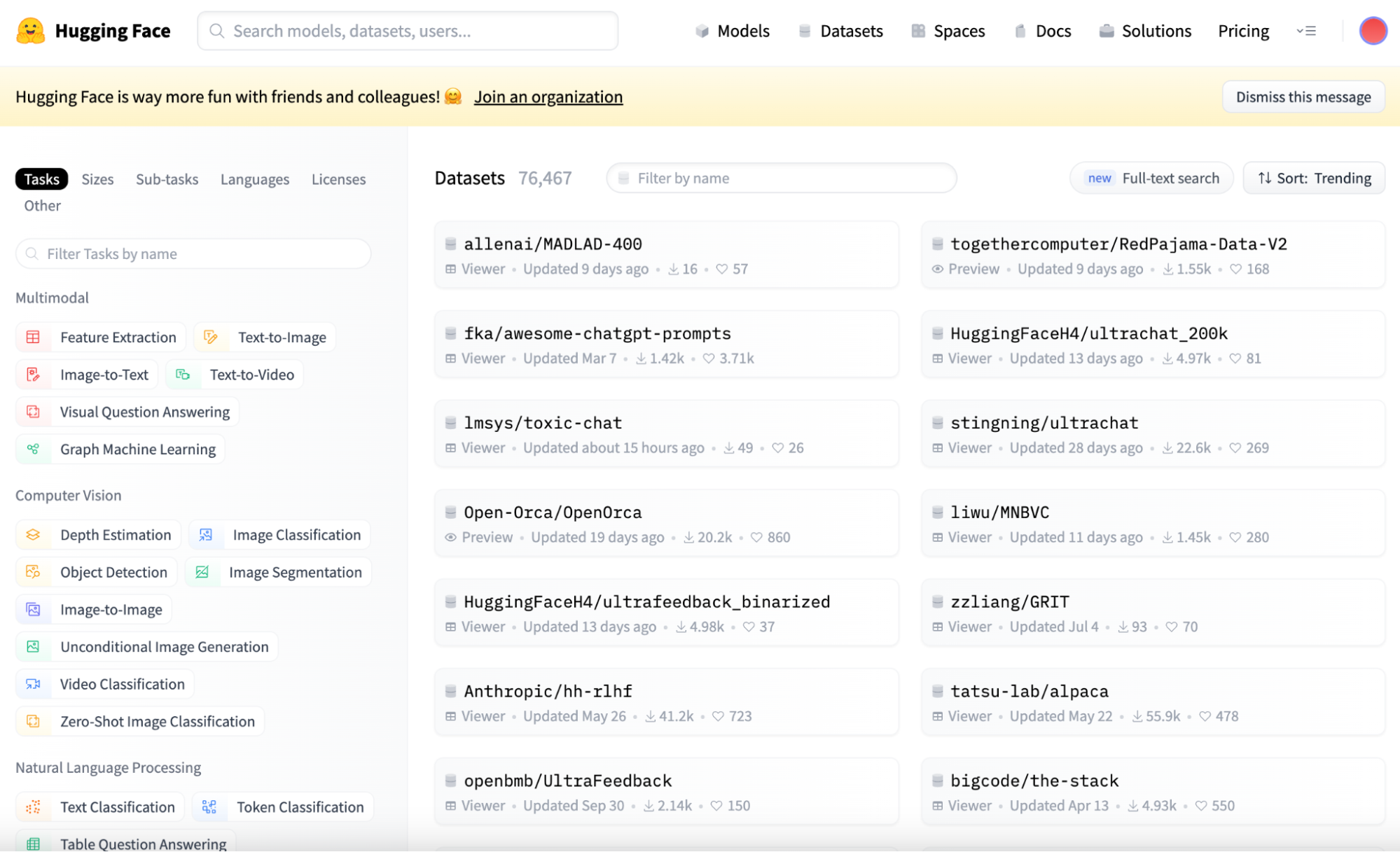
- Datasets Library: 500k+ publicly available datasets with efficient access tools, preprocessing utilities, and support for text, audio, image and tabular data
- Spaces: Deploy and showcase interactive ML demos and applications with free CPU hosting or paid GPU acceleration; no infrastructure management required
- Inference Endpoints: Production-ready API deployment on dedicated infrastructure with automatic scaling, monitoring, and support for both standard and custom models
- Transformers Library: Open-source library providing pretrained implementations of transformer models for PyTorch, TensorFlow, and JAX with simple APIs for inference and fine-tuning
- Inference Providers: Unified API access to 45,000+ models from leading AI providers (OpenAI, DeepSeek, Meta, Together, SambaNova) with automatic failover and transparent pricing
Pros
- Largest repository of open-source models and datasets with vibrant community contributions
- Generous free plan covers CPU-only Spaces and every public model or dataset, ideal for learning and experimentation before paying for anything
- Git-based versioning and collaboration features built for machine learning workflows
- Flexible pricing with a clear per-tier cost structure from free to enterprise; pay-as-you-go for compute
- SOC2 Type 2 certification and GDPR compliance give enterprise teams the access controls and audit trail they need
Cons
- Steep learning curve for advanced features; beginners may need significant documentation review
- Free community support via forums has 2-4 hour response times; premium support available only on Team+ plans
- Complex pricing model with separate charges for Spaces GPUs, Inference Endpoints and usage-based compute
- Some enterprise features, like private org storage and audit logs, require the Team plan or higher, not the base Free or PRO tiers
Product Information
- Cloud
- Yes
- Self-Hosted
- Yes
- On-Premise
- Yes
- Languages
- English (UI), French (docs), Vietnamese (docs), Chinese Simplified (docs), German (docs), Spanish (docs), Portuguese (docs), Russian (docs)
- Training
- Official LLM, NLP, Audio & Vision courses, 200+ documentation guides with executable Colab notebooks, Hugging Face YouTube channel with video tutorials, Community forum at discuss.huggingface.co, 500+ third-party courses indexed on Class Central, Coursera Professional Certificate
Data Handling
- Compliance
- SOC2 Type 2 certified · GDPR compliant · Business Associate Addendum available
Frequently Asked Questions
What does Hugging Face actually cost?
Hugging Face is free for public models, datasets, and CPU-only Spaces. PRO runs $9 a month for 10x more private storage and priority ZeroGPU access, Team costs $20 per user per month and adds SSO plus audit logs, and Enterprise starts at $50 per user per month with custom terms. GPU-backed Spaces and Inference Endpoints are billed separately based on usage.
Does Hugging Face have a free plan?
Yes. The Free tier includes unlimited public model and dataset hosting plus community Spaces on shared CPU hardware, with no download or hosting caps. It does not include meaningful private storage, GPU priority, or team features like SSO, all of which start on the PRO or Team plans.
Which tools compete with Hugging Face in 2026?
Replicate makes more sense when running a model through a simple API is the whole goal, with no infrastructure to manage. Together AI suits teams that want unified API access to open-source models on hardware someone else runs. Modal fits teams that need serverless GPU functions and flexible compute scheduling rather than a public model hub.
Is Hugging Face better than Replicate?
Hugging Face is where models get published, documented, and version-controlled through the Hub and Transformers library, while Replicate focuses on running pre-packaged models through an API without hosting your own infrastructure. Many teams use both: discover and fine-tune on Hugging Face, then serve production traffic through Replicate or Hugging Face's own Inference Endpoints.
How do you set up Hugging Face?
Create a free account at huggingface.co, then browse the Model Hub or Datasets Library for a starting point. Install the open-source Transformers library with pip install transformers to load models in PyTorch, TensorFlow, or JAX, and follow the official quicktour guide for your first inference call. Paid compute like Spaces GPUs or Inference Endpoints is optional and only billed when you use it.
Top Alternatives
- Replicate: Simple API-based inference with nothing to host belongs to Replicate; model discovery, fine-tuning, and version control keep Hugging Face relevant too.
- Together AI: Managed inference on commodity hardware is Together AI's angle; the larger open community and Git-based repositories are Hugging Face's.
- Modal: Serverless GPU compute scheduling is what Modal delivers; a single home for models, datasets, and team collaboration is what Hugging Face delivers instead.
HokAI guides covering Hugging Face
- Nvidia Just Bought Hugging Face for $12.93 Billion. Here's What Actually Changes.: Nvidia is buying Hugging Face for $12.93 billion, closing in 2027. Here is the concrete tripwire to watch, and the smaller precedent nobody is citing yet.
- Hugging Face vs OpenPipe: Which Should You Use in 2026?: OpenPipe's SaaS was absorbed into CoreWeave in 2025 and Hugging Face retired AutoTrain. Here's what's actually left to compare for fine-tuning in 2026.
- Which LLM Should You Use in 2026? Claude, GPT-6, Gemini and DeepSeek Compared: Claude Opus 5.5 and GPT-6 Sol launched Sept 22, 2026, both cheaper than before. Compare pricing, benchmarks and picks for Claude, GPT-6, Gemini and DeepSeek.
- Fireworks AI vs Together AI: Which Should You Use in 2026?: Fireworks and Together AI now charge the identical per-token rate on DeepSeek V4 Pro, so price no longer separates these two open-model inference platforms.