
Last updated: 2026-08-19
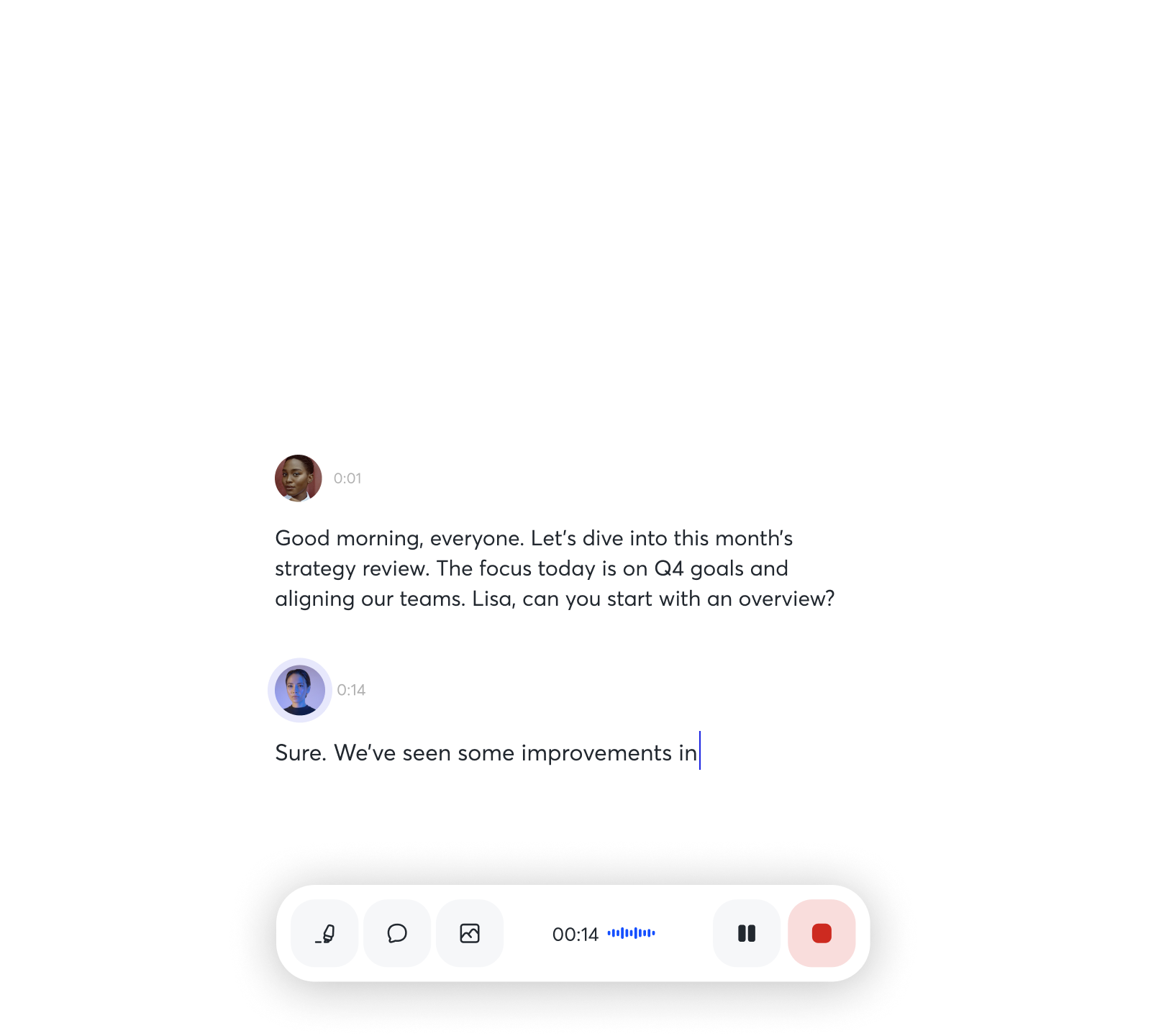
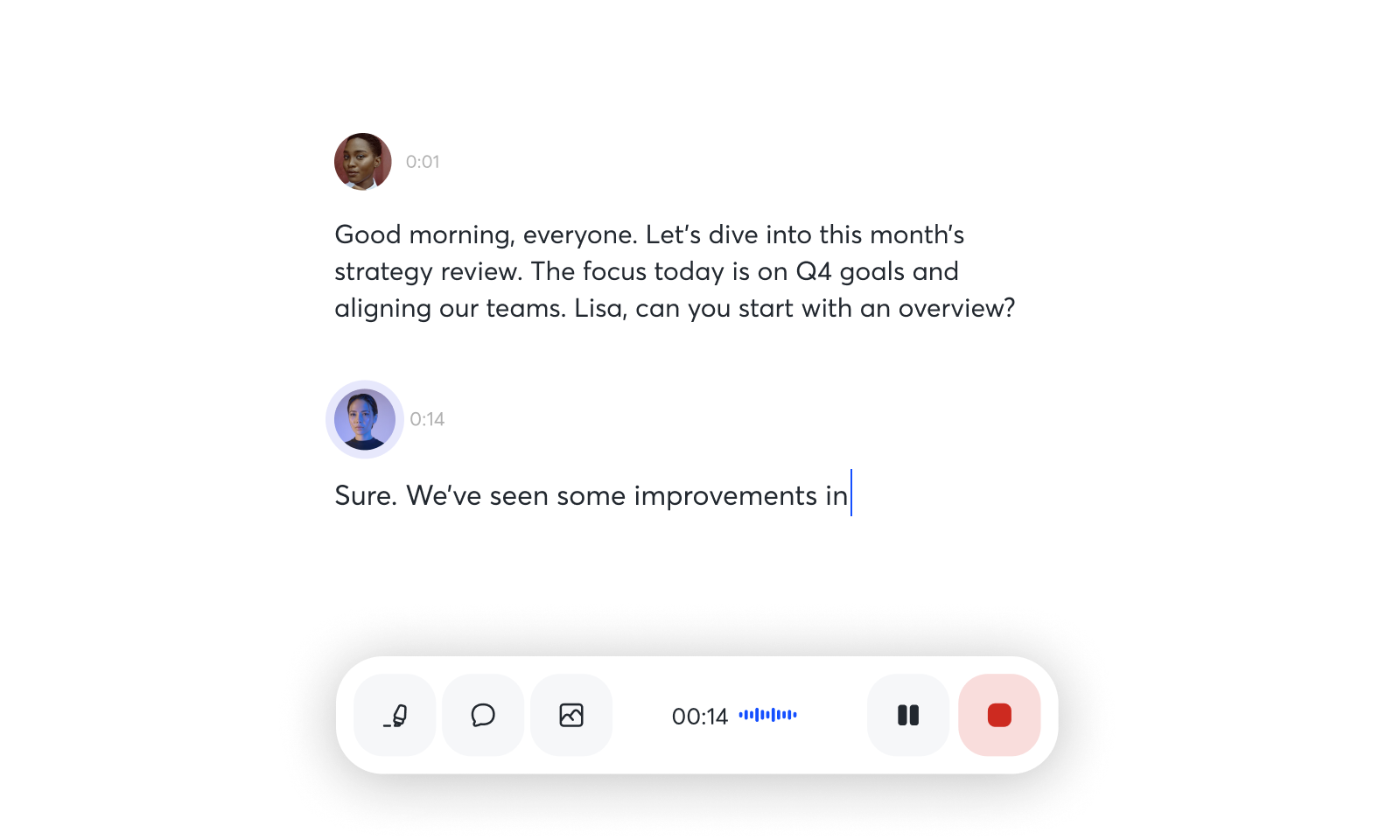
Otter.ai is an AI notetaker and meeting transcription platform that has processed over 1 billion meetings since launching in 2016. It auto-joins Zoom, Microsoft Teams, and Google Meet to transcribe, summarize, and pull out action items in real time, then lets teams search that history through AI Chat.
About Otter.ai
ai is an AI-powered meeting transcription and collaboration platform that automatically records, transcribes, and summarizes meetings in real time. Founded in 2016, the company has processed over 1 billion meetings for teams across sales, marketing, education, recruiting, and media. Otter connects with Zoom, Microsoft Teams, Google Meet, Salesforce, HubSpot, and Slack, fitting into workflows teams already use instead of replacing them.
It supports four recording modes (automatic bot join, desktop app, mobile capture, and file import), which suits remote, hybrid, and in-person meetings alike. It is built for remote teams, sales organizations, and knowledge workers converting conversations into searchable records instead of manual notes.
Screenshots

Pricing
Free tier with 300 monthly minutes (30-min per conversation limit). 99/month (monthly) with 1,200 minutes. Business at $20/month (annual) or $30/month (monthly) with 6,000 minutes.
Enterprise custom pricing, typically $17,000-$35,000 annually based on team size.
| Tier | Monthly price | What it includes |
|---|---|---|
| Basic (Free) | Free | Fixed monthly tier with usage limits: 300 transcription minutes/month, 30 minutes per conversation max, 3 lifetime file imports |
| Enterprise | Free | Custom pricing: $17,000-$35,000 annually depending on team size and features; unlimited transcription, OtterPilot for Sales, video replay, SSO, BAA |
| Pro | $8.33/mo | Fixed monthly tier: 1,200 transcription minutes/month, 90 minutes per conversation, 10 audio/video file imports per month |
| Business | $20/mo | Fixed monthly team tier: 6,000 transcription minutes/month, 4 hours per conversation, unlimited file imports |
Feature Comparison by Tier
| Feature | Pro | Business | Enterprise | Basic (Free) |
|---|---|---|---|---|
| Monthly transcription minutes | 1,200 | 6,000 | Unlimited | 300 |
| Minutes per recording | 90 | 240 | Unlimited | 30 |
| Real-time transcription | ✓ | ✓ | ✓ | ✓ |
| Live captions & speaker ID | ✓ | ✓ | ✓ | — |
| AI Chat & knowledge search | ✓ | ✓ | ✓ | Limited |
| Automated summaries & action items | ✓ | ✓ | ✓ | — |
| OtterPilot auto-join | — | ✓ | ✓ | — |
| Multi-language support | English, French, Spanish | English, French, Spanish | English, French, Spanish | English only |
| Salesforce & HubSpot integration | — | ✓ | ✓ | — |
| SSO & advanced security | — | — | ✓ | — |
Key Features
- OtterPilot Smart Meeting Assistant: Automatically joins Zoom, Microsoft Teams, and Google Meet calls to capture real-time transcription, summaries, and action items without manual intervention
- Conversational Knowledge Engine: April 2026 launch connects conversations across teams and time, with an expanded MCP server, AI Chat querying full meeting history, and a native Otter for Desktop app.
- AI Chat with Meeting Knowledge: Voice-activated and text-based AI Chat that searches across all meetings and connected apps to answer questions, generate follow-ups, and create content on demand
- Real-Time Live Transcription: Live captions and transcription in English, French, and Spanish with automatic speaker identification and recognition
- Automated Summaries & Action Items: Instant meeting summaries highlighting decisions, key takeaways, and automatically extracted action items assigned to team members
- Enterprise Integrations & CRM Sync: Native integrations with 40+ tools including Salesforce, HubSpot, Slack, Notion, Google Drive, and APIs for custom workflows
Pros
- Highly accurate real-time transcription with minimal manual editing required
- Reduces setup friction by connecting directly into major video conferencing platforms
- Automated action item extraction saves time on follow-up coordination
- Flexible recording modes accommodate remote, hybrid, and in-person meetings
- HIPAA and SOC 2 Type II certified for enterprise security and healthcare compliance
- Searchable transcripts make reviewing past conversations quick and efficient
Cons
- Monthly transcription minute limits on all paid tiers can cause unexpected overages or service interruptions for high-volume users
- Bot-based approach can feel intrusive and requires participant awareness of automatic recording
- Limited language support (only English, French, Spanish) restricts global use cases
- Accuracy struggles with technical terminology, heavy accents, and multiple overlapping speakers
- Privacy concerns regarding data usage for AI training unless enterprise BAA is executed
- Sales features (OtterPilot for Sales, video replay) locked behind expensive Enterprise plan
- No unlimited transcription option unlike some competitors (Fathom, Fireflies)
Product Information
- Cloud
- Yes
- Self-Hosted
- No
- On-Premise
- No
- Languages
- English, French, Spanish
- Training
- Documentation, Help center, Video onboarding, Webinars, Email support, Community resources
Data Handling
- Compliance
- SOC 2 Type II · HIPAA (Enterprise) · GDPR · CCPA · Section 508 VPAT
Frequently Asked Questions
What are Otter.ai's pricing plans in 2026?
Otter's Pro plan costs $8.33 a month billed annually, or $16.99 month to month, for 1,200 transcription minutes. Business runs $20 a month annually, or $30 monthly, for 6,000 minutes across a team, and Enterprise is custom priced, typically $17,000 to $35,000 a year depending on team size. All paid tiers lift the free plan's tight file-import cap.
What do you get on Otter.ai's free tier?
The Basic plan carries 300 transcription minutes a month, capped at 30 minutes per conversation, plus a handful of lifetime file imports. That covers occasional use; frequent meeting takers hit the ceiling quickly and move to Pro or higher.
Which tools compete with Otter.ai in 2026?
Fathom and Fireflies.ai both remove the monthly minute cap that Otter enforces, which matters for high-volume users. tl;dv is lighter and built around async video review rather than live AI Chat. Otter holds its ground on OtterPilot auto-join and deeper CRM sync with Salesforce and HubSpot.
What separates Otter.ai from Fathom?
Fathom has no monthly minute cap, while Otter's paid plans stop at a per-tier ceiling and need an upgrade past it. Otter answers with native Salesforce and HubSpot sync plus OtterPilot's automatic call join across Zoom, Teams, and Meet. The trade is raw recording volume against CRM automation.
How long does it take to get going with Otter.ai?
Setup runs a few minutes, and a first transcript lands shortly after the call ends. Sign in at otter.ai and connect your Zoom, Microsoft Teams, or Google Meet calendar so OtterPilot can join automatically. The desktop and mobile apps also record and transcribe manually, with AI Chat ready to query any finished transcript.
Top Alternatives
- Fathom: Pick Fathom for unlimited monthly transcription minutes at a lower price point.
- Fireflies.ai: Pick Fireflies.ai for superior multi-language support and competitive pricing on unlimited plans.
- tl;dv: Pick tl;dv for lightweight video replay and async meeting review across your entire team.
HokAI guides covering Otter.ai
- Best AI Meeting Assistants in 2026: Do You Even Need One?: Fathom, Fireflies, Otter, tl;dv, Timeless and Gistify compared on real August 2026 pricing, plus exactly when Zoom or Teams already cover the job for free.
- What Fathom Is Actually For: Fathom made its meeting bot optional in April 2026 and exposed transcripts via MCP. Here's who should stick with its free plan, and who needs Fireflies or Gong.
- Best AI Tools for Summarizing YouTube Videos and Podcasts in 2026: AI Summarizer, MurmurCast and Glasp compared on price, automation and data handling for YouTube video summaries, plus when a free chatbot beats all three.
- Best AI Note-Taking Tools in 2026: Brain2, Glasp, Mem, and Gemini Notebook Compared: Brain2, Glasp, Mem, and Gemini Notebook solve four different note-taking jobs, not one. Real 2026 pricing, free-tier caps, and which one to skip entirely.