
Last updated: 2026-08-19
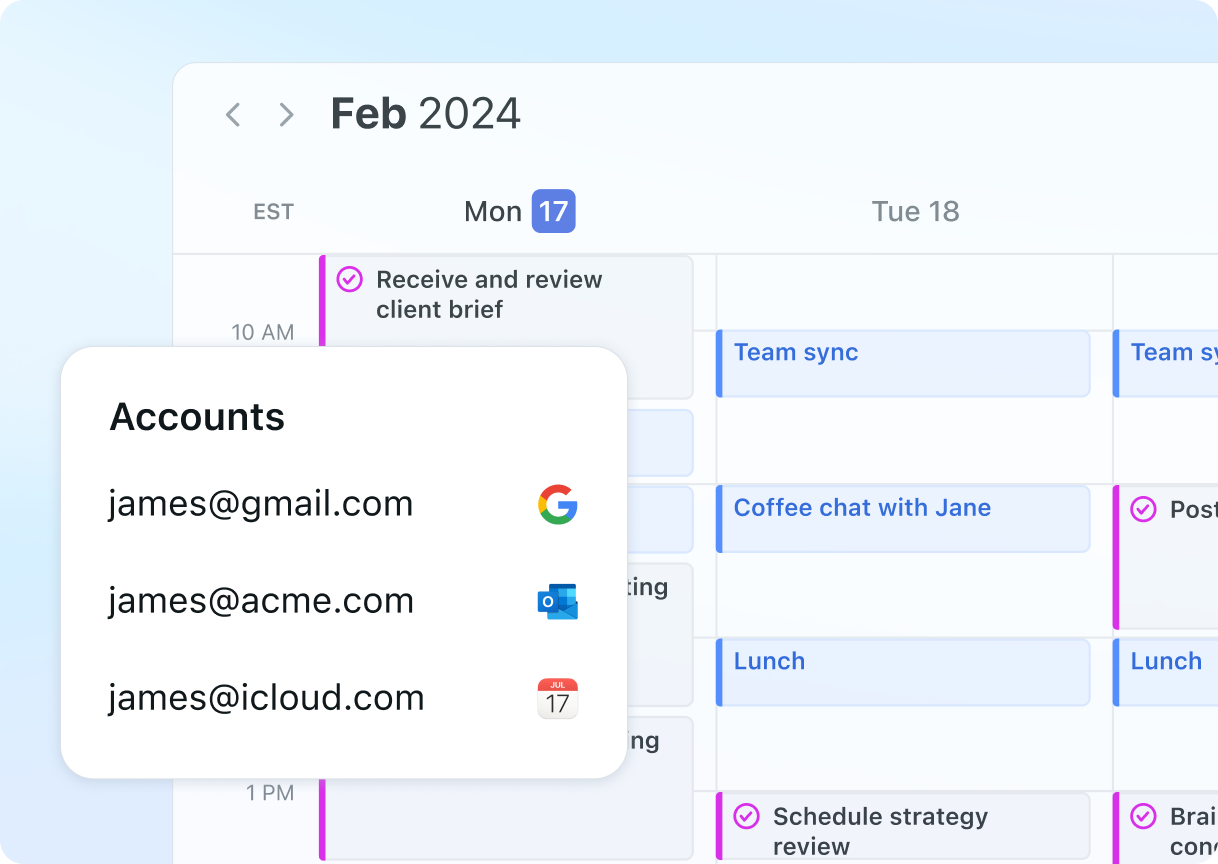
Founded in 2019, Motion is an AI scheduling and productivity platform that automates calendar planning, task prioritization, and project coordination. Its AI Employees, five autonomous agents built for specific workflows such as sales outreach and executive scheduling, differentiate it from calendar tools that only block time. Motion syncs directly with Google Calendar, Outlook, and iCloud.
About Motion
Motion is an AI-powered productivity superapplication founded in 2019 by Harry Qi, Omid Rooholfada, and Ethan Yu, now used by over 1 million busy professionals and teams to automate scheduling, task management, and project coordination. Unlike traditional calendar tools that treat scheduling as a manual chore, Motion operates as an autonomous system that intelligently prioritizes tasks, dynamically reschedules work to protect focus time, and adapts in real-time when meetings conflict with planned tasks.
The platform went from an AI scheduler (2023-2024) to an "AI Employee SuperApp" (2025-2026). Core features include AI Calendar that auto-schedules tasks against meetings and deadlines, AI Employees (digital assistants named Alfred, Chip, Clide, Millie, and Suki trained to automate specific workflows), AI Notetaker that transcribes calls and generates action items, and AI Chat for natural-language task queries like "What's overdue?" or "Summarize my last meeting." The platform offers multiple project views including Gantt charts, Kanban boards, and timeline views.
Motion syncs with Google Calendar, Microsoft Outlook, and iCloud, and connects to 8,000+ other tools through Zapier, with native connections to Slack, Zoom, Salesforce, and email services. The AI engine powering scheduling logic draws on multiple large language models from OpenAI, Anthropic, and Google, all included in the subscription price rather than billed separately.
Motion is a paid-only product: a 7-day trial precedes a subscription (see the pricing FAQ for exact tiers and hidden costs). Motion raised a $60M Series C at a $550M valuation in December 2025, with Y Combinator Visiting Partner Ashu Desai joining the board alongside Luis Carrasco from Microsoft Teams and Antonio Garcia from Salesforce. The platform is SOC 2 Type II compliant and GDPR-certified.
Motion is best for busy professionals juggling multiple projects, founders and executives prioritizing focus time, and remote teams needing a single source of truth for capacity and availability. The desktop experience rates 4.1/5 on G2 (26 reviews) and 4.0/5 on Trustpilot (568 reviews), though users consistently note the learning curve and mobile app limitations.
Screenshots
Pricing
7-day free trial (no free tier). 25 per 100). 19 per 100).
Enterprise: custom pricing.
| Tier | Monthly price | What it includes |
|---|---|---|
| Pro AI | $19/mo | |
| Business AI | $29/mo | |
| Enterprise | Custom |
Feature Comparison by Tier
| Feature | Pro AI | Enterprise | Business AI |
|---|---|---|---|
| AI auto-scheduling | ✓ | ✓ | ✓ |
| AI Employees (agents) | ✓ | ✓ | ✓ |
| AI meeting notetaker | ✓ | ✓ | ✓ |
| Gantt / Kanban / Timeline | ✓ | ✓ | ✓ |
| 8,000+ integrations | ✓ | ✓ | ✓ |
| Team dashboard | — | ✓ | ✓ |
| Team capacity planning | — | ✓ | ✓ |
| SOC 2 Type II / SSO | — | ✓ | — |
Key Features
- AI Auto-Scheduling: Automatically schedules tasks against meetings, deadlines, and priorities, and reschedules dozens of times daily when conflicts arise, saving knowledge workers 2-3 hours weekly on planning.
- AI Employees: Five pre-built AI assistants (Alfred for executive tasks, Chip for sales, Clide for support, Millie for project management, Suki for marketing) automate domain-specific workflows without manual setup.
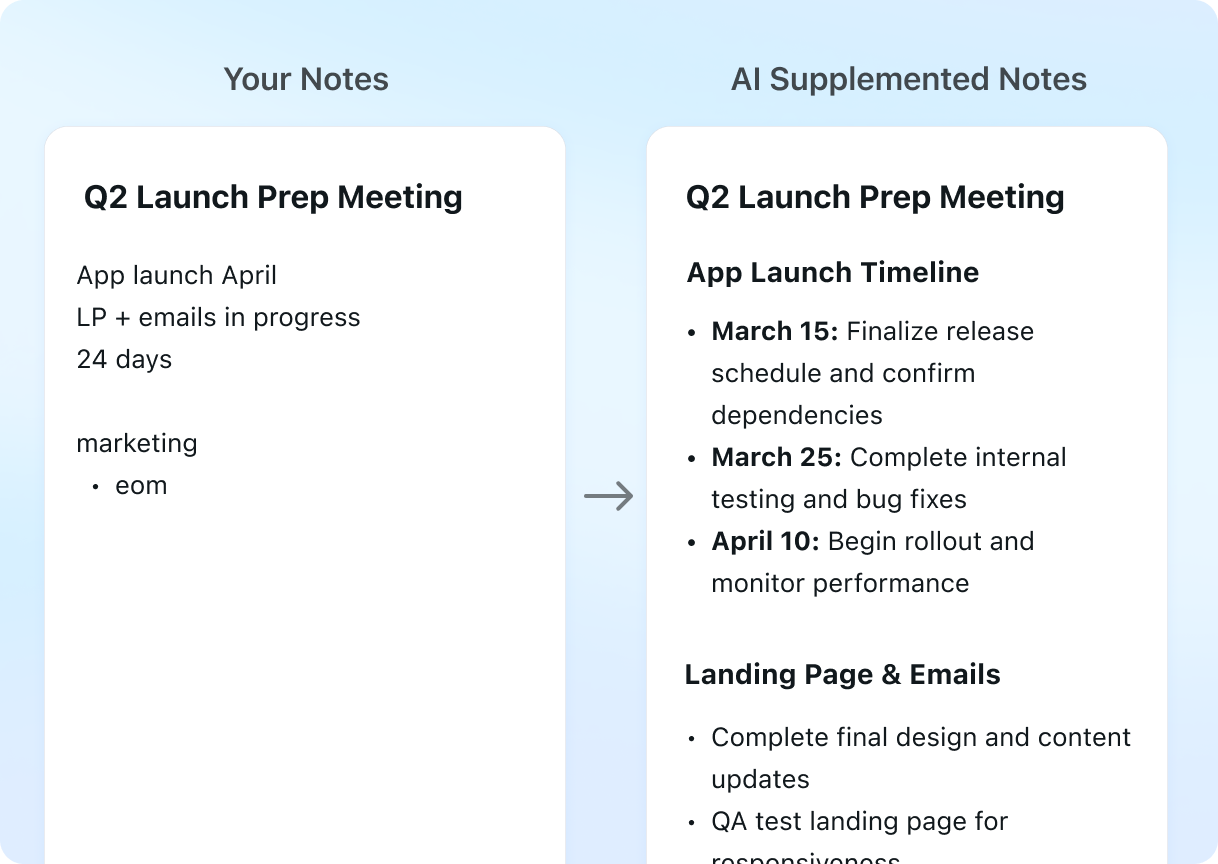
- AI Meeting Notetaker: Joins Zoom and Teams calls with permission, transcribes, highlights key points, and drafts action items for approval, eliminating manual note-taking during meetings.
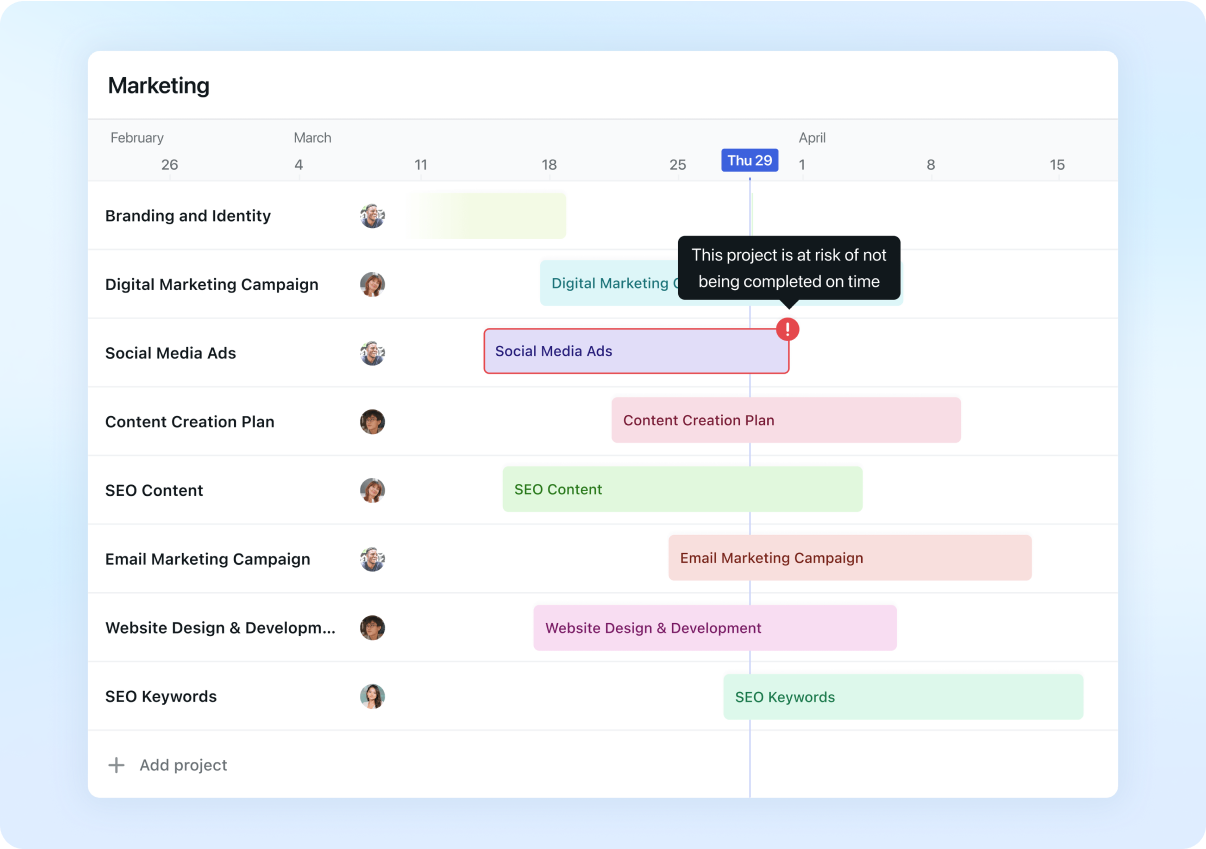
- Multi-Project Views: Visualize work in Gantt charts, Kanban boards, list views, and timelines, supporting both individual task management and complex team project dependencies.
- 8,000+ Integrations: Connects to Slack, Salesforce, Zoom, Gmail, Outlook, iCloud, and 8,000+ other tools via Zapier, ensuring data flows without manual entry or duplicate systems.
- AI Natural Language Chat: Query tasks, meetings, and notes conversationally (e.g., 'What's overdue?' or 'Summarize my last meeting') and get instant context-aware answers from Motion's unified database.
Pros
- AI auto-scheduling saves real time: users report roughly 2-3 hours back each week compared to tools like Asana or Notion that require manual rescheduling.
- AI Employees automate domain-specific workflows end to end, a level of autonomous task execution that competitors like ClickUp and Monday.com do not yet offer.
- Native Slack, Zoom, and Salesforce connectors plus the Zapier integration mean most existing tool stacks connect without custom automation work.
- SOC 2 Type II and GDPR compliant with annual penetration testing, meeting enterprise security requirements that many SMB tools skip.
Cons
- No true free tier: the 7-day trial requires a credit card upfront and converts automatically to a paid plan, higher friction than ClickUp's free plan with basic features.
- Steep learning curve (2-4 weeks to value) and unintuitive UX for new users: reviewers report confusion around AI Employees setup and priority configuration.
- Mobile app underperforms desktop experience (G2: 2.7/5 for mobile vs. 4.5/5 for desktop), making on-the-go scheduling slower than ClickUp mobile.
- Limited project management depth vs. Asana or Monday.com: advanced multi-team workflows with complex dependencies still require dedicated PM tools.
Product Information
- Cloud
- Yes
- Self-Hosted
- No
- On-Premise
- No
- Languages
- English
- Training
- Documentation, Video tutorials, In-app onboarding, Enterprise onboarding support
Data Handling
- Training-data policy
- Does not train on customer data by default. AI Employees are pre-trained on public data; customer task and meeting data is used only for scheduling recommendations within the platform.
- Data retention
- 365 days
- Compliance
- SOC 2 Type II · GDPR · ISO standard-aligned
Frequently Asked Questions
What are Motion's pricing plans in 2026?
Motion has no permanent free plan, only a 7-day trial. Pro AI runs $19/month ($12.73/month billed annually), and Business AI runs $29/seat/month ($19.43/seat/month annually, a 33% discount). Enterprise pricing is custom, and heavy AI Chat or Notetaker use can add per-credit charges beyond the included allowance.
Can you use Motion without paying?
There's no permanent free plan on Motion, only a 7-day trial that requires a credit card upfront. Once the trial ends, Motion converts automatically to a paid plan starting with Pro AI. ClickUp is one of the few direct alternatives that still offers a permanent free tier.
What should you use instead of Motion?
ClickUp offers a free plan and deeper project management tools at a lower cost. Asana suits enterprises that need stronger reporting and audit trails. Notion works well for teams that want a flexible all-in-one workspace with simpler pricing, though it lacks Motion's auto-scheduling.
Motion or ClickUp: which should you pick?
ClickUp is a general-purpose project management platform with a free plan and a cheaper entry tier than Motion. Motion instead focuses on AI auto-scheduling and autonomous AI Employees that ClickUp does not offer. Teams running complex multi-team workflows tend to prefer ClickUp's deeper Gantt and portfolio tools, while teams that want their calendar managed automatically tend to prefer Motion.
How do you set up Motion?
Sign up at usemotion.com for the 7-day free trial and connect a Google Calendar, Outlook, or iCloud account. Add tasks with deadlines and time estimates so Motion's AI can auto-schedule them around existing meetings. Then enable AI Employees such as Alfred or Chip in Settings to automate specific workflows without extra setup.
Top Alternatives
- Clockwise: Clockwise stays narrow: team-level meeting time optimization and nothing more. Motion covers far more ground, combining agentic scheduling, AI employees, and project management in one platform.
- ClickUp: ClickUp wins on customization and cost, with a free tier and deep DIY flexibility. Motion is the pricier pick once a team wants its calendar auto-scheduled and handed off to autonomous AI employees instead of managed by hand.
- Asana: Asana is built for structured team project management with strong reporting. Motion instead hands the daily schedule to AI, reworking it automatically as priorities shift through the day.
HokAI guides covering Motion
- What Asana Is Actually For: Asana's June 2026 Agentic Work Management launch bundles 30 AI agents into pooled credits, not per-seat pricing. Here's who that helps, and who it hurts.
- Best AI Agents for Business Ops in 2026: Buy the Job, Not the Platform: AI agents for business ops actually span five separate jobs, not one: calendar, inbox, project tracking, invoicing and vertical automation for 2026 buyers.