
Last updated: 2026-08-19
SkedPal is AI-driven task-scheduling software available on 5 platforms (web, Windows, Mac, iOS, and Android) that turns a flat task list into auto-placed calendar blocks around your real commitments. Its "Fuzzy Planning" engine keeps rescheduling automatically as meetings and deadlines shift, unlike static task managers that only list items without ever placing them in time.
About SkedPal
SkedPal, founded in 2016, is an intelligent time management and task scheduling application that automatically transforms your to-do list into a dynamic calendar by using advanced AI algorithms to optimize your daily schedule. Unlike traditional task managers, SkedPal uniquely integrates task management with calendar scheduling, considering your priorities, deadlines, availability, and personal preferences to automatically fit tasks into available time slots around existing commitments. The platform uses a sophisticated "Fuzzy Planning" approach that executes millions of optimization calculations to determine the best time for each task, reschedules automatically when changes occur, and helps you maintain a realistic understanding of your workload and capacity.
SkedPal serves busy professionals, entrepreneurs, academics, and knowledge workers who juggle multiple projects, meetings, and personal commitments. The tool stands out for its granular time-blocking capabilities, time map customization to define when you prefer working on different types of tasks, and real-time feedback on whether your planned tasks are actually feasible within your available hours, helping users identify planning fallacy and manage work-life balance effectively.
Screenshots
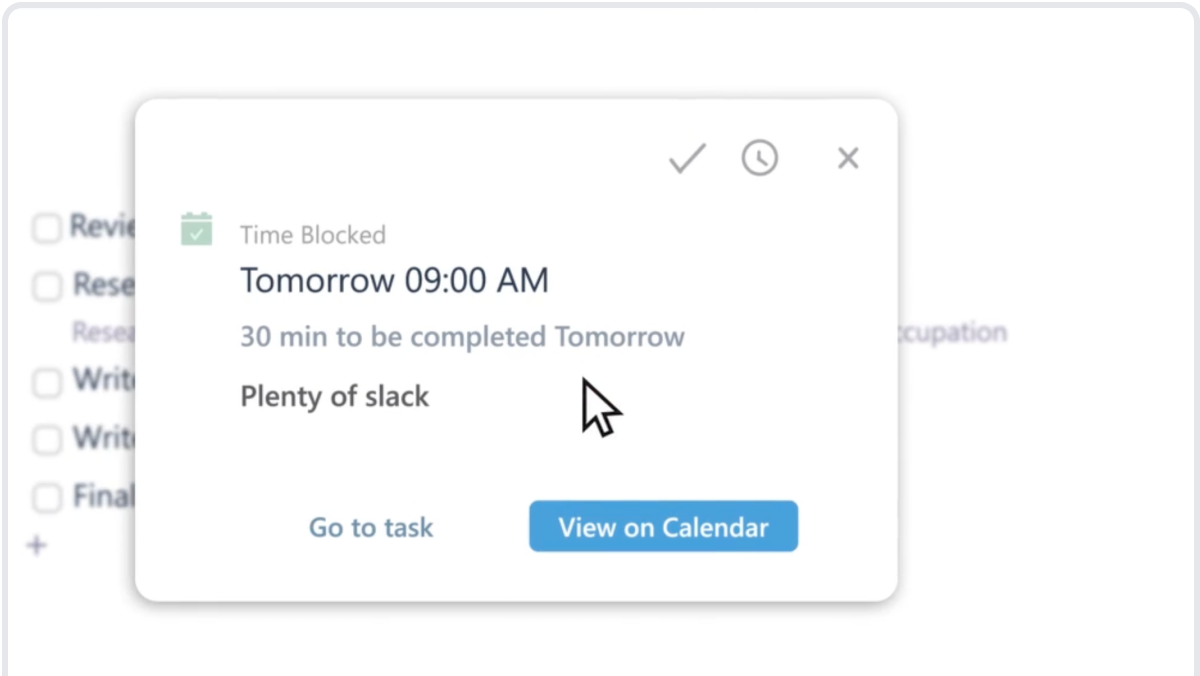
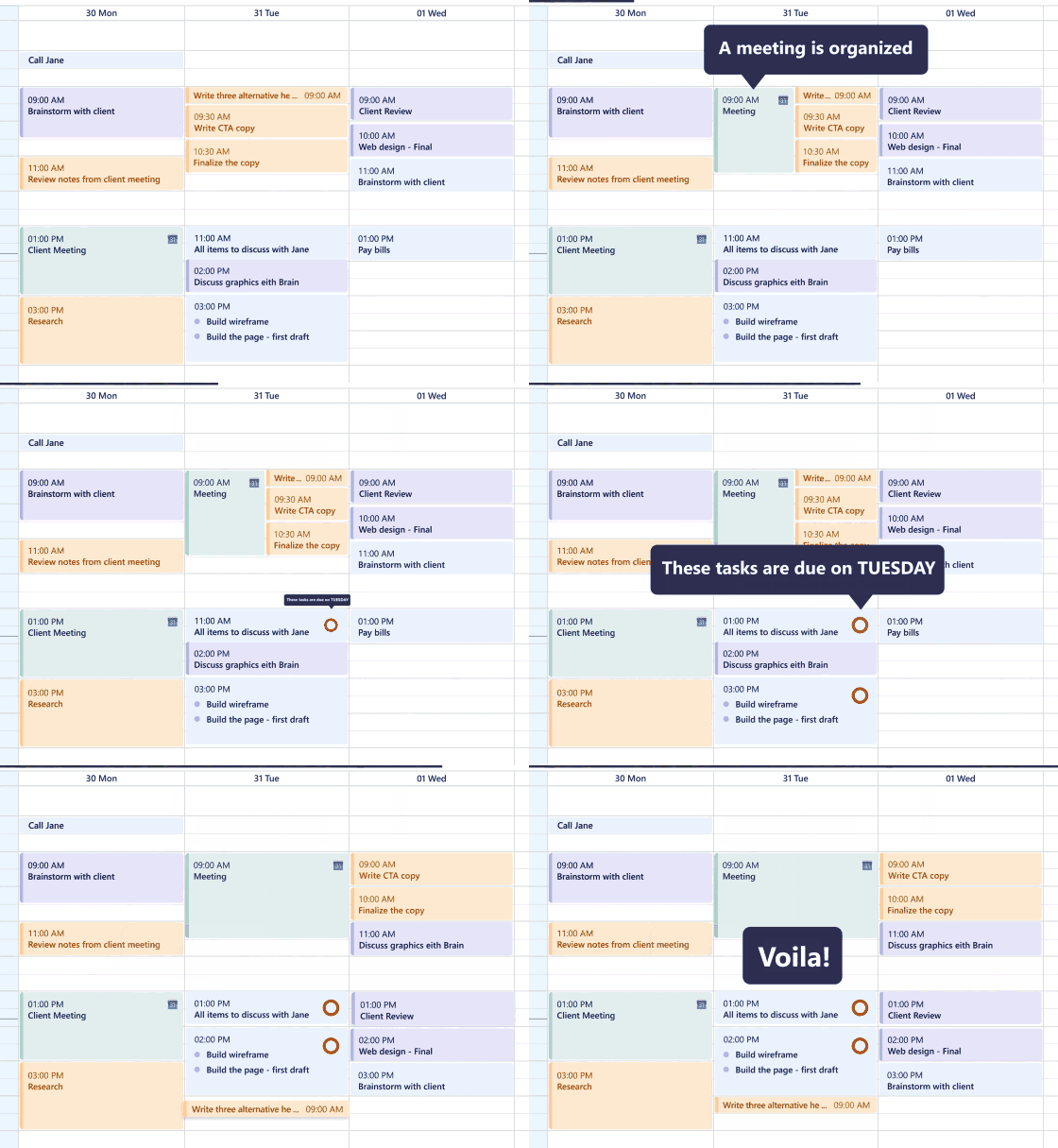
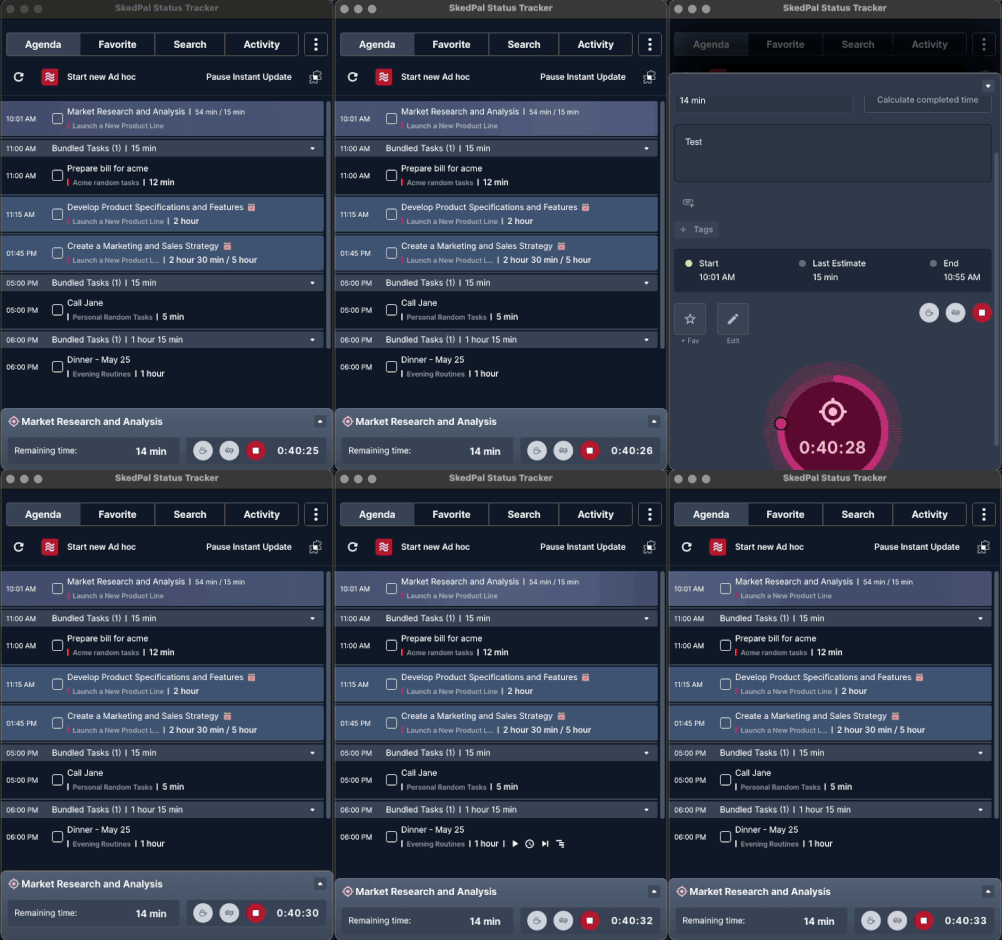
Pricing
SkedPal's trial runs 14 days and needs no credit card up front. 95/month billed monthly and adds Status Tracker, Analytics, and Daily Goals. Paying annually saves roughly a third versus the monthly rate.
| Tier | Monthly price | What it includes |
|---|---|---|
| Core | $9.95/mo | Flat monthly subscription with annual billing discount (billed annually at $119.40/year) |
| Pro | $14.95/mo | Flat monthly subscription with annual billing discount (billed annually at $179.40/year) |
Feature Comparison by Tier
| Feature | Pro | Core |
|---|---|---|
| AI auto-scheduling | ✓ | ✓ |
| Time Maps & Zones | ✓ | ✓ |
| Google / O365 / iCloud sync | ✓ | ✓ |
| Dynamic rescheduling | ✓ | ✓ |
| Task hierarchy & projects | ✓ | ✓ |
| Status Tracker | ✓ | — |
| Analytics | ✓ | — |
| Daily Goals | ✓ | — |
Key Features
- AI-Powered Auto-Scheduling: Automatically schedules tasks based on priorities, deadlines, duration, and calendar availability with intelligent algorithms that optimize scheduling 2-4 million times per calculation
- Time Maps & Zones: Define when you prefer working on specific types of tasks (e.g., deep work, admin, creative) and allocate time budgets across different life areas to ensure balanced time distribution
- Calendar Synchronization: Two-way sync with Google Calendar, Microsoft Office 365/Outlook, and iCloud to keep your schedule unified and prevent double-booking
- Dynamic Rescheduling: Automatically reschedules remaining tasks when plans change, meetings are added, or you fall behind, with one-click "Update Schedule" button
- Task Hierarchy & Projects: Unlimited nested organization of tasks, projects, subtasks, and areas with ability to view and prioritize at any granularity level
- Status Tracker & Analytics: Real-time feedback on task completion status, progress tracking, and realistic capacity planning to keep goals visible and stay accountable
Pros
- Automatically schedules tasks intelligently, saving hours of manual planning and reducing cognitive load from task management
- Reliable sync with Google, Outlook, and iCloud prevents double-booking and keeps every commitment visible in one place
- Realistic schedule enforcement helps identify planning fallacy and creates achievable daily goals
- Granular time-blocking and customization options work for various work styles and preferences
- Responsive and engaged support team accessible via Slack community with quick issue resolution
Cons
- Steep learning curve with complex feature set and unintuitive UI requiring significant setup and tutorial investment
- Mobile app is considerably less functional and intuitive than desktop version with reported slowness and limited features
- Limited to 21-day planning horizon which doesn't support long-term project planning beyond immediate scheduling needs
- No native API or team/collaboration features; primarily designed for individual use rather than team-based workflows
Product Information
- Cloud
- Yes
- Self-Hosted
- No
- On-Premise
- No
- Languages
- English
- Training
- Documentation, Video tutorials, Email support
Frequently Asked Questions
How much do you pay for SkedPal?
SkedPal gives new users a free trial before any card is required. Core runs $9.95/month on the annual plan ($14.95/month if paid monthly), and Pro runs $14.95/month on the annual plan ($21.95/month if paid monthly) with Status Tracker, Analytics, and Daily Goals included. The trial lasts 14 days.
Does SkedPal have a free plan?
No. SkedPal's free access is a 14-day trial rather than a permanent plan, and it opens without a card. The trial carries full Core and Pro features and can be cancelled at any point. Keeping SkedPal after day 14 requires a paid subscription.
What should you use instead of SkedPal?
Motion is the nearest match on HokAI, pairing AI scheduling with a more modern interface and native meeting booking. Clockwise works on defending team focus time rather than scheduling individual to-do items. SkedPal stays the better choice when granular personal time-map control matters most.
SkedPal or Motion: which should you pick?
Both use AI to auto-schedule tasks, but Motion has an easier-to-learn interface and includes native meeting booking links, while SkedPal's Time Maps and Zones give more granular control over which hours go to which type of work. SkedPal also carries a steeper learning curve than Motion.
How do you set up SkedPal?
Start the trial, then connect your Google Calendar, Outlook, or iCloud account for two-way sync. Build a Time Map to define when you prefer deep work, admin, and personal tasks, then add your to-do list and let SkedPal auto-schedule it around your existing meetings.
Top Alternatives
- Motion: Pick Motion if you want a more polished, modern UI with meeting scheduling; pick SkedPal if you need deeper Time Map customization and are willing to invest in the learning curve.
- Clockwise: Choose Clockwise for team-level meeting optimization and focus time defense; choose SkedPal when personal task scheduling depth and time budgets matter more than team features.