
Last updated: 2026-09-05
VEED is a browser-based AI video editor founded in 2018 that replaces installed software with auto-subtitles, 60+ AI avatars, voice cloning, and text-to-video generation powered by its own Fabric 1.0 model plus several third-party video models. It targets content creators, marketers, and educators who need fast turnaround without a timeline-heavy editor.
About VEED
VEED launched in 2018 as a browser-based alternative to installed video editors, founded by VEED Limited. The company has raised roughly $35M in Series C funding, and its user base has grown into the millions of creators and tens of thousands of teams worldwide, including teams at 76% of Fortune 500 companies.
Its AI toolkit covers auto-subtitles in 100+ languages, lip-synced AI avatars built on VEED's own Fabric 1.0 model plus dozens of stock avatars, voice cloning, background removal, and translation, and it now also acts as a distribution layer for several third-party video-generation models.
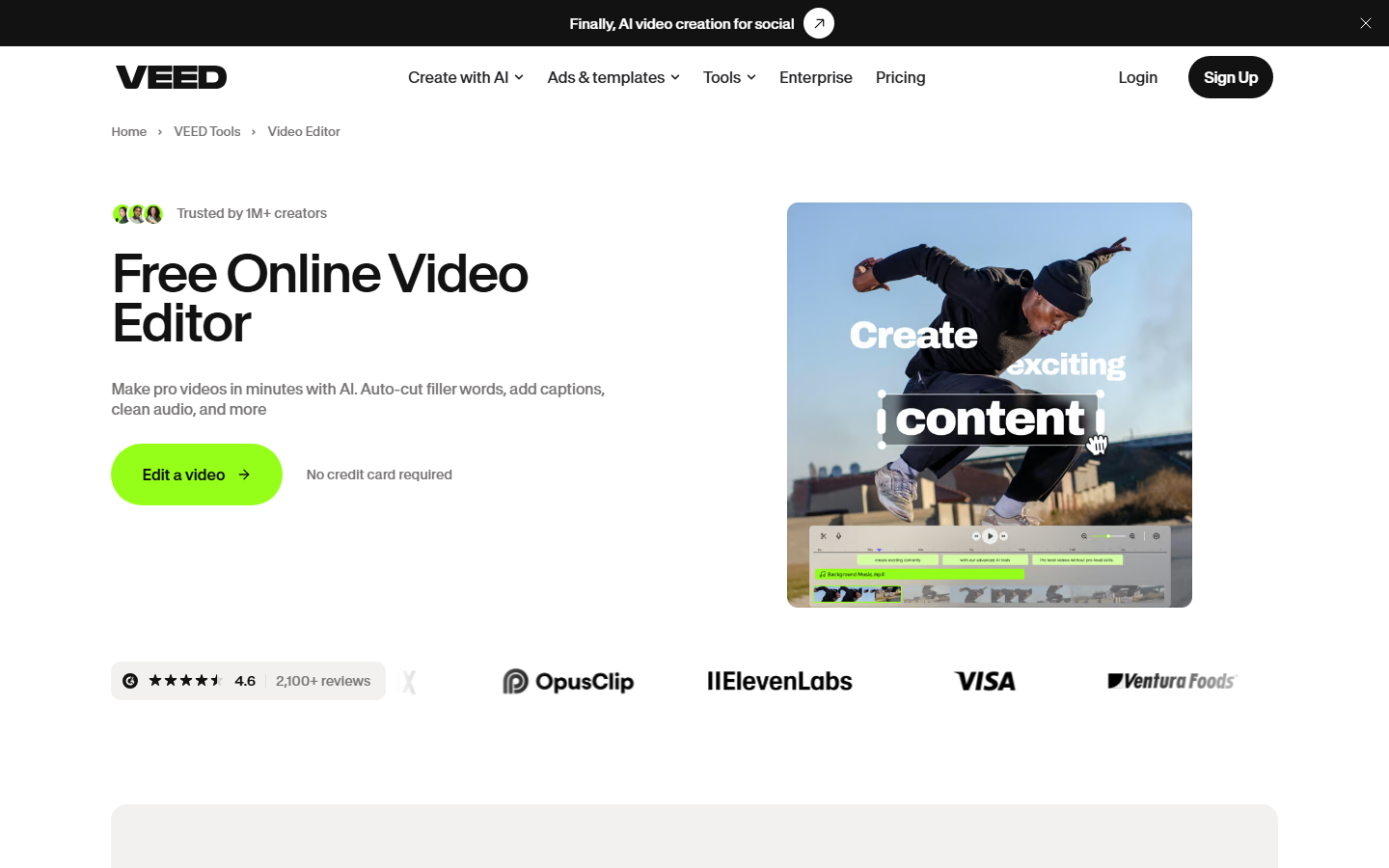
Editing happens entirely in the browser: no install, no timeline software like Premiere to learn. The iOS app covers mobile capture and light edits and carries a strong average rating from thousands of reviews. Free exports carry a watermark; removing it and unlocking the AI tools requires a paid plan.
Screenshots
Pricing
Free tier ($0) with watermark, 720p export, 10-min max, 2GB storage. Lite ($12/month annual or $19/month) with 1080p, no watermark, 25-min video. Pro ($24/month annual or $49/month) with 4K, all AI tools, 120-min video.
Enterprise (custom) with unlimited video length, 4K, SSO, custom avatars. Annual billing saves 30-40% vs monthly. , Pro: 12 hrs text-to-speech/month, 20 min translation/month).
| Tier | Monthly price | What it includes |
|---|---|---|
| Free | Free | Freemium model; free tier includes basic editing only, no AI feature access |
| Enterprise | Free | Custom pricing; includes custom templates, SSO, advanced security, custom AI avatars, multiple brand kits, priority support |
| Lite | $12/mo | Subscription-based; includes 12 hrs auto-subtitles/month, limited AI tools |
| Pro | $24/mo | Subscription-based; unlimited AI studio videos, 20 min translation/month, 12 hrs text-to-speech/month, all AI editing tools |
Feature Comparison by Tier
| Feature | Pro | Free | Lite | Enterprise |
|---|---|---|---|---|
| Export resolution | 4K | 720p | 1080p | 4K |
| Max video length | 120 min | 10 min | 25 min | Unlimited |
| Watermark | — | Yes | — | — |
| Storage | — | 2GB | — | Custom |
| AI text-to-speech | 12 hrs/month | — | Limited | Custom |
| AI translation | 20 min/month | — | — | Custom |
| Custom AI avatars | — | — | — | ✓ |
| SSO | — | — | — | ✓ |
Key Features
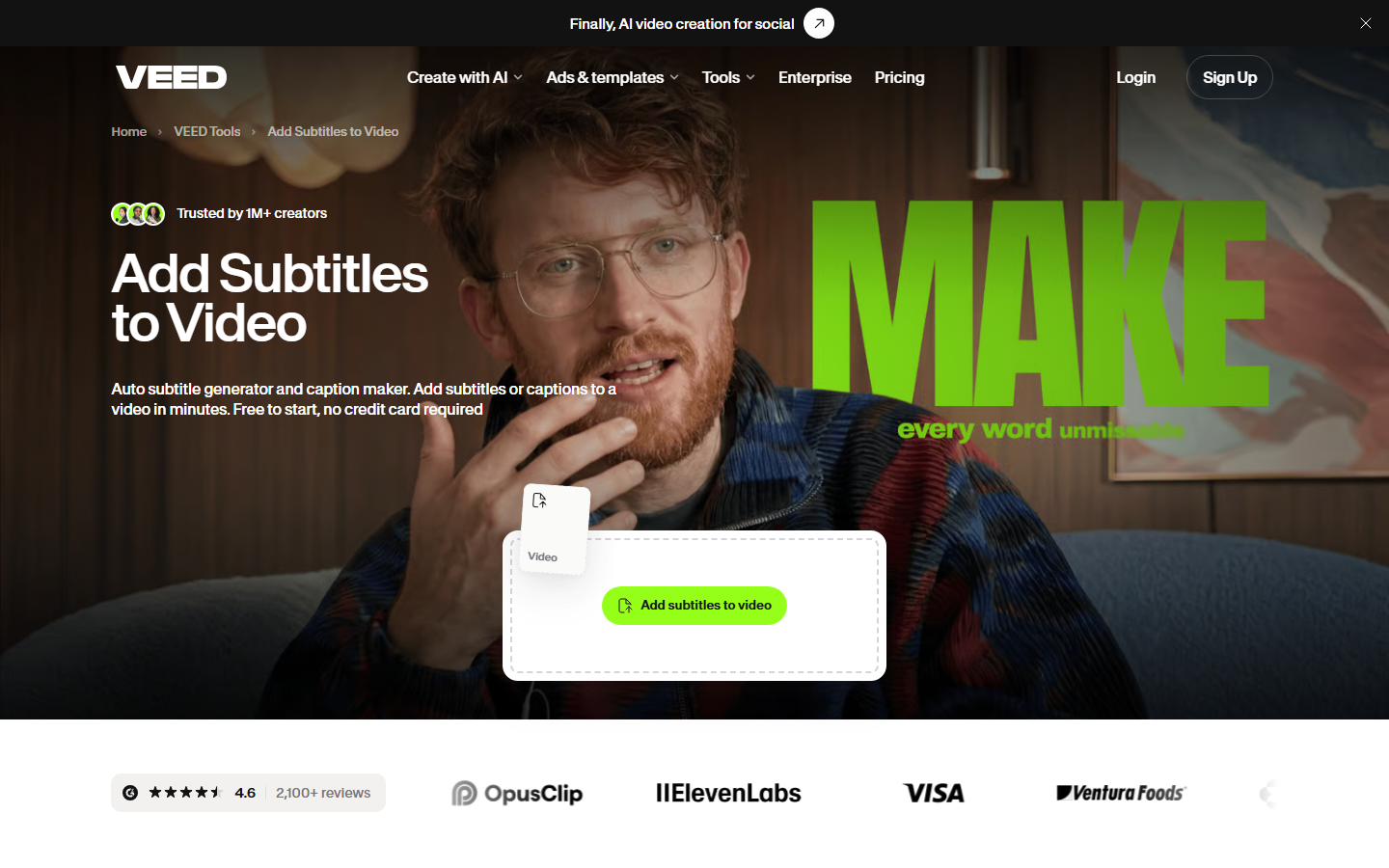
- Auto Subtitles & Translation: Automatically generate subtitles in 100+ languages with near-perfect accuracy, then translate to 50+ languages with a single click. Supports SRT/VTT export and customizable styling.
- AI Text-to-Video Generation: Transform text prompts into complete videos with AI avatars, voiceovers, scenes, transitions, and sound effects using Fabric 1.0, plus third-party models including Sora 2, Veo 3.1, Kling O1, and MiniMax 2.3.
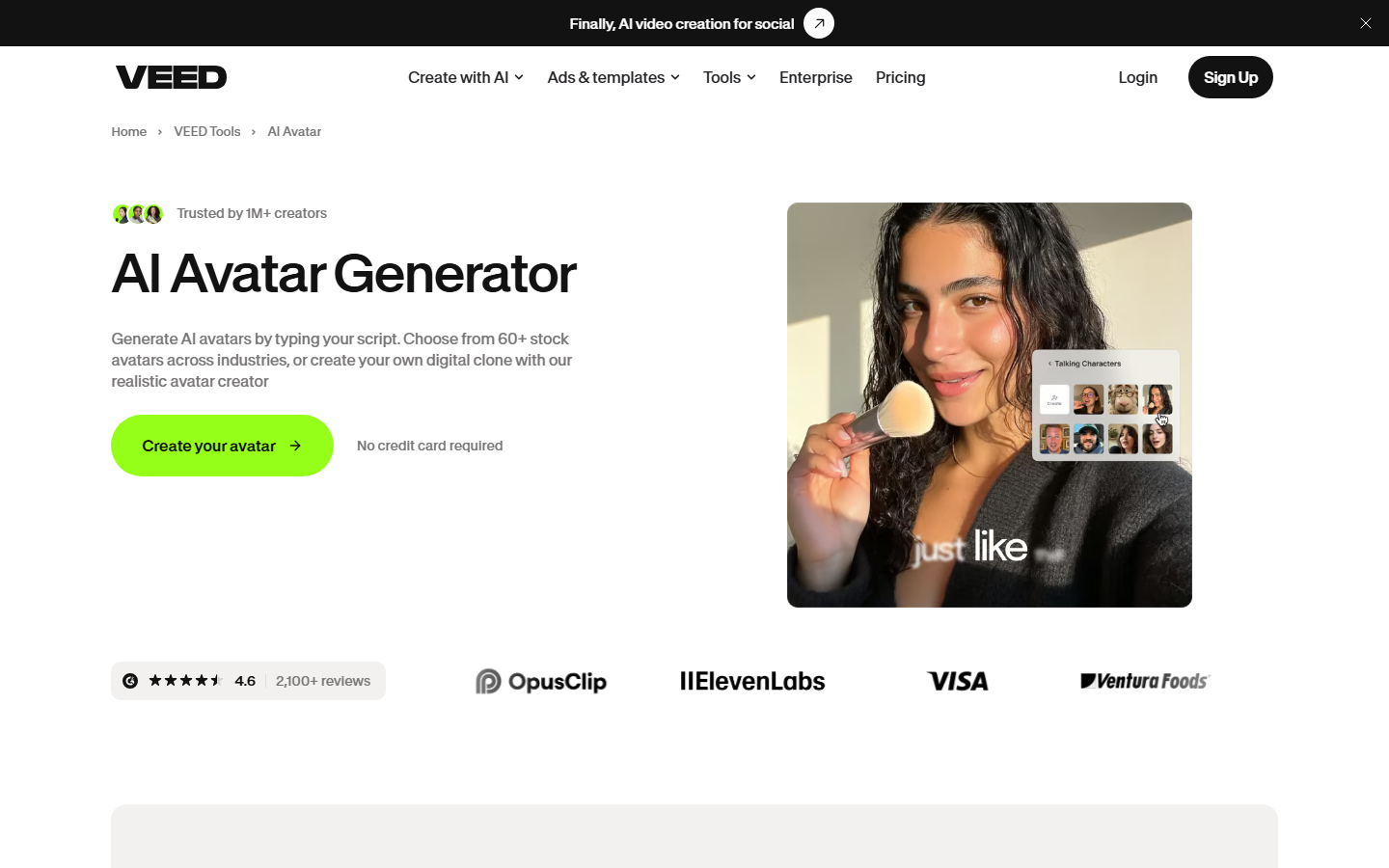
- AI Avatars & Voice Cloning: Create talking-head videos with 60+ stock AI avatars across industries or upload your own voice sample for personalized AI voiceovers across multiple languages and styles.
- Screen Recording & Webcam Integration: Record screen, webcam, or both simultaneously directly in the browser. Capture tutorials, presentations, and reaction videos with integrated editing.
- Advanced AI Editing Tools: Magic Cut (auto-detect best takes), eye contact correction, filler word removal, background removal, clean audio, AI background music generation, and smart B-roll insertion.
- Brand Kit & Team Collaboration: Maintain brand consistency with shared fonts, logos, and asset libraries. Real-time collaboration with time-stamped feedback, review workflows, and multi-user project management.
Pros
- Fastest and easiest way to create professional videos without software installation
- Highly accurate automatic subtitles, rated industry-leading by users
- One AI feature suite covers avatars, voice cloning, text-to-video, and translation without switching between separate apps
- Intuitive drag-and-drop interface requires zero prior editing experience
- Browser-based accessibility allows editing from any device; cloud auto-save prevents data loss
- Strong team collaboration and brand consistency tools for enterprise workflows
- Grown to twelve million-plus users and 41,000 teams, with a 4.6/5 G2 rating (2,100+ reviews) and a 4.9/5 iOS app rating (6.7k+ reviews)
Cons
- Performance lags and occasional buffering reported with very large video files
- Large watermark on free tier exports, though easily removed with paid plans
- Limited advanced manual creative control compared to desktop editors like Premiere Pro
- Free plan is capped at a short video length and a lower resolution export than paid plans
- Support for free tier limited to FAQ/blog; live chat requires paid subscription
- No native integrations (though third-party via ApiX-Drive available)
- Occasional upload/rendering errors and bugs reported in forums
Data Handling
- Training-data policy
- Trains and develops its AI models using content uploaded by users on the Free web plan ('Development and Improvement Processing' per veed.io/privacy); paid-tier and mobile-app content is explicitly excluded.
- Compliance
- GDPR and CPPA compliant by design (veed.io/enterprise); infrastructure hosted on Google Cloud Platform with encryption in transit and at rest; daily internal security sweeps plus third-party penetration testing. No publicly listed SOC 2 or ISO 27001 certification found as of 2026-09-05.
Frequently Asked Questions
How much do you pay for VEED?
VEED's paid plans start at Lite for $12 a month billed annually or $19 a month billed monthly, unlocking 1080p exports with no watermark. Pro costs $24 a month annually (or $49 a month) for 4K exports, 120-minute videos, and every AI tool. Enterprise scales further with a custom quote covering unlimited video length, SSO, and custom avatars, and annual billing saves 30-40% over paying monthly.
Can you use VEED without paying?
Yes: the free plan exports up to 720p video, caps each project at 10 minutes, and includes 2GB of storage, but every export carries a watermark. Removing the watermark and unlocking the AI tools (auto-subtitles, avatars, voice cloning, text-to-video) means moving to a paid tier.
Which tools compete with VEED in 2026?
Descript is a stronger pick if you want to edit video by editing a text transcript instead of a timeline. CapCut is the better free option for short-form social clips with built-in TikTok formatting. Synthesia focuses only on AI avatars for corporate training and skips VEED's broader editing toolkit.
What separates VEED from Descript?
Descript edits video by editing a text transcript, which suits talking-head or podcast-style content better than VEED's timeline-based approach. VEED instead leads with browser-native AI avatars, text-to-video generation, and translation built for marketing and social clips. Descript's free tier is built around transcription time, while VEED's free tier is built around short finished video exports.
How long does it take to get going with VEED?
There's no install step, so a first exported clip can be minutes away: sign up in the browser at veed.io. Upload existing footage or type a script to generate an AI avatar or text-to-video clip, then apply auto-subtitles, voice cloning, or background removal from the same editor. Free accounts can export right away with a watermark; removing it or unlocking further AI tools means moving to a paid tier.
Top Alternatives
- Descript: Descript edits video by deleting words from a transcript; VEED leans on browser-native AI avatars and text-to-video generation instead.
- CapCut: CapCut stays free and fast for TikTok-formatted social clips; VEED brings brand kits, team review workflows, and enterprise-grade AI avatars.
- Synthesia: Synthesia stays focused on avatar-led corporate training video alone; VEED adds a full editing suite (subtitles, screen recording, cutting) alongside its avatars.
HokAI guides covering VEED
- Best AI for Video Editing and Content Creation in 2026: Pick the Job, Not the Category: AI video editing splits into two jobs: cutting footage you have, or generating video you don't. CapCut, Descript, VEED and Opus Clip compared on price and fit.
- Best AI for Creating YouTube Videos in 2026: A Buyer's Guide: OpusClip, Pictory, inVideo and VEED compared by YouTube workflow, not hype, with live pricing checked 3 Sep 2026, including a new $900-a-month inVideo tier.
- Creatify vs Kling AI: Which Is Better for AI Video Ads in 2026?: Creatify assembles finished, trackable video ads from product pages; Kling AI generates original footage from a prompt. Real pricing and which to pick first.
- What CapCut Is Actually For, Now That Pro Costs Twice What It Did: CapCut's Pro price doubled in February 2026 and free cloud storage was cut in 2024. Here's who the paid tier now serves, and who should look elsewhere.