
Last updated: 2026-09-24
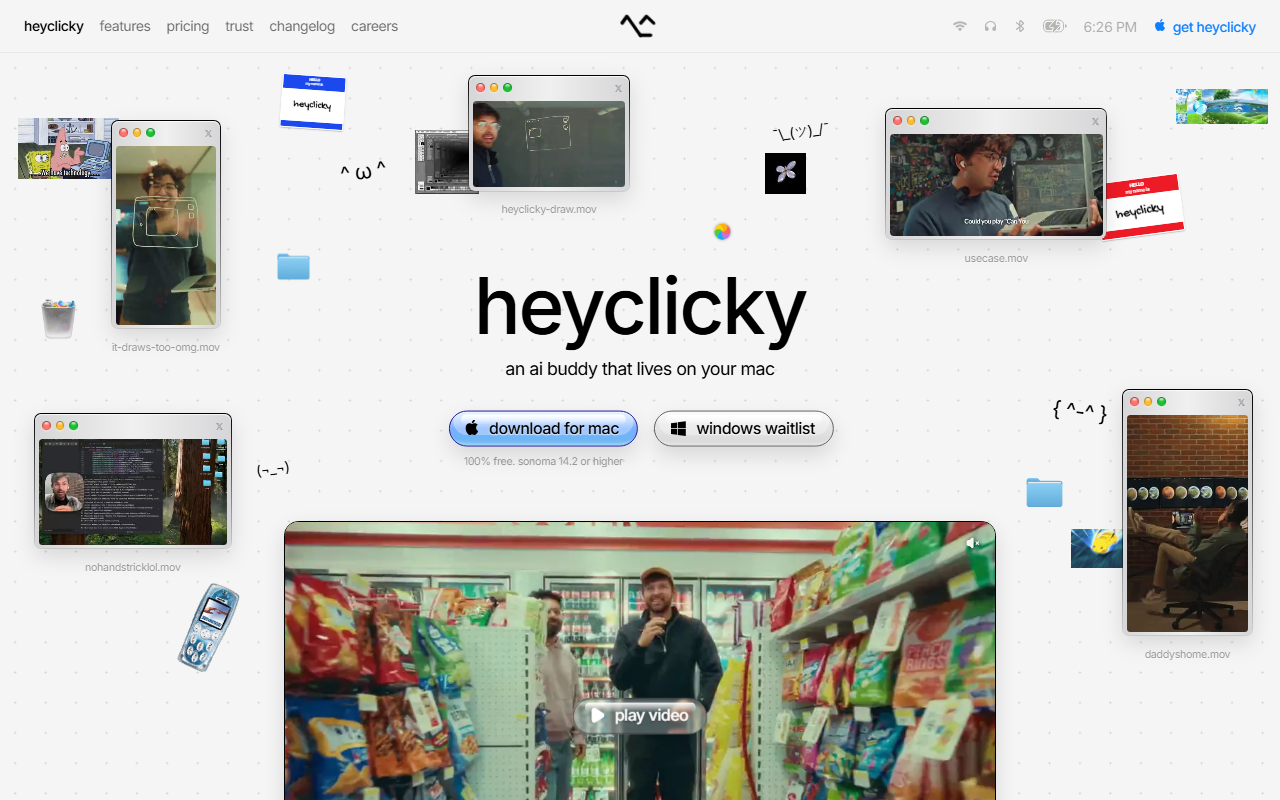
HeyClicky is a native macOS assistant from a Y Combinator Spring 2026 company. Press a hotkey and it captures your screen, then speaks step-by-step guidance while pointing at the element to click. Walkthroughs run up to fifteen steps. Nothing runs locally: requests go to Anthropic or OpenAI in the cloud.
About HeyClicky
HeyClicky is a menu bar app for the Mac that watches what is on your screen when you ask it to. Press the push-to-talk hotkey and it captures the current screen, works out what you are looking at, and speaks guidance back while pointing a cursor at the element you need. Say "clicky agent" and the same context is handed to a background agent that carries out the task while you carry on with something else. HokAI files it under Voice AI, Mac apps and Productivity, not alongside the coding assistants built mainly for developers.
Farza Majeed founded the company in 2026 and took it through Y Combinator's Spring 2026 batch, which is the only funding relationship either party publishes. Company databases record a seed round of about $500,000 from Y Combinator dated April 2026; neither Y Combinator's own profile nor the company site states a figure, so treat any larger number you see as unverified.
The app is written largely in Swift, published as open source on GitHub, and runs on both Apple Silicon and Intel Macs. It requires a current version of macOS, and Windows exists only as a waitlist with no announced date. There is no public API yet, and no MCP support to wire it into a broader agent pipeline.
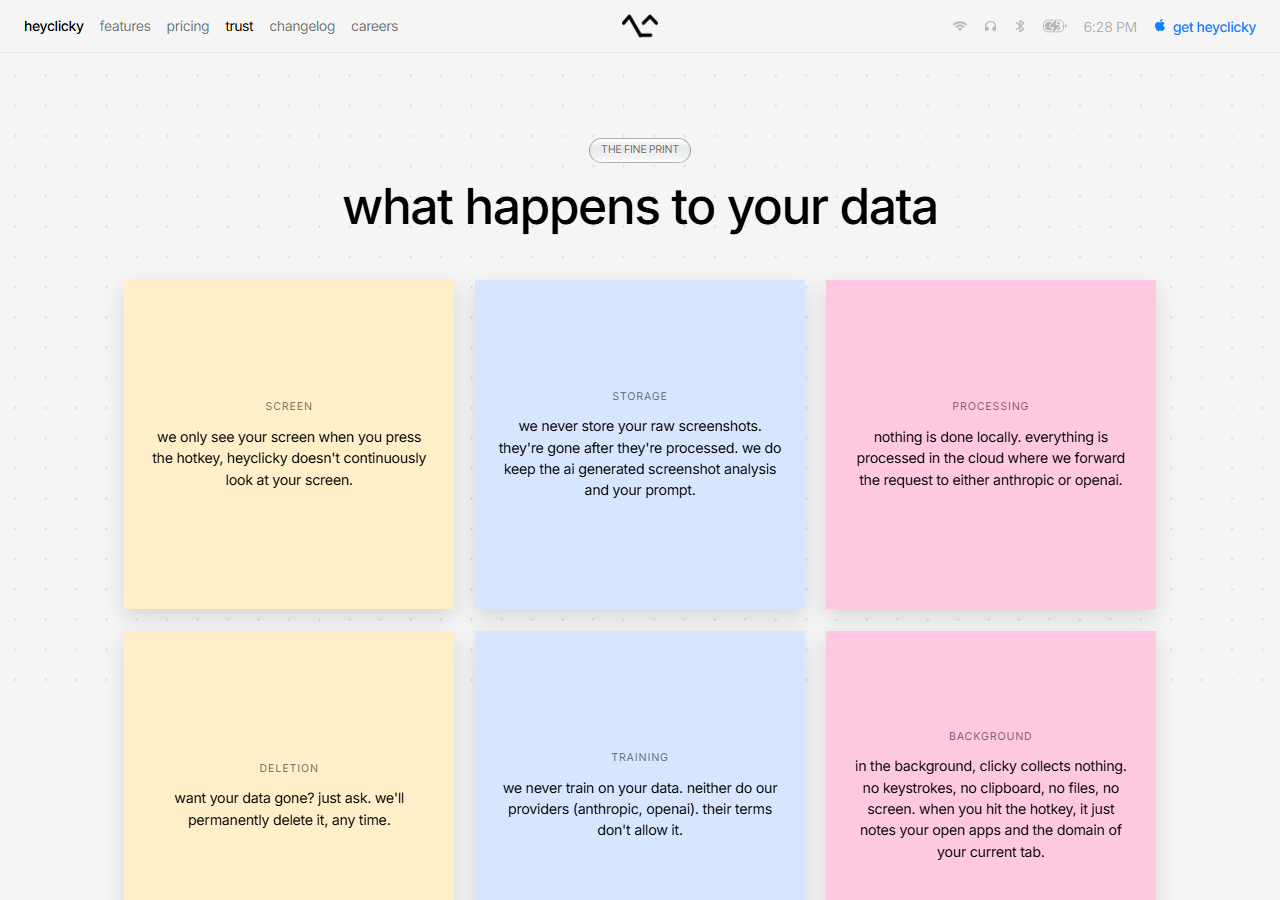
Nothing is processed on your machine. Each request is forwarded to Anthropic or OpenAI in the cloud, with Deepgram and Cerebras also named as providers. Screenshots are wiped once processed; only the resulting analysis and your prompt stick around, and the FAQ below has the full retention and deletion policy.
Screenshots
Pricing
Three monthly plans, cancellable at any time. Free: $0, no card, dictation plus a monthly allowance of 25 talk and 25 agent messages. Pro: $20, unlimited talk and dictation, agent allowance raised to 150 a month.
Max: $100, agent allowance of 1,000 a month. When the agent allowance is exhausted talk continues to work, and agent messages resume on the next billing cycle. com on 6 September 2026.
| Tier | Monthly price | What it includes |
|---|---|---|
| Free | Free | |
| Pro | $20/mo | |
| Max | $100/mo |
Feature Comparison by Tier
| Feature | Free | Pro | Max |
|---|---|---|---|
| Price | $0 | $20/month | $100/month |
| Talk (spoken conversation) messages | 25/month | Unlimited | Unlimited |
| Dictation | Included | Unlimited | Unlimited |
| Agent messages | 25/month | 150/month | 1,000/month |
| Screen capture on hotkey | ✓ | ✓ | ✓ |
| Visual cursor pointing | ✓ | ✓ | ✓ |
| Background agents | ✓ | ✓ | ✓ |
| Cloud processing (Anthropic or OpenAI) | ✓ | ✓ | ✓ |
| Runs offline | No | No | No |
| Platform | macOS 14.2+ | macOS 14.2+ | macOS 14.2+ |
| Windows | Waitlist | Waitlist | Waitlist |
| Open-source codebase | ✓ | ✓ | ✓ |
| Card required to start | No | Yes | Yes |
Key Features
- Screen capture on a hotkey: A push-to-talk shortcut grabs the current screen at the moment you ask, so the assistant reasons about what is actually in front of you rather than a description you have to type out.
- Spoken step-by-step guidance: Answers come back as speech rather than a chat panel, which keeps your eyes on the application you are trying to use instead of on a second window.
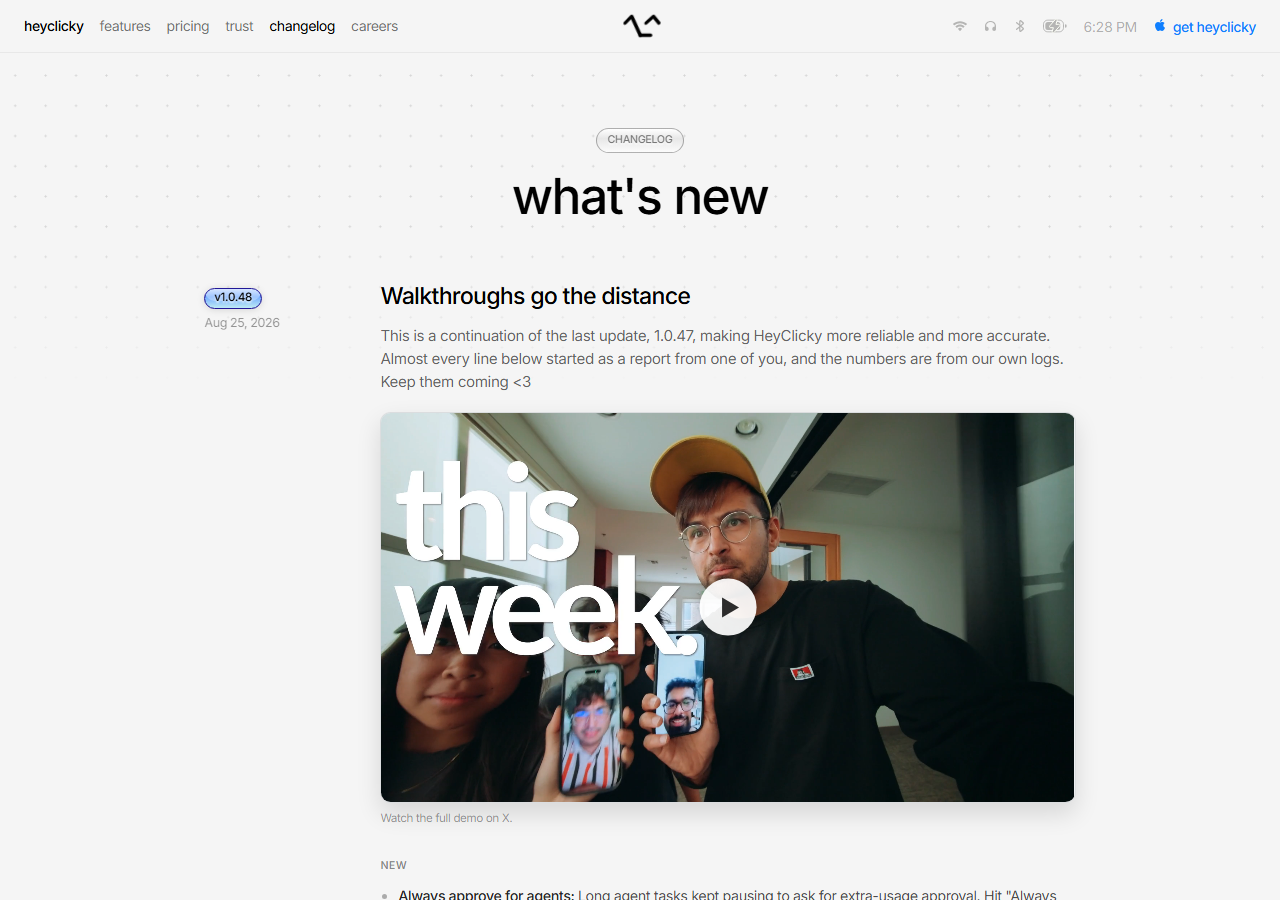
- Multi-step walkthroughs: Guided walkthroughs run to a budget of 15 steps as of version 1.0.48, raised from 5, and hold onto the goal and the completed steps when a walkthrough pauses to hand you manual work.
- Visual cursor pointing: While speaking, the app moves an on-screen pointer to the control it is describing, which removes the usual gap between an instruction and finding the button it refers to.
- Background agents: Saying the agent phrase hands the captured context to a background worker that completes the task unattended; on the free tier agent messages pause until the next monthly cycle once the allowance is spent.
- Hands-free dictation: Dictation and hands-free shortcuts accept any held key combination or a double-tap since version 1.0.48, so a binding such as pressing Control twice starts and stops a session.
- Open-source codebase: The client is published at github.com/farzaa/clicky, so the capture path and what leaves the machine can be read rather than taken on trust, which is unusual for a screen-watching tool.
Pros
- Nothing is held back from the free plan: the same screen capture, spoken guidance and cursor pointing as the paid tiers, with no card required to use them.
- A published trust page answers the questions a screen-reading tool has to answer, on training, on what happens to screenshots and on deletion, in plain language rather than legalese.
- It is a native Mac app rather than an Electron shell, and the client source is on GitHub for anyone who wants to check what it captures before installing it.
- The public changelog credits individual fixes to the users who reported them and cites its own error counts, which is a level of openness most desktop AI tools do not offer.
Cons
- macOS 14.2 or later only. Windows exists as a waitlist with no announced date, and there is no Linux plan at all.
- Screenshots and requests leave your Mac for cloud processing at Anthropic or OpenAI, which rules HeyClicky out anywhere screen content must stay on the device.
- No SOC 2 and no ISO 27001, which most procurement teams treat as a hard gate regardless of how good the product is.
- Agent messages are the real constraint and the allowances are tight, so anyone reaching for agents daily rather than occasionally is pushed onto the most expensive plan.
- The company is very new, with no long-term reliability record, and there is no public API and no MCP support to extend or embed it.
Product Information
- Cloud
- Yes
- Self-Hosted
- No
- On-Premise
- No
- Languages
- English
- Training
- GitHub Documentation, Open-Source Code Audit, Vendor Changelog, Vendor Trust Page
Data Handling
- Trains on your data
- No
- Training-data policy
- No. The vendor's trust page states it never trains on user data and that neither do its providers, Anthropic and OpenAI, because their terms do not allow it. Raw screenshots are discarded after processing, but the AI-generated screenshot analysis and your prompt are kept for context; deletion is on request at any time, and account deletion clears the data within 14 days. Nothing is processed locally. Checked 3 September 2026.
- Data residency
- Not disclosed. The privacy policy says only that data is stored securely on the vendor's servers; requests are forwarded to Anthropic and OpenAI for processing.
- Compliance
- GDPR (self-declared) · No SOC 2 · No ISO 27001 · Open Source
Frequently Asked Questions
What are HeyClicky's pricing plans in 2026?
Three plans, billed monthly and cancellable at any time. Free costs nothing and needs no card. Pro is $20 a month and lifts talk and dictation to unlimited with 150 agent messages a month. Max is $100 a month for 1,000 agent messages.
What do you get on HeyClicky's free tier?
Dictation, plus 25 talk messages and 25 agent messages a month, with no card required. Talk keeps working after the agent allowance is spent; only the agent messages pause, and they resume on the next cycle. It is a real working tier rather than a countdown to a paywall, which is how most people will use the app.
Does HeyClicky train on your screen data?
HeyClicky's vendor won't use your screenshots to train models, and says its AI providers won't either since their terms block it, though there's no SOC 2 or ISO 27001 audit behind that promise. Deletion is available on request, and closing an account clears your data within 14 days. The artifact that is kept is the AI-generated analysis and your prompt, not the original screenshot. Checked 24 September 2026 against heyclicky.com/trust.
What are HeyClicky's closest competitors?
Cursor and Windsurf are the nearest tools on HokAI, but both live inside a code editor and help you write software. HeyClicky is not scoped to code at all: it watches whatever application happens to be in front of you and talks you through it. Claude Code is closer in spirit for agent work, though it runs in a terminal rather than watching a screen.
How long does it take to get going with HeyClicky?
A few minutes. Download the Mac build, grant screen recording and microphone permissions, and pick a push-to-talk shortcut. The first useful answer comes on the first hotkey press, with no project setup or indexing step. You need a recent macOS release, on either Apple Silicon or Intel Macs.
Top Alternatives
- Cursor: Cursor stays inside the IDE for deep, multi-file code editing. HeyClicky works across every Mac app instead of one editor, watching the screen and answering out loud wherever you're working.
- Windsurf: Windsurf is a VS Code-style editor with codebase awareness built for writing software. HeyClicky trades that codebase focus for general macOS productivity, guiding any app by voice instead of just code.
- Claude Code: Claude Code handles terminal-driven, large-scale refactoring at SWE-bench-level engineering depth. HeyClicky isn't built for that: it's a voice-activated screen watcher meant for any Mac app, coding or otherwise.
HokAI guides covering HeyClicky
- Best HeyClicky Alternatives in 2026: Free, Private and Windows Options: HeyClicky is free but Mac-only and cloud-only. Five alternatives compared on platform, privacy and price: ChatGPT, Raycast, Copilot, Siri AI, Wispr Flow.
- Best Agentic AI in 2026: Pick the Job, Not the Generalist: Manus, Genspark and seven other agentic AI tools compared on GAIA scores, credit costs and price, plus when a narrow vertical agent beats a generalist.
- What Skilly Is Actually For, and Which Skilly You Mean: Skilly is filed as an AI voice assistant next to Siri, but it is really two small products forked from Clicky in five days. Here is which one is worth using.