
Last updated: 2026-08-19
Luma Dream Machine is Luma AI's text-to-video and image-to-video generator, built on the Ray3 model that Luma updated in May 2026 with doubled high-motion accuracy and native HDR support. Unlike single-pass generators, Ray3 reasons about its own output and refines it before delivery, targeting physics-accurate motion. It runs on web and iOS, with an API for developers.
About Luma Labs Dream Machine
Luma AI was founded in 2021 and has raised $1.07 billion through a Series C round, including a $900 million tranche added in November 2025. The company is building general intelligence that can generate, understand, and operate in the physical world, and Dream Machine is its flagship platform for AI-powered creative work: it lets users generate photorealistic videos, images, and 3D models from text prompts, images, or video inputs. At its core are the Ray3 and Ray2 video models alongside Photon for image generation, all built on Luma's multimodal transformer architecture. Ray3 is described as the world's first reasoning video model, with native HDR support, advanced physics simulation, and character consistency. Dream Machine supports text-to-video, image-to-video, and video-to-video editing, plus 3D scene capture from mobile devices. The platform is accessible via web and iOS, with commercial-grade output suitable for film production, advertising, product visualization, and social media content creation.
Luma's technology foundation rests on world models trained across video, images, audio, and 3D data, giving the system a way to model causality, physics, and spatial reasoning. All models run on a Universal Transformer architecture built for speed and cost efficiency. The company offers subscription tiers for individual creators and developers, API access for third-party integrations, and enterprise plans with data privacy guarantees.
Screenshots
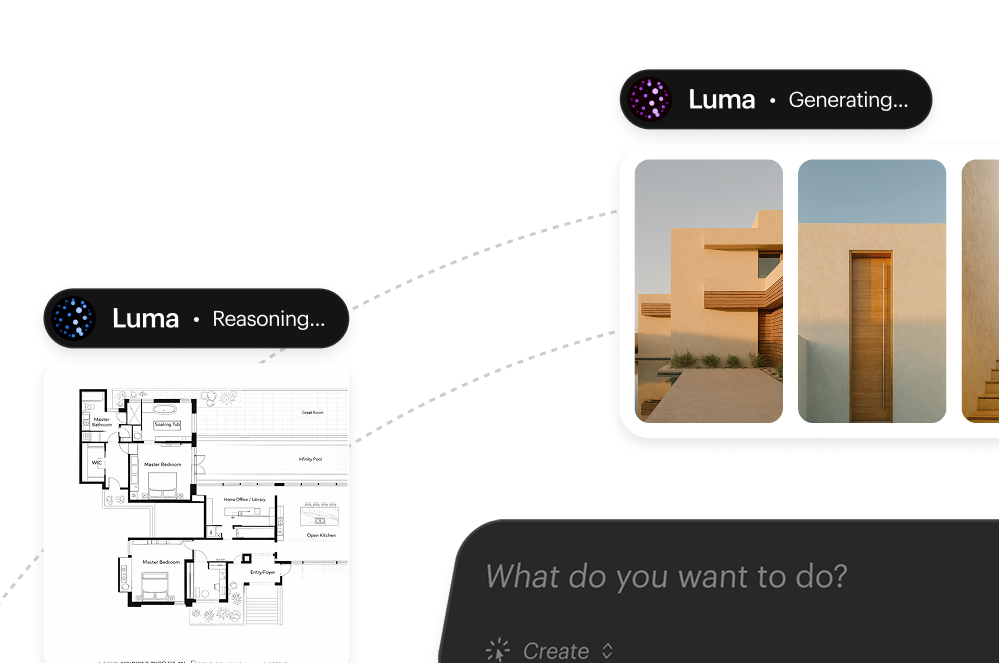
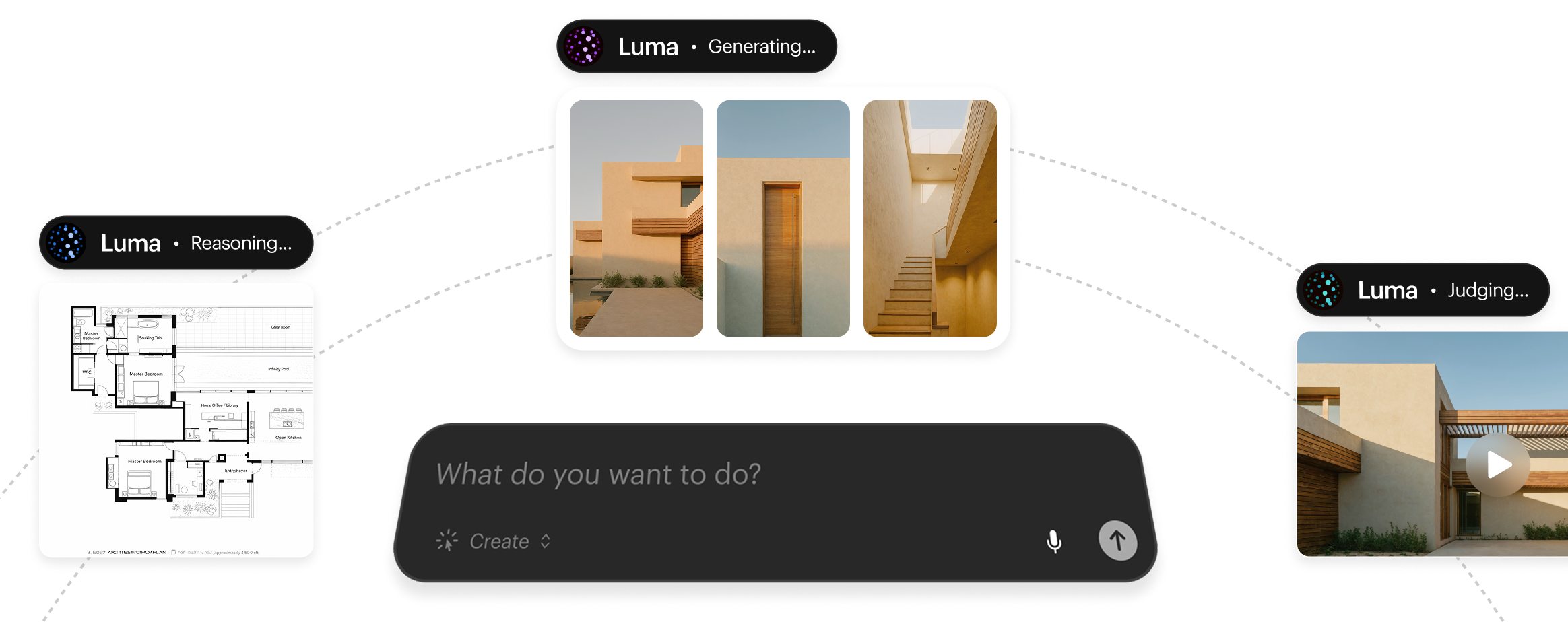
Pricing
99 annual, 10,000 fast credits + unlimited relaxed mode, commercial rights), Enterprise custom pricing (20,000+ credits, zero-retention data privacy, no training on user content, dedicated support). Annual billing saves up to 20%. Luma also offers a separate Luma Agents product (launched March 2026) at Plus $30/Pro $90/Ultra $300/mo with agentic creative workflows.
14 runs 3x cheaper and 4x faster than original Ray3.
| Tier | Monthly price | What it includes |
|---|---|---|
| Free | Free | Limited monthly credits, no rollover, watermarked, non-commercial use only |
| Lite | $9.99/mo | 3,200 monthly credits, non-commercial use only, watermarked, annual $7.99/mo ($95.90/yr) |
| Plus | $29.99/mo | 10,000 monthly credits, commercial rights, no watermarks, annual $23.99/mo ($287.99/yr) |
| Unlimited | $94.99/mo | 10,000 fast credits + unlimited relaxed-mode generation, commercial rights, no watermarks, annual $75.99/mo ($911.90/yr) |
| Enterprise | Custom | 20,000+ monthly credits, zero-retention data privacy, no training on user content, dedicated support, custom pricing via sales |
Key Features
- Ray3 Video Model with High-Motion Accuracy: Luma Dream Machine 3 (May 2026) doubles high-motion accuracy for fast-moving subjects with enhanced physics realism and reduced artifacts in complex cinematic action shots
- Photon Image Generation: Advanced text-to-image model with detailed prompt understanding, character reference consistency, style blending, and professional-grade output up to 1080p resolution
- Video-to-Video Editing (Modify Video): Advanced AI video editing with three transformation strength levels ranging from subtle adherence to full scene reinvention, character performance preservation, and scene-aware edits that maintain narrative coherence
- Keyframe & Character Control: Start/End frame control for shot direction, character reference locking for identity consistency across shots, and visual annotation support for precise creative control
- Dream Machine API: Developer-friendly API with Python and JavaScript SDKs supporting text-to-video, image-to-video, video extension, looping, camera control, and integration into external workflows
- 3D Capture & Mobile Integration: Smartphone-based 3D object scanning using NeRF technology, iOS app for mobile capture and generation, and web-based collaborative editing with shareable projects
Pros
- Exceptional photorealism and coherent motion physics: it consistently outperforms competitors on physics accuracy and visual fidelity.
- Reasoning-driven generation with built-in quality checks, since Ray3 can evaluate and refine its own outputs before delivery.
- Native HDR support plus production-grade features like Draft Mode and Hi-Fi Diffusion for professional workflows.
- Fast generation speed: typical clips render in 1-2 minutes, with an instant draft mode for quick exploration.
- One creative interface covers ideation, iteration, and delivery for text, image, and video, so there is no switching tools mid-project.
- Strong character and identity consistency across generations, thanks to character reference locking.
- A full API for developers, with SDKs, enterprise data privacy options, and zero-retention guarantees.
Cons
- Credit system lacks transparency: the real cost per generation stays unclear until rendering, and the opaque pricing structure frustrates users.
- Limited video length, with a maximum practical output around 10 seconds before quality holds up; extensions to 30 seconds often show artifacts.
- Output inconsistency: the same prompt repeated multiple times produces noticeably different results more than 50% of the time.
- No native audio generation, so it requires post-production sound work since audio is not yet part of the generation pipeline.
- Complex pricing requires careful planning, since monthly credits expire without rollover and users must calculate consumption per action.
- Limited free tier (30 monthly generations with watermarks); Pika offers significantly more free credits for experimentation.
Product Information
- Cloud
- Yes
- Self-Hosted
- No
- On-Premise
- No
- Languages
- English, Multilingual prompts supported
- Training
- Documentation, Community Discord, Example gallery
Data Handling
- Compliance
- Enterprise plans include zero-retention data privacy guarantees and no training on user content
Frequently Asked Questions
How much does Luma Dream Machine cost in 2026?
Dream Machine has five tiers: a free plan, Lite at $9.99 a month ($7.99 billed annually) for 3,200 non-commercial watermarked credits, Plus at $29.99 a month for 10,000 commercial credits without watermarks, and Unlimited at $94.99 a month for 10,000 fast credits plus unlimited relaxed-mode generation. Enterprise pricing is custom, starting around 20,000 monthly credits with zero-retention data privacy. Annual billing cuts the cost by up to 20%.
Is Luma Dream Machine free to use?
Yes. The free plan gives a limited monthly credit allowance for 720p draft-quality video, but every clip carries a watermark and the plan is restricted to personal, non-commercial use. Removing watermarks and unlocking commercial rights requires the Plus tier or higher.
What are the best alternatives to Luma Dream Machine?
Choose HeyGen if you need AI avatar talking-head videos rather than cinematic scenes. Choose Runway if you want hands-on editing tools like motion brush alongside generation. Choose Midjourney if you only need still images and plan to animate them elsewhere.
How does Luma Dream Machine compare to Runway in 2026?
Runway leans on manual editing tools such as motion brush for fine-grained control over a shot. Dream Machine's Ray3 model instead evaluates and refines its own output automatically, aiming for physics-accurate motion without that manual step. Both tools support text-to-video and image-to-video generation.
How do you get started with Luma Dream Machine?
Create a free account at lumalabs.ai, then type a text prompt or upload a reference image or video clip. Draft mode renders a preview in roughly a minute so you can iterate quickly. Install the iOS app for mobile-based 3D capture, and upgrade to a paid tier once you need higher resolution or commercial rights.
Top Alternatives
- HeyGen: Pick HeyGen for AI presenter and avatar videos; pick Luma when you need photorealistic world-in-motion scenes, not just talking heads.
- Runway: Choose Runway for editor-style video tools with motion brush; choose Luma Dream Machine for out-of-the-box physics accuracy and Ray3 generation quality.
- Midjourney: Use Midjourney for the strongest AI still images; use Luma Dream Machine to animate those concepts into video with consistent motion physics.
HokAI guides covering Luma Labs Dream Machine
- The Best Free AI for Turning a Photo Into a Video in 2026: Kling, CapCut, HeyGen and Fliki compared for free photo-to-video, checked 22 Sept 2026. See which free tiers actually renew, and which one just quietly stopped.
- Best AI Video Generators in 2026: Pick the Category Before You Pick the Tool: Kling AI generates a second of 1080p video for about 13 cents, cheaper than Runway's 23 cents. See how 31 AI video tools split into three buying decisions.
- The AI 80s Photo Trend: How to Make Yours (and Turn It Into a Video) in 2026: The viral AI 80s photo trend now has a video half. Here's how to make the photo, turn it into a VHS-style clip, what it costs, and where your upload goes.
- Higgsfield Alternatives in 2026: Is Higgsfield Free, and What to Use Instead: Higgsfield's free tier has no published credit limit. Here is what its $9-$237 plans cost, and six alternatives that skip the markup, verified 25 Sep 2026.