Last updated: 2026-09-04
Google Lens is Google's free AI visual search tool, built into the Google app, Photos, Chrome, and, since April 2026, a native Windows app. It identifies objects, translates text live, and matches photographed products against Google's Shopping Graph, handling nearly 20 billion visual searches a month as of Google's most recent public figure.
About Google Lens
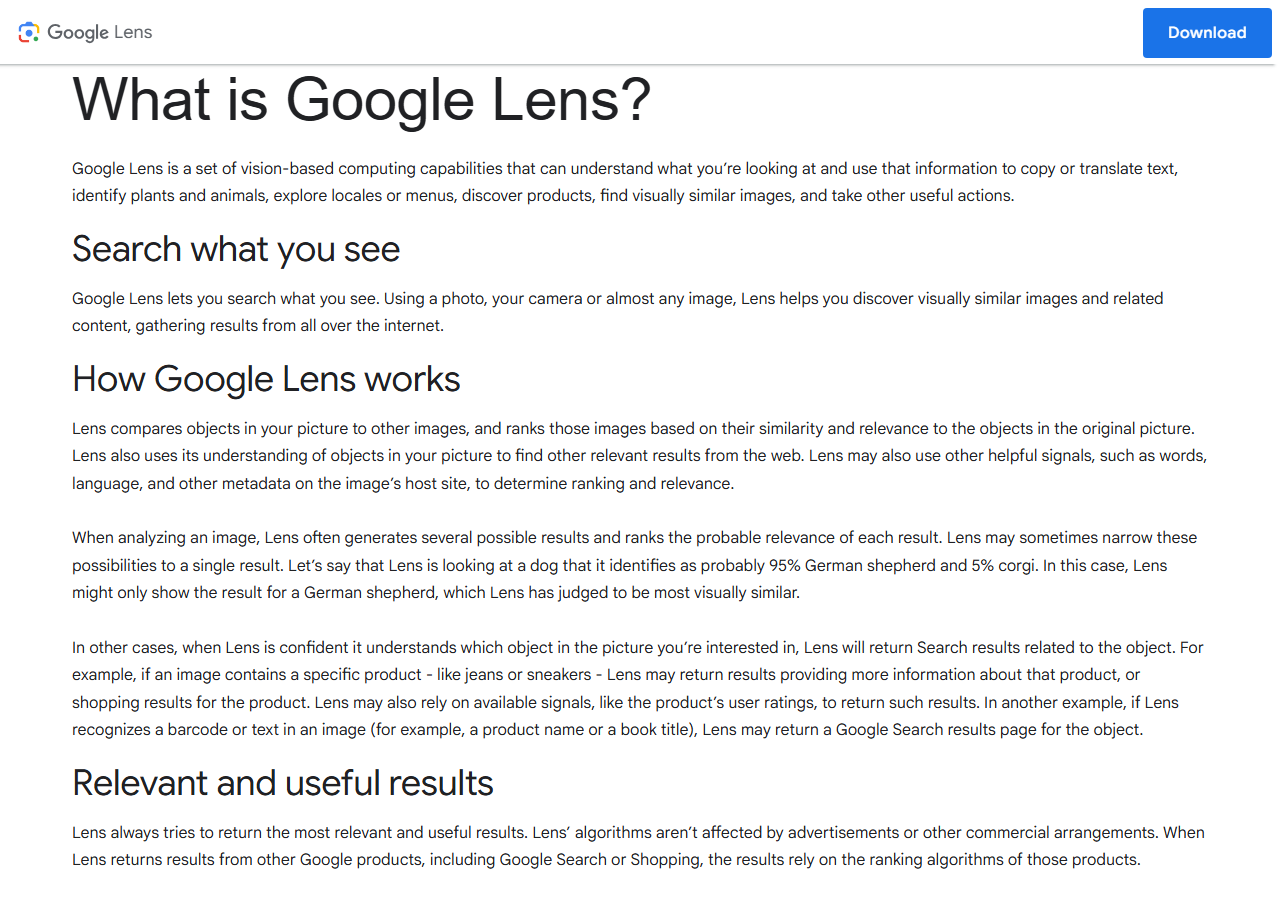
Google Lens launched in 2017 and is built into the Google app, Google Photos, Google Search, and Android and iOS devices. It uses Google's own computer-vision models alongside Gemini's multimodal AI to analyze photos, screenshots, and live camera feeds, matching what it sees against Google's knowledge graph, Shopping Graph, and web index.
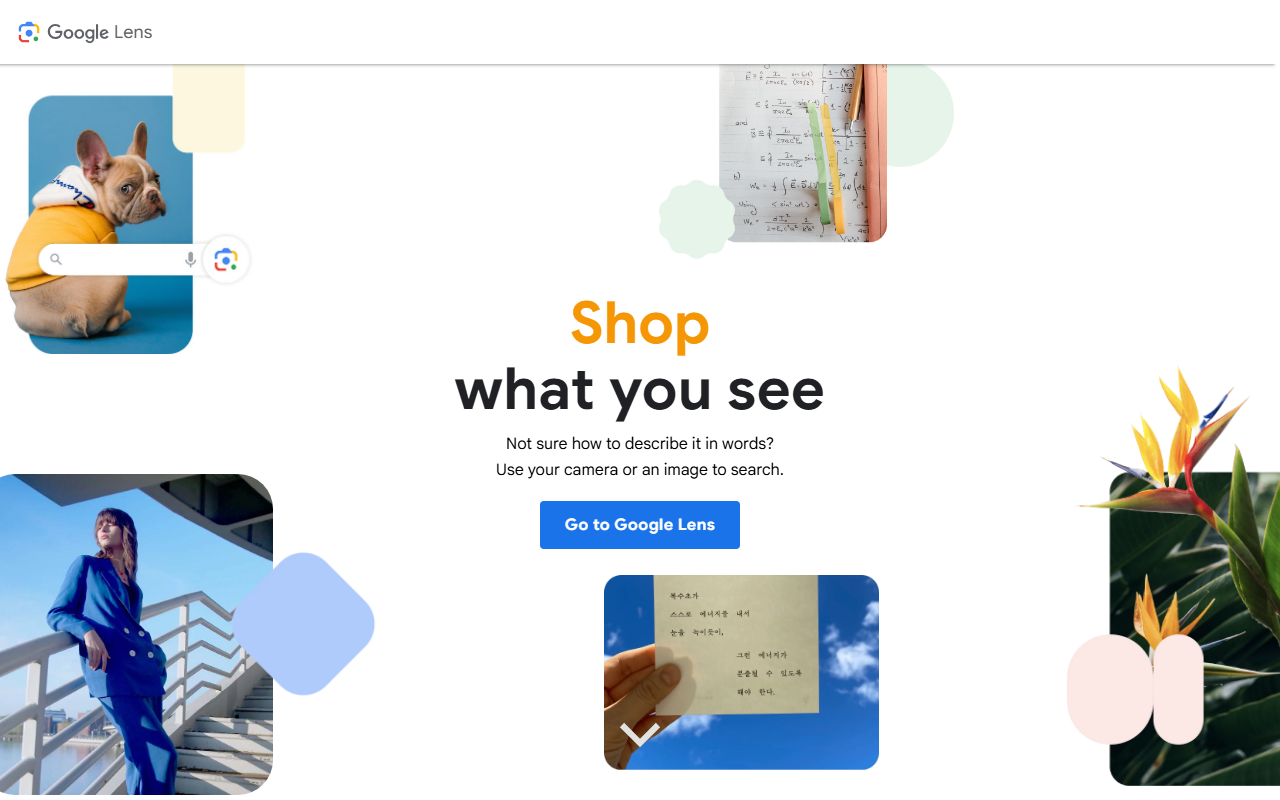
Lens covers six jobs: identifying objects, plants, and animals; translating on-screen text in real time; product search with price comparisons; homework help across math, science, and history; restaurant and business lookup by camera; and reverse image search.
Google's own blog puts Lens at billions of visual searches a month, most recently disclosed in October 2024, well above the figure Google cited back in 2023, with a Shopping Graph carrying more than 45 billion product listings. Google states its Lens search and shopping rankings are not influenced by advertising or other commercial arrangements.
Lens is free for every consumer use, with no paid tier or account required, though Google's own support pages confirm that images saved to Visual Search History, off by default, may be used to train Google's visual search models, and that previously saved images keep being used for that even after the setting is switched off. It runs inside the Google app on Android and iOS, in Chrome via right-click, on Pixel phones with dedicated hardware acceleration, and as part of the Google app for Windows desktop that launched in April 2026. Developers who need programmatic access instead use the separate Cloud Vision API on Google Cloud, billed per request.
Screenshots
Pricing
Completely free for all consumer features with no usage limits. 50 per 1,000 images for label detection or text detection, after the first 1,000 images each month free.
Feature Comparison by Tier
| Feature | Free (Consumer) |
|---|---|
| Price | $0 |
| Visual searches | Unlimited, no account required |
| Real-time text translation | 100+ languages |
| Shopping via Shopping Graph | 45B+ product listings |
| Circle to Search / screen search | Supported Android devices; screen search on iOS Chrome/Google app |
| Homework help | Math, science, history |
| Windows desktop app | Included since April 2026 (Google app for desktop, Alt+Space) |
| Offline mode | Not supported |
| Programmatic/API access | Not included; separate Cloud Vision API billed per use |
| Images used to improve Google's models | Yes, when Visual Search History is on (off by default) |
Key Features
- Visual Object Search: Identifies plants, animals, and everyday objects from a photo, linking straight to Google Search results for what it recognizes.
- Real-Time Text Translation: Overlays live translations in over 100 languages onto the camera view for signs, menus, and labels without leaving the current app.
- Shopping via the Shopping Graph: Matches a photographed product against more than 45 billion Shopping Graph listings, returning price comparisons and purchase links across retailers.
- Circle to Search: Circle anything on your screen to launch a Lens search without leaving the app you're in, no separate download needed on supported Android phones.
- Homework Help: Reads a photo of a math, science, or history problem and returns a step-by-step explanation.
- Windows Desktop App: As of April 2026, Google's Windows app adds Lens visual search plus live screen sharing, so PC users can search or identify anything on their screen without opening a browser.
Pros
- No rival visual-search tool operates at Lens's scale, with nearly 20 billion monthly visual searches and pre-installation on Android meaning most users already have it without downloading anything.
- Nothing is gated behind a login or a paywall, unlike Bing Visual Search, which ties more closely to a Microsoft account.
- Circle to Search removes a whole app-switch: users get a Lens result without leaving whatever they're already looking at.
Cons
- Consumer Lens does not support batch processing or programmatic access; developers must use the separate Cloud Vision API with its own GCP billing.
- Google states Lens's ranking isn't influenced by ads or commercial deals, but shopping results still surface Google's own Shopping Graph first rather than an independent price-comparison index.
- Recognition quality drops for specialized domains such as medical imagery, technical diagrams, and uncommon plant or animal species, and Play Store reviews cite occasional misidentification in poor lighting.
Data Handling
- Trains on your data
- Yes
- Training-data policy
- Google's support pages state that images used for a Lens visual search may be used to train the models that develop and improve Google's visual search technology, and that previously saved images keep being used for that purpose even after a user turns the underlying Visual Search History setting off. That setting, which saves the images to a Google account's Web & App Activity, is off by default. Checked 3 September 2026 via support.google.com.
- Compliance
- ISO 27001 · SOC 2 · GDPR · CCPA
Frequently Asked Questions
How much does Google Lens cost to use?
Every consumer feature of Google Lens, including object search, translation, shopping, and homework help, is free with no usage cap and no account needed, across Android, iOS, Chrome, and the Windows desktop app. The only paid option is the separate Cloud Vision API for developers, billed at $1.50 per 1,000 images for label or text detection after a free monthly allotment of 1,000 images.
Is there a free plan for Google Lens?
Yes, Lens has no paid consumer tier at all. Search, translation, shopping lookups, and homework help are unlimited without a login. Developers building their own products instead pay per request through Google Cloud's Vision API, a completely separate product from consumer Lens.
What can you use instead of Google Lens?
Bing Visual Search, built into Edge and the Bing app, is Microsoft's closest equivalent, though it draws on a smaller index than Google's Shopping Graph. ChatGPT can hold a conversation about an uploaded photo instead of returning a list of matches, and Perplexity AI answers photo-based questions with cited web sources rather than shopping links.
Google Lens or Bing Visual Search: which is better?
Lens draws on Google's Shopping Graph and web index, both larger than Bing's, so product and object matches tend to turn up more results. Bing Visual Search ties more closely to a Microsoft account and the Edge and Bing apps, while Lens runs across Android, iOS, Chrome, and, since April 2026, a Windows desktop app built into Google's own desktop search tool.
How do you start using Google Lens?
If the Google app, Google Photos, or Chrome is already installed, tap the Lens camera icon or long-press a photo to search it, no download or account required. On desktop, right-click an image in Chrome and choose 'Search image with Google Lens', or use the Windows Google app's Alt+Space shortcut. On Android, Circle to Search launches Lens without leaving the current app.
Top Alternatives
- Bing: Pick Bing's visual search if you're already inside Copilot Search or the Edge ecosystem; pick Lens for a far larger Shopping Graph and no Microsoft account tie-in.
- ChatGPT: Pick ChatGPT when you want a back-and-forth conversation about a photo; pick Lens for instant object, product, and text matches without typing a follow-up question.
- Perplexity AI: Pick Perplexity when you want a cited, source-backed answer about what's in a photo; pick Lens when you want direct shopping links and translations instead of a written summary.
HokAI guides covering Google Lens
- Best AI for Translation in 2026: Four Jobs, Not One Tool: AI translation is four real jobs: documents, live/visual, software localization, and video dubbing. See which tool fits, and which free tiers really work.
- Best AI Search Engines in 2026: 6 Free Alternatives to Google: Perplexity, Bing Copilot, Komo AI, Andi Search, Consensus and Google Lens compared on free-tier limits, pricing and data handling for switching off Google.
- Gemini Hit a Billion Users. Then Google Shipped a Different One.: Gemini crossed 1 billion users on 11 August 2026. Two days later Google launched a cheaper Gemini for coding and agents, plus Labs apps few have opened.
- Best AI Search Tools in 2026: Match the Tool to the Job: Perplexity, Bing, and Glean all get called AI search tools, but only Glean searches a company's internal Slack. Here is how the category splits by job in 2026.