
Last updated: 2026-09-05
Microsoft Designer is a browser and mobile AI graphic design tool that turns text prompts into layouts, social graphics, and image edits using OpenAI's DALL-E 3 model. It ships bundled into Microsoft's productivity subscription rather than sold as a standalone paid app, which sets it apart from most AI design generators sold separately.
About Microsoft Designer
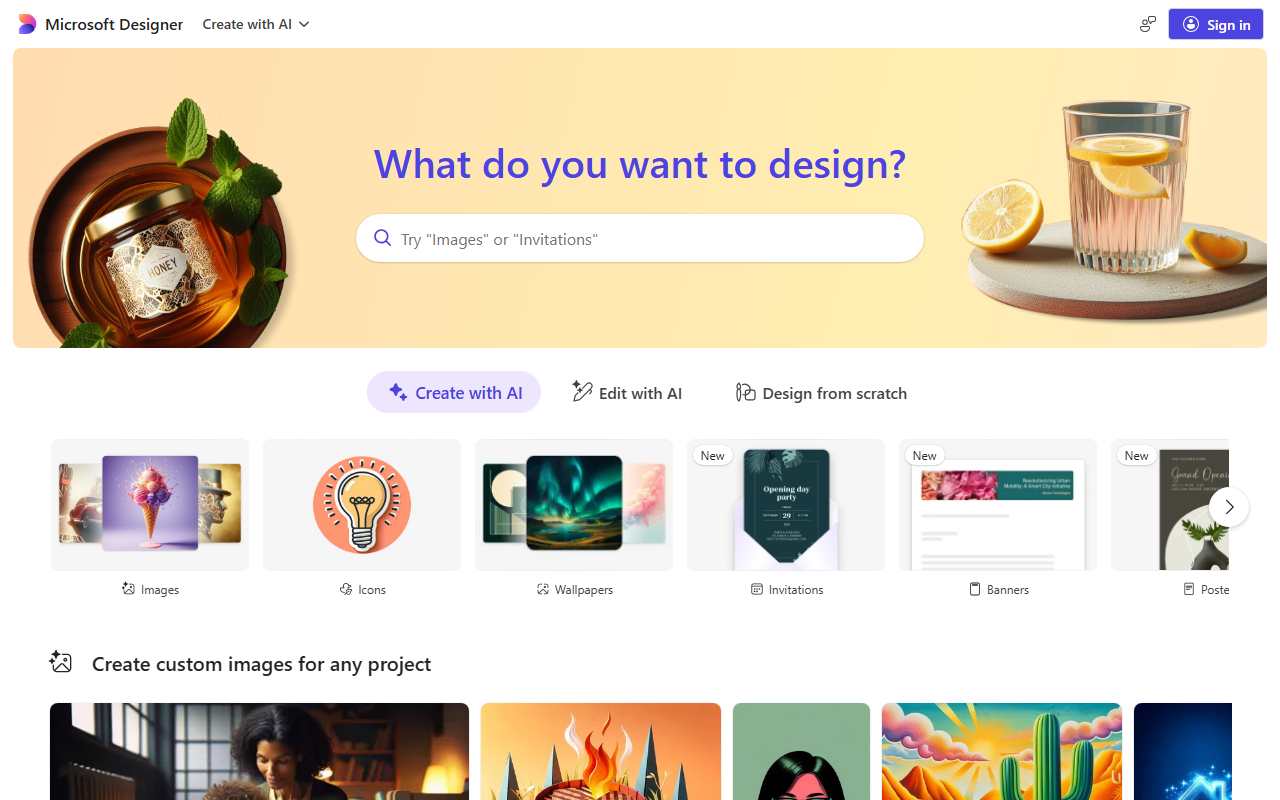
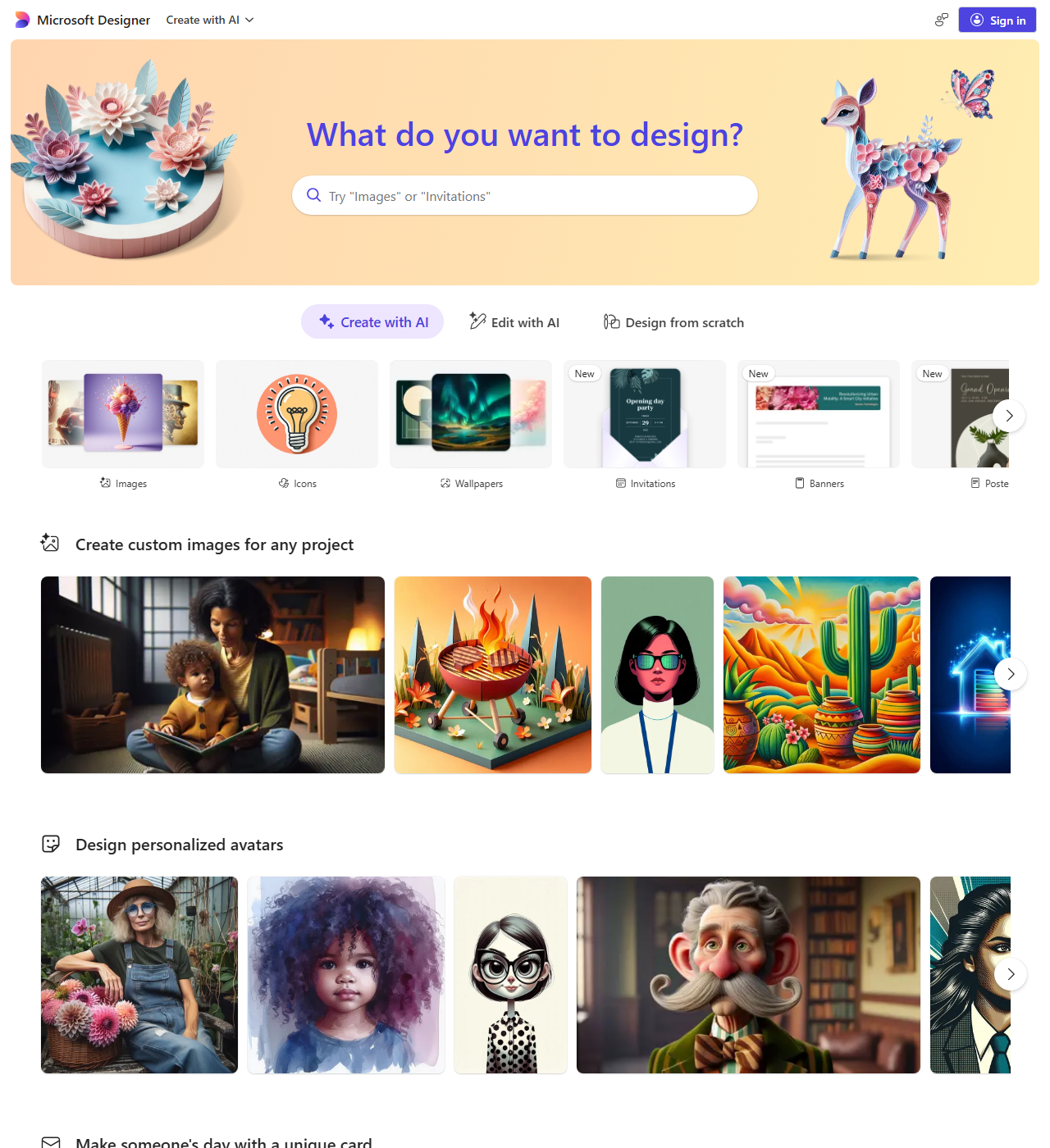
Microsoft launched Designer in October 2022 as a cloud-based AI graphic design app aimed at people without design training. Instead of selling it as a separate product, Microsoft folds Designer into its existing productivity subscription, tying account access and pricing to that wider bundle rather than a standalone SaaS login most rival design apps use.
Screenshots
Pricing
Microsoft Designer is free to use with any Microsoft account; a 2026 update made every image generate at full speed and folded Designer into a unified AI-credit system, and Microsoft's support pages no longer publish an exact free-tier credit number. 99/year, up to 6 people) each include 60 AI credits a month shared across Word, Excel, PowerPoint, Outlook, Forms, OneNote, Designer, Notepad, Photos and Paint, not a Designer-only pool. 99/year, up to 6 people, 6 TB storage) carries the highest AI usage limits plus agentic Office features, and replaced the standalone Copilot Pro plan, which Microsoft stopped selling and cut off support for on August 1, 2026.
| Tier | Monthly price | What it includes |
|---|---|---|
| Free | Free | Unified AI-credit system: every image now generates at full speed (Microsoft retired the old daily-boost/monthly-credit split in 2026); Microsoft's support pages no longer publish an exact free-tier credit cap. |
| Microsoft 365 Personal | $9.99/mo | 60 AI credits per month, shared across Word, Excel, PowerPoint, Outlook, Forms, OneNote, Designer, Notepad, Photos and Paint (not a Designer-only allotment); 1 TB storage. |
| Microsoft 365 Family | $12.99/mo | 60 AI credits per month for the subscription owner (AI benefits are not shared with the other members); up to 6 people, 6 TB storage (1 TB per person). |
| Microsoft 365 Premium | $19.99/mo | Microsoft's highest published AI usage limits ("extensive usage beyond standard credit limits"), plus Office agentic features (Researcher, Analyst, Office Agent, Agent Mode); up to 6 people, 6 TB storage. Replaced the standalone Copilot Pro plan, which Microsoft stopped selling and ended support for on August 1, 2026. |
Feature Comparison by Tier
| Feature | Free | Microsoft 365 Family | Microsoft 365 Premium | Microsoft 365 Personal |
|---|---|---|---|---|
| Monthly AI credit allotment | Not published (2026 policy change) | 60/mo (owner only) | Highest published limit | 60/mo (shared with Office apps) |
| Image generation speed | Full speed (all images boosted) | Full speed | Full speed, priority access | Full speed |
| People covered | 1 | Up to 6 | Up to 6 | 1 |
| Cloud storage | — | 6 TB (1 TB/person) | 6 TB (1 TB/person) | 1 TB |
| Office agentic AI (Researcher, Analyst, Agent Mode) | — | — | ✓ | — |
Key Features
- AI Image Generation from Text: Create custom images and designs by describing your ideas in words using DALL-E 3 technology
- Template Library: Access a vast collection of professionally designed templates for social media, presentations, invitations, and more
- AI-Powered Editing Tools: Edit images with intelligent tools including background removal, object erasing, image expansion, and restyling
- Design Suggestions: Receive AI-driven layout recommendations, color palettes, and design ideas tailored to your content
- Microsoft Integration: Insert Designer directly into Word, PowerPoint, Teams, and OneDrive through the Copilot icon instead of switching to a separate app
- Multi-Platform Access: Access Designer via web app, iOS app, Android app, and Windows integration for flexibility across devices
Pros
- Intuitive interface that non-designers and total beginners can use without any training
- Fast AI-powered generation that produces high-quality design drafts without manual layout work
- Deep integration with Word, PowerPoint, Teams, and OneDrive lets you generate images without leaving the document you're already working in
- Free to start with no subscription or credit card required
- Works across web, iOS, Android, and Windows, so design work isn't tied to one device
Cons
- Limited customization compared to professional design tools, with no advanced vector editing or layer manipulation
- Free tier usage runs on a monthly AI-credit allotment smaller than the paid tiers, which nudges frequent users toward a subscription
- Only works with a stable internet connection; there's no meaningful offline mode
- AI image generation can struggle with detailed or multi-step prompt instructions, often requiring several regenerations to get a usable result
Data Handling
- Training-data policy
- By default, Microsoft may use consumer conversation and image-generation activity, including uploaded files, to train and improve Copilot and Designer models. Organizational (Entra ID) accounts, under-18 accounts, opted-out accounts, and users in Brazil, mainland China, Israel, Nigeria, South Korea and Vietnam are excluded.
- Data retention
- 540 days
- Compliance
- ISO 27001 · SOC 2 · C2PA (Content Credentials)
Frequently Asked Questions
How much do you pay for Microsoft Designer?
Designer itself is free with a Microsoft account. Going further costs a Microsoft 365 Personal plan at $9.99 a month ($99.99 a year), a Family plan at $12.99 a month ($129.99 a year) for up to six people, or Microsoft 365 Premium at $19.99 a month ($199.99 a year) for the highest AI usage limits plus Office's agentic features. Premium is the direct successor to the old Copilot Pro add-on, which is no longer for sale.
Is Microsoft Designer free to use?
Yes. Any Microsoft account can generate designs at no cost, and Microsoft stopped publishing an exact monthly credit cap after a 2026 update removed the old daily-boost system and made every image generate at full speed. Paying subscribers get a published number instead: 60 AI credits a month on Personal or Family, shared across Word, Excel, PowerPoint and other Microsoft 365 apps rather than reserved for Designer alone.
Which tools compete with Microsoft Designer in 2026?
Canva is the standalone pick for anyone who doesn't want to work inside Microsoft's apps and wants a wider template library across every platform. Adobe Firefly suits teams that need commercial-use IP indemnification and already work in Photoshop or Illustrator. Midjourney remains the choice for pure image-generation quality outside any document workflow.
Is Microsoft Designer better than Canva?
Not for standalone design work: Canva is a dedicated visual platform you can use and publish from anywhere, with a deeper template library and export options. Designer's advantage is sitting inside Word, PowerPoint and Teams as part of a Microsoft 365 subscription and generating DALL-E 3 images without leaving the document. If your work already lives in Office files, Designer saves a tool switch; otherwise Canva's standalone reach wins.
How long does it take to get going with Microsoft Designer?
Under a minute: sign in at designer.microsoft.com or open the free iOS or Android app with any Microsoft account, describe what you want in the prompt box, and Designer returns DALL-E 3 image and layout options to edit or export immediately. No payment method is required to start, and the Designer icon inside Word, PowerPoint or Teams skips the separate sign-in for anyone already in a Microsoft 365 document.
Top Alternatives
- Canva: Canva is one standalone design app across every platform you use; Microsoft Designer belongs in a workflow that already lives in Word, PowerPoint, or Teams.
- Adobe Firefly: Adobe Firefly carries commercial-use IP indemnification inside Photoshop and Illustrator, while Microsoft Designer gives free DALL-E 3 generation with no Adobe subscription.
- Midjourney: Midjourney is the dedicated image generator for standalone art; Microsoft Designer produces images that drop straight into an Office document.
HokAI guides covering Microsoft Designer
- Best AI for Creating Logos in 2026: Tested Picks & Verdict: Nine AI logo tools, compared by file type and price for 2026. See which give a true vector file, which are free, and the pick for five different budgets.
- The Best AI for Designing UI in 2026, and When Figma Still Wins: AI UI/UX design tools split into two camps in 2026: Figma AI speeds up an existing workflow, while Stitch, v0 and Bolt.new skip design software entirely.
- The Top AI Tools in 2026: How to Actually Choose One: ChatGPT, Claude, Cursor, Gemini, and Perplexity all cap out near $200 a month in 2026. A practical framework for matching the right AI tool to your actual job.
- Adobe Firefly vs Topaz Photo AI: Which Should You Use in 2026?: Adobe agreed to buy Topaz Labs in June 2026. Here's what Firefly and Topaz Photo AI cost now, who needs which one, and why waiting for the merger is a bad bet.