Stability AI vs Topaz Photo AI: Different Jobs, Not Rivals
Stability AI is a text-to-image generation platform priced from $0.03 to $0.08 per image on credits, with open-weight models free to self-host under $1M revenue. Topaz Photo AI is a $199-599/year desktop application that repairs noise, blur, and facial detail in real photographs. They are not substitutes: one creates images, the other restores existing ones.
The short version
Stability AI and Topaz Photo AI both sit in HokAI's image generator category, but they solve different problems. One creates images from prompts and now sells its own upscalers. The other repairs real camera photos: noise, blur, bad faces. The one overlap, upscaling AI art, actually belongs to a third Topaz product, Bloom, not Photo AI.
Want this decided for your own case? Find your tools with Smart Match, starting from this guide's question.
Stability AI charges 3 cents to generate a single image with its cheapest model. Topaz Photo AI charges $199 a year no matter how many photos you feed it. Both tools sit in HokAI's AI Image Generators category, and neither price tells you which one you actually need.
That is because the two do not compete for the same job. One turns a text prompt into a picture that did not exist a minute ago. The other takes a picture that already exists, usually a real photograph with real noise or blur, and fixes it. A reader who assumes both listings solve the same problem will pick wrong no matter which name they choose. This guide sorts them by the file in front of you, not the category page, and flags the one place they genuinely overlap.
Pick by the job, not the category page
If you are generating images from a prompt, Stability AI is the whole toolchain, including upscaling, since it now sells its own. If you are rescuing a real camera photo, Topaz Photo AI does a job the other was never trained for.
A wildlife photographer with a noisy, underexposed file from a fast shutter needs the second tool, full stop. A marketer generating a hundred product mockups a week needs the first, and would waste money adding the second. Neither is the better product in the abstract. One of them is simply wrong for your file.
What each one costs right now
Stability's Developer Platform runs on credits: 1 credit equals $0.01, and a new account starts with 25 free credits, according to the platform's own pricing page, checked 30 August 2026. Every service is priced separately:
| Service | Cost per image |
|---|---|
| Cheapest generation tier | 3 credits ($0.03) |
| Mid-tier turbo model | 4 credits ($0.04) |
| Flagship 8.1B-parameter model | 6.5 credits ($0.065) |
| Highest-fidelity tier | 8 credits ($0.08) |
| Fast upscaler | 2 credits ($0.02) |
| Conservative upscaler | 40 credits ($0.40) |
| Creative upscaler | 60 credits ($0.60) |
Generate a thousand images a month on the cheapest tier and the bill is $30. Add a fast upscale pass on every one and it rises to $50. The open-weight models behind all of this are free to self-host under the Stability AI Community License for anyone earning under $1 million a year, according to Stability's license page, which pushes the real generation cost toward zero for a solo creator with a spare GPU.
Topaz does not price by volume at all. Its Personal plan is $199 a year paid upfront, or $39 a month with no commitment, per Topaz Labs' own product page. A Pro tier for full commercial use runs $599 a year, or $63 a month billed monthly. You pay the same fee whether you process ten photos that month or ten thousand.
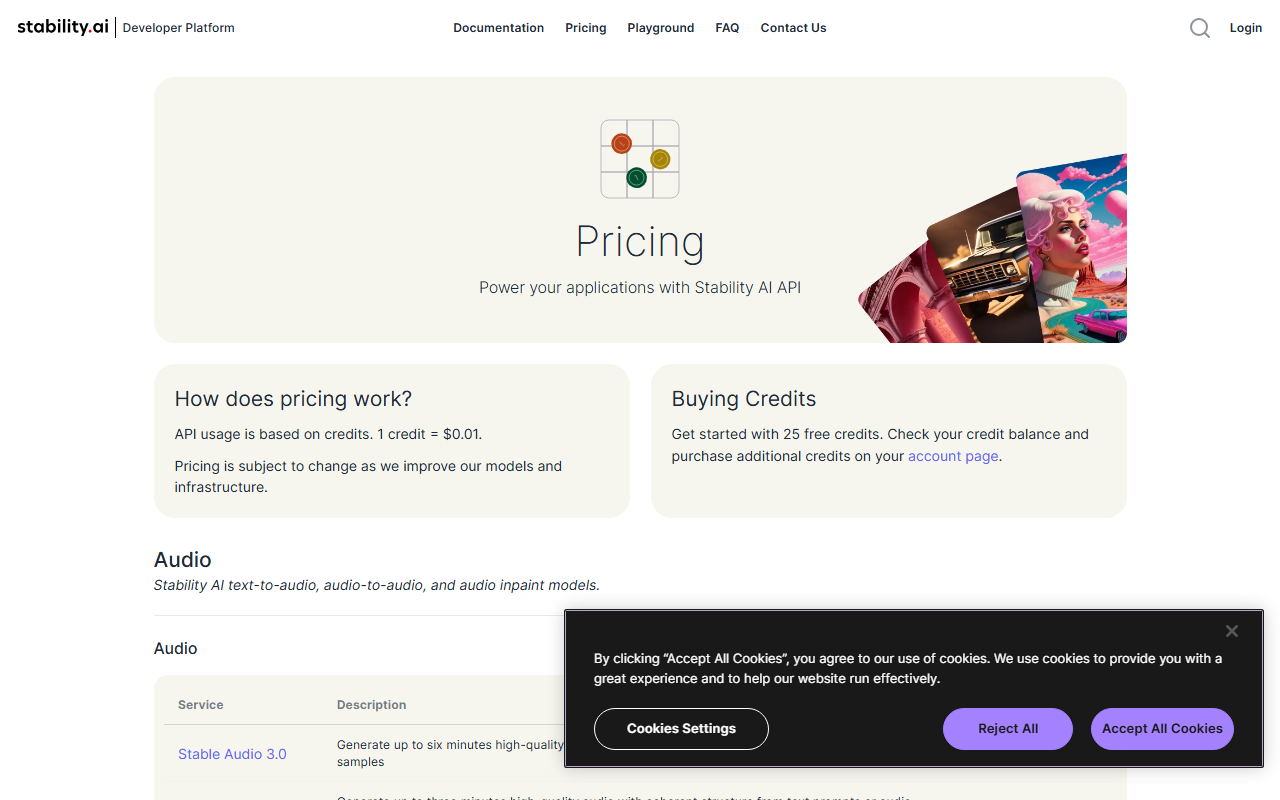 Stability's Developer Platform pricing page, captured 30 August 2026. Every service below this is billed against the same credit balance.
Stability: built to create, and now built to upscale too
Stability's core model comes in several parameter sizes, deployable through a hosted API or a fully self-hosted download. That range matters more than any single benchmark: a solo creator can run the smallest variant for free locally, while an agency can hit the hosted API for the flagship tier when a client needs the highest fidelity available. DeepAI is the simpler, cheaper generator worth trying first if your prompts are basic and you don't need Stability's parameter-size flexibility.
The part most coverage of this space misses: Stability now sells fast, conservative, and creative upscalers directly inside the same API. If your only source images are ones it generated itself, you can create and enlarge them in one billing relationship without ever opening a second app.
Topaz: repairing problems the generator never touches
Topaz Photo AI runs a pipeline built specifically for real-world image damage: denoising high-ISO grain, sharpening motion blur, upscaling resolution, and reconstructing detail in blurred faces, according to Topaz Labs' product description. An autopilot mode picks the right combination once it detects whether the subject is a person, wildlife, or a landscape.
A wedding photographer fixing soft focus from bad venue lighting, or an archivist restoring a scanned negative with dust and scratches, is solving a problem generative models were never trained on. One tool makes pixels that never existed; the other recovers pixels that did. Neither job transfers to the other tool no matter how good either one gets at its own.
The app installs standalone on Windows and Mac, and as a plugin inside the major photo editors, keeping RAW metadata intact through the round trip. For a lighter alternative when the job is simpler, such as cleaning up a product photo rather than rescuing a damaged one, Photoroom covers background removal and basic touch-ups at a fraction of Topaz's price.
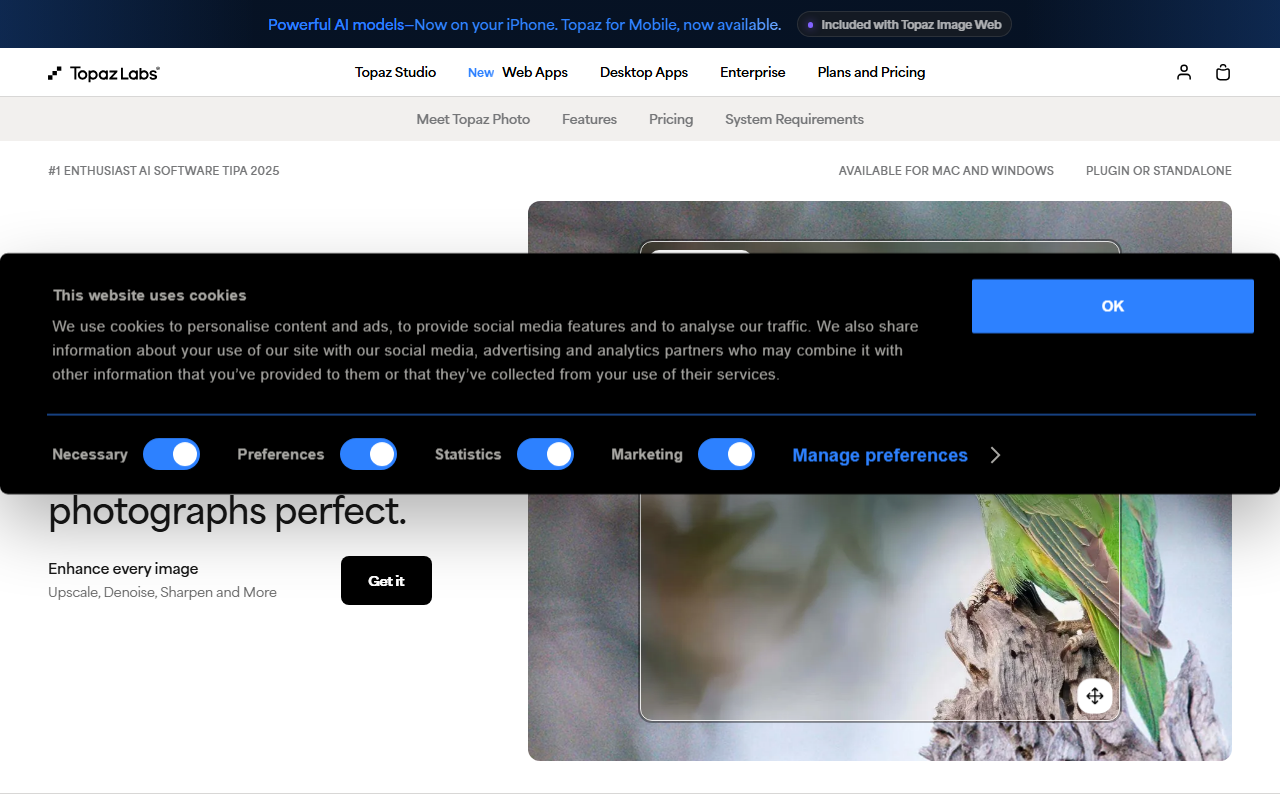 Topaz's product page, captured 30 August 2026. The wildlife shot is the use case the tool was actually built for: real sensor noise, not generated content.
The trap: upscaling AI art with the wrong product
Here is the one place the two genuinely intersect, and where the obvious move is also the wrong one. You generate an image in Stability, then want to blow it up for print. The instinct is to run it through Topaz Photo AI, since that is the name most listings, including HokAI's own directory, show first.
But Topaz's own site routes that exact job somewhere else: Bloom, a separate web-based product built specifically for AI-generated and digital artwork, described on its own page as adding "new detail" and "lifelike texture" through diffusion-based upscaling rather than a restoration pipeline.
That distinction is not academic. The denoise and sharpen models are trained to reverse camera sensor noise and motion blur, artifacts a clean generated output does not have. Running AI art through the restoration tool wastes a subscription without producing the gain the other product is built to add. For a cheaper, freemium way to get basic upscaling without buying into either ecosystem, Miragic bundles a background remover and an upscaler into one suite with daily free credits, at the cost of the specialist depth either dedicated tool offers.
The turn: why not just use the generator's own upscaler?
The obvious objection: if the generation platform already sells upscalers for a few cents an image, why pay Topaz's annual fee for anything? The answer is what those upscalers were trained on. They reinterpret and add detail to images already inside the same generative pipeline: clean synthetic output with no sensor noise, no motion blur, and no compression artifacts from a decade-old camera. They were never built to reverse the specific damage a real photograph accumulates.
A wildlife photographer feeding a noisy, underexposed file into a generator's creative upscaler is asking a tool to solve a problem it never saw in training. That gap is exactly Topaz Photo AI's restoration pipeline's reason to exist, and it is why the overlap between the two tools is narrower than their shared category page suggests. Stacking both costs less than it sounds: Topaz's monthly plan carries no long-term commitment, so a generation-first creator can add a single month only when a real shoot needs cleanup, then drop it.
What Topaz's sale to Adobe changes, and what it doesn't
Topaz Labs will not stay independent much longer. Adobe announced a definitive agreement on 25 June 2026 to acquire the company and said it plans to fold Topaz's restoration and upscaling models into Firefly and Creative Cloud once the deal closes, according to Adobe's own newsroom post. Standalone apps stay on sale after close, with no announced end date, and the deal had not closed as of this writing.
For this comparison specifically, that change matters less than it looks. Stability is not the company being bought, and nothing in the announcement touches its own generation models or its own upscalers.
What it does mean is that the restoration side of this comparison may eventually run inside a much larger company's ecosystem instead of a standalone $199-a-year app, which would not change which job needs which tool, only who bills you for the second one. A photographer choosing Topaz today is not betting on a startup that could vanish; they are betting on a product line a much bigger company just paid real money to keep running.
If you are still not sure which category of tool matches your own workflow before comparing individual vendors, HokAI's Smart Match asks about the job first and points at the right shortlist. What would change this verdict is either company shipping the other's specialty: Stability training a repair mode on real sensor noise, or Topaz's new owner folding restoration directly into a generation tool. Neither has happened yet, so the choice still comes down to the file sitting in front of you.
Frequently asked questions
Is Topaz Photo AI good for upscaling images made with Stability AI or other AI generators?
Not according to Topaz Labs itself. Its own site routes AI-generated and digital art to a separate product called Bloom, built specifically for that job with a diffusion-based upscaler. The restoration models in Photo AI are trained to reverse real camera sensor noise and motion blur, artifacts a clean AI-generated image does not have, so running generated art through Photo AI skips the tool actually built for it.
Does Stability AI have its own upscaler, or do you need a separate tool?
Stability AI sells three upscalers directly through its Developer Platform API, priced at 2, 40, and 60 credits per image, where 1 credit equals $0.01, per the platform's pricing page. For images generated inside its own pipeline, that removes the need to add a separate upscaling tool.
How much does Topaz Photo AI cost compared to Stability AI?
Topaz Photo AI's Personal plan is $199 a year or $39 a month with no annual commitment, and its Pro tier for full commercial use is $599 a year, according to Topaz Labs' pricing page. Stability AI charges per image on a credit system, from roughly $0.03 to $0.08, so a low-volume generator can spend under $10 a month while Topaz charges the same annual fee regardless of volume.
Can you self-host Stability AI's models for free?
Yes. Under the Stability AI Community License, the open-weight models can be downloaded and self-hosted at no cost by individuals, researchers, and organizations under $1 million in annual revenue, per Stability's own license page. Organizations above that threshold need an Enterprise License with custom pricing.
Is Topaz Labs still independent, or has it been bought?
Adobe announced a definitive agreement on 25 June 2026 to acquire Topaz Labs and plans to fold its restoration and upscaling models into Firefly and Creative Cloud once the deal closes, according to Adobe's newsroom post. As of this writing the deal had not closed, and Topaz says its standalone apps will keep selling through its own site afterward.
Covered in this guide
- Stability AI: Enterprise-ready creative partner for multimodal AI media generation
- Topaz Photo AI: Topaz Photo AI sharpens, denoises, and upscales images up to 16x. Trusted by 1.5M+ photographers at Apple and NASA. Annual plans from $199, no free tier.
- DeepAI: The all-in-one creative AI platform for everyone
- Miragic: Unified AI content creation suite: background remover, image generator, upscaler, video tools, avatar creator, and marketing automation, freemium with no credit card required.
- Photoroom: Photoroom is an AI photo editor with 1,000+ ecommerce templates, instant background removal, and an API built for Netflix- and Shopify-scale sellers.
Sources
Still deciding?
This guide covers a handful of options. Smart Match checks every listing in the directory against how you actually work and what you can spend, then hands you the shortlist and the reason behind each pick.
Find your toolsRelated guides
- 41 of 100 HokAI Guides Carry a Screenshot. All 106 Still Load.Inside HokAIHow the directory works, verified in the open
- Adobe Firefly vs Topaz Photo AI: Which Should You Use in 2026?ComparisonHead-to-head, with a verdict
- Best AI Tools for Graphic Designers in 2026Buyer's guideHow to pick, across a category
- Best AI for Creating Logos in 2026: Tested Picks & VerdictBuyer's guideHow to pick, across a category
- Best AI Image Generators in 2026: Pricing, Licensing, and the Real Cost Per ImageBuyer's guideHow to pick, across a category
- Best AI Tools for Photo Editing and Restoration in 2026Buyer's guideHow to pick, across a category