
Last updated: 2026-09-07
Pictory AI is an AI video generator by Pictory Corp that turns scripts, blog posts, URLs, and PowerPoint files into edited video, pairing AI-matched stock footage with 73 ElevenLabs AI voices. Unlike timeline editors, it lets users cut a video by editing its transcript.
About Pictory AI
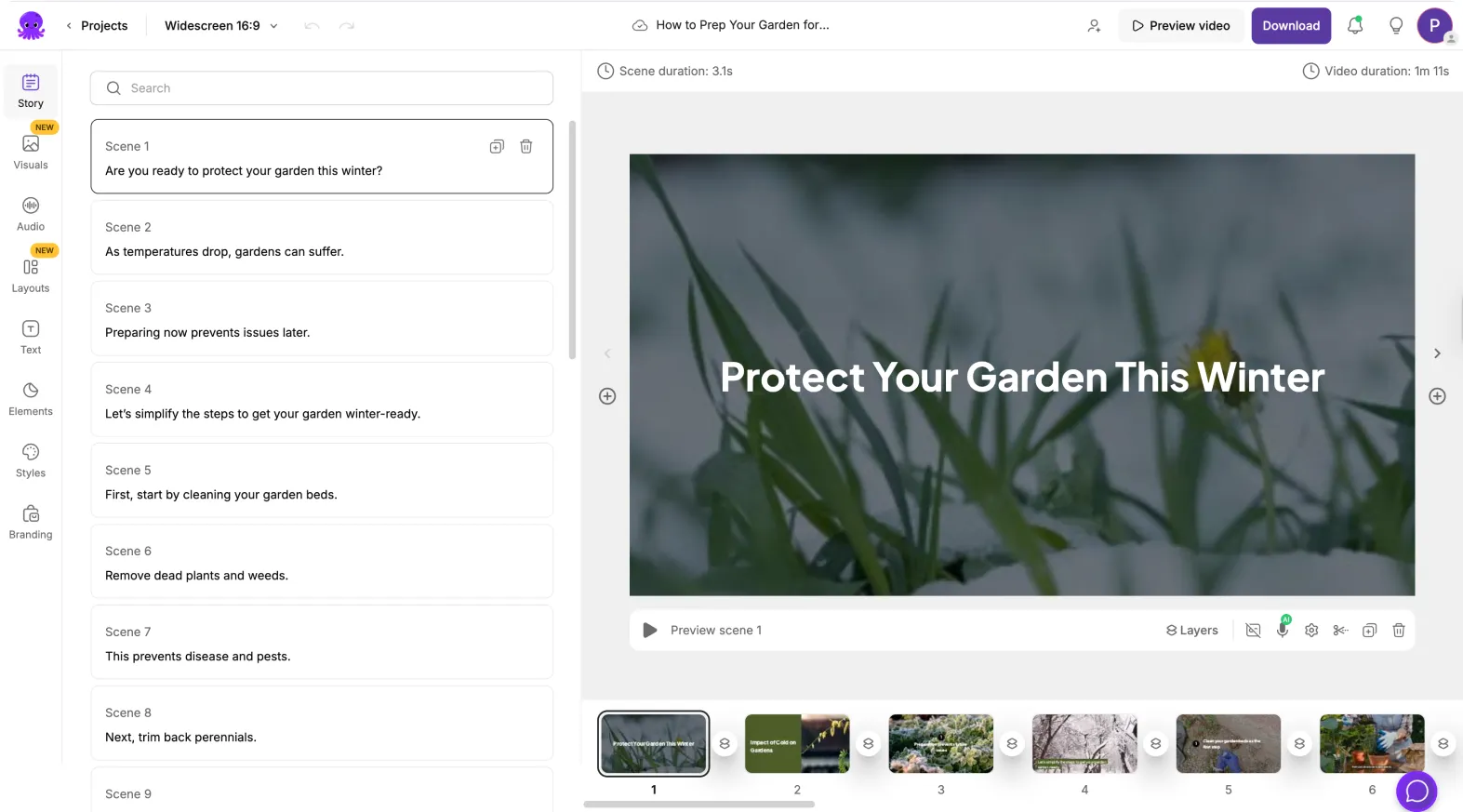
Pictory AI was founded in 2019 by Pictory Corp and has raised $7.72M in funding to build an AI video platform that converts written content into edited video without requiring editing experience. It differs from timeline-based editors by letting users cut a video the way they would edit a document: trim the transcript, and the matching footage trims with it.
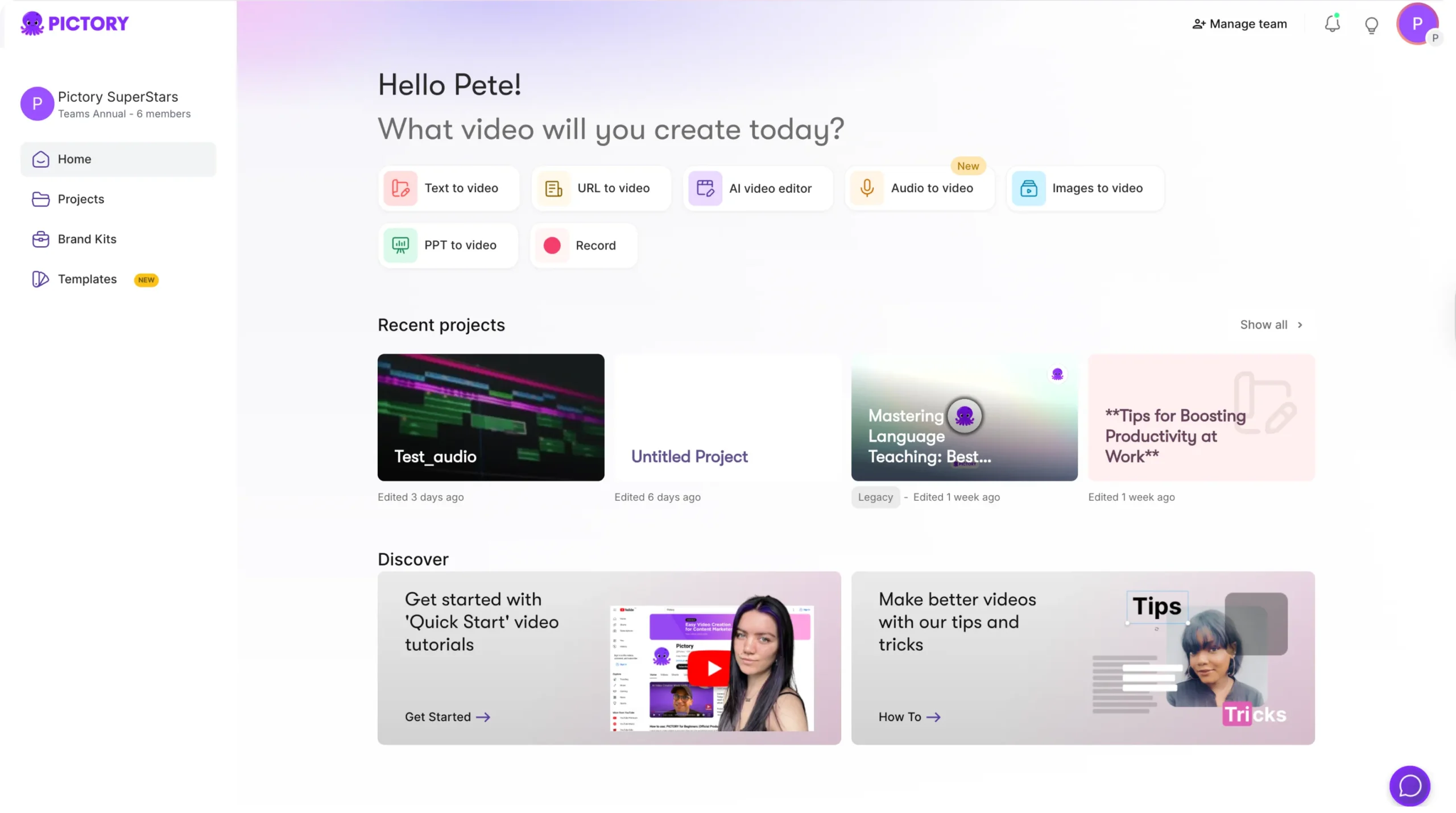
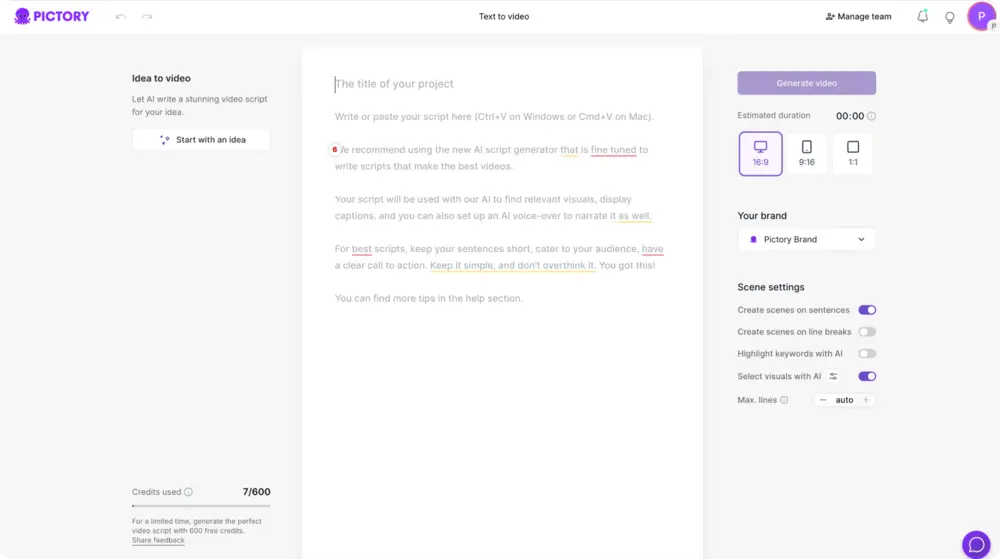
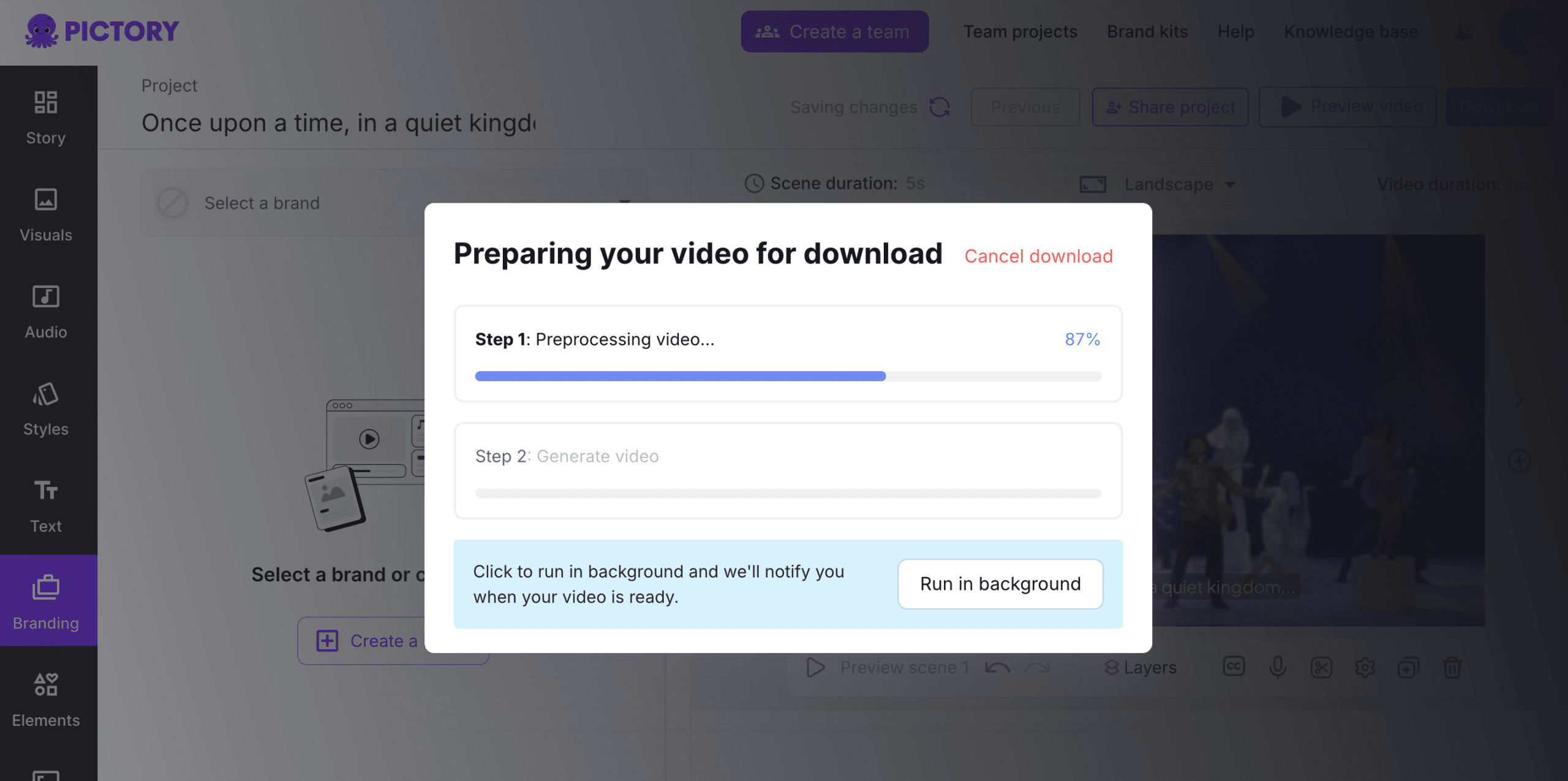
Users start from a script, blog post, URL, PowerPoint deck, image set, or audio file; Pictory analyzes the text, selects matching stock scenes, generates captions, and adds an AI voiceover. Brand kits let teams lock in logos, fonts, and colors so every export matches existing style guides, and the AI Studio can generate custom visuals or animate static images when stock footage does not fit the scene.
Screenshots
Pricing
No free plan; a 14-day trial caps each video at 5 minutes, exports at 720p, and includes 15 total export minutes plus 5 one-time AI credits, with downloads blocked until you subscribe. Paid tiers moved from a videos-per-month model to a minutes-and-credits model: Starter $29/mo (2,400 video minutes/yr, 1,200 AI credits/yr, 5GB storage), Professional $59/mo (7,200 min/yr, 12,000 credits/yr, 20GB, adds custom AI avatars and voice cloning), Team $199/mo for 3+ seats (21,600 min/yr, 28,800 credits/yr, 100GB). Annual billing drops these to $25, $35, and $119/mo respectively (14-41% off).
Enterprise is custom-priced for 10+ seats with SSO and a dedicated success manager.
| Tier | Monthly price | What it includes |
|---|---|---|
| Enterprise | Free | Custom pricing based on business requirements with volume-based discounts |
| Starter | $29/mo | Subscription-based with an annual video-minute and AI-credit allowance (moved from a monthly video-count cap) |
| Professional | $59/mo | Subscription-based with an annual video-minute and AI-credit allowance (moved from a monthly video-count cap) |
| Team | $199/mo | Subscription-based with the highest annual video-minute and AI-credit allowance and team collaboration tools |
Feature Comparison by Tier
| Feature | Team | Starter | Enterprise | Professional |
|---|---|---|---|---|
| Video minutes / year | 21,600 | 2,400 | Custom | 7,200 |
| AI credits / year | 28,800 | 1,200 | Custom | 12,000 |
| Storage | 100GB | 5GB | Custom | 20GB |
| Custom AI avatars | ✓ | — | ✓ | ✓ |
| Voice cloning | ✓ | — | ✓ | ✓ |
| Premium voice languages | 29 | 7 | 29 | 29 |
| Seats included | 3+ | 1 | 10+ | 1 |
| SSO | — | — | ✓ | — |
Key Features
- Text-to-Video Generation: Transform written scripts, prompts, and articles into fully-edited videos with AI-selected visuals, captions, and voiceovers in minutes
- AI Studio & Custom Visuals: Generate custom images and video clips from text prompts, add motion to static images, and create unique visual elements for your videos
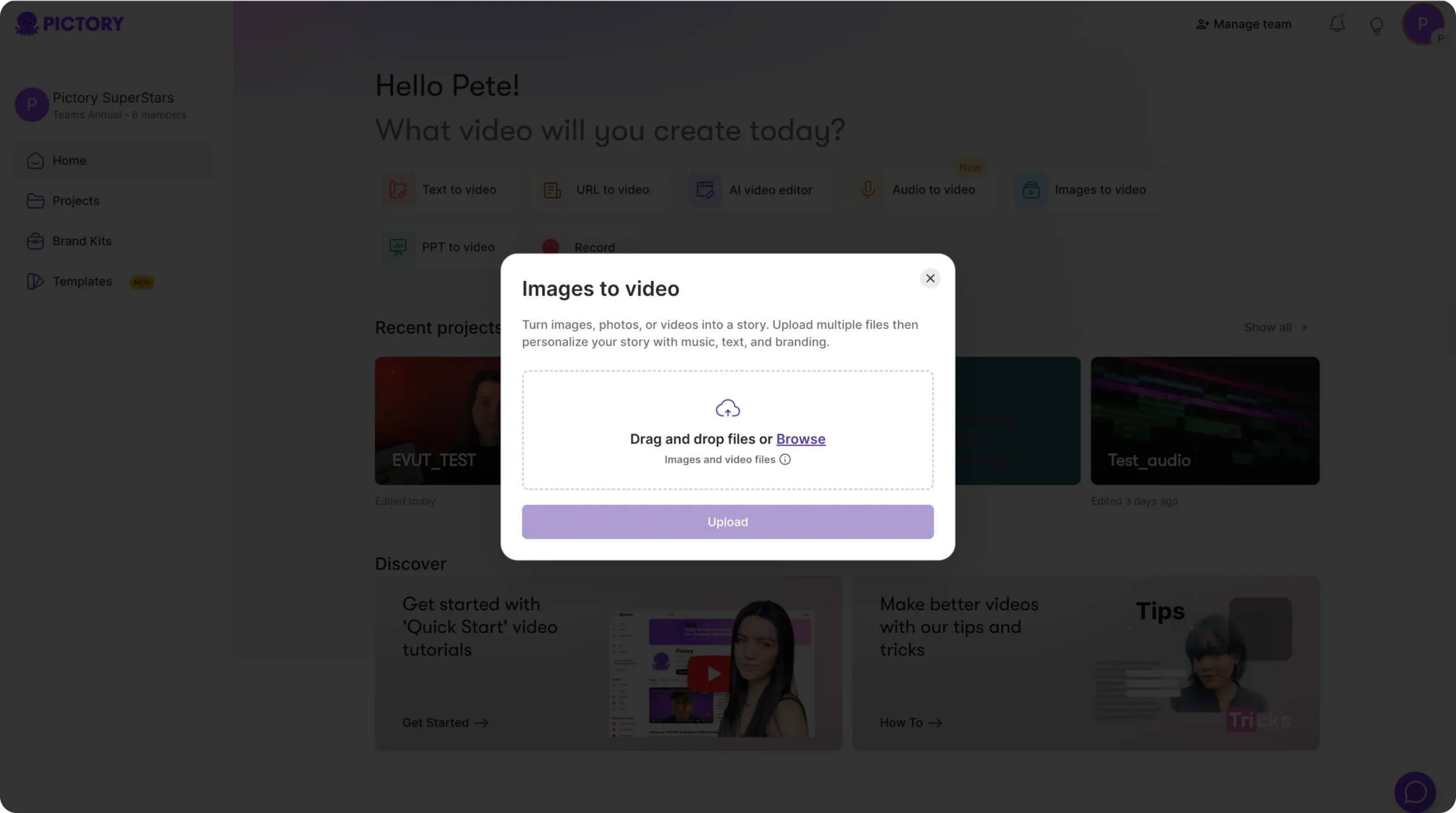
- Multi-Format Input Support: Convert URLs, blog posts, PowerPoint presentations, images, audio files, and screen recordings into professional videos
- ElevenLabs AI Voices: Access 73 hyper-realistic AI voices in multiple languages, with professional-grade voice synthesis and natural intonation
- Text-Based Video Editing: Edit videos like a word document by manipulating captions and transcripts; automatically creates video highlights from long-form content
- Brand Customization & Templates: Upload logos, colors, custom fonts, and create branded templates for consistent video output across all projects
Pros
- Incredibly fast video creation: Transform scripts into polished videos in minutes rather than hours or days
- No technical skills required: Intuitive interface accessible to beginners with no video editing experience
- Large stock library: 12+ million royalty-free videos and images from Getty Images and Storyblocks give you scenes without shooting custom footage
- Flexible input formats: Supports text, URLs, PowerPoint, images, audio, and screen recordings
- Zapier and Make integrations: automates repetitive video creation steps by connecting Pictory to other apps in a workflow, no code required
Cons
- AI-generated voiceovers can sound robotic: While ElevenLabs voices improved this, some users report unnatural voice quality
- Limited creative control for advanced users: Not suitable for professional videographers needing timeline editing and color grading
- Template selection feels limited: Creative templates could be more impressive compared to other video tools
- Video quality concerns: Some users report AI-generated visuals lack polish and require manual fixing
Product Information
- Cloud
- Yes
- Self-Hosted
- No
- On-Premise
- No
- Languages
- English, French, Spanish, German, Dutch, Italian, Portuguese, Tamil, Malay
- Training
- Documentation (docs.pictory.ai), Pictory Academy, Help Center knowledge base, Blog tutorials
Data Handling
- Compliance
- SOC 2 · GDPR
Frequently Asked Questions
What are Pictory AI's pricing plans in 2026?
Pictory AI's three paid plans are Starter, Professional, and Team, priced at $29, $59, and $199 per month respectively ($25, $35, and $119 on annual billing), covering 2,400, 7,200, and 21,600 video minutes a year. Enterprise is custom-priced for 10+ seats. A 14-day trial precedes any charge.
Does Pictory AI have a free plan?
No. The trial period runs 14 days, but every project is limited to a 5-minute render at 720p resolution, a 15-minute total export allowance, and 5 one-time AI credits, and finished videos cannot be downloaded until you subscribe to the Starter plan or higher.
What should you use instead of Pictory AI?
Lumen5 offers a simpler text-to-video generator on plans up to $199/month. OpusClip turns existing long-form video into short viral clips rather than creating from scratch. InVideo.io bundles AI avatars and voice cloning that Pictory does not offer.
Pictory AI or Lumen5: which should you pick?
Both convert text into video, but Pictory pairs its text-to-video engine with a larger ElevenLabs voice library and lets you edit by editing the transcript, while Lumen5 tops out at a higher-priced plan without a comparable voice library. Lumen5 is the gentler start on simple slideshows; Pictory AI has the deeper voice library and wider input support.
What does it take to start using Pictory AI?
Sign up for Pictory AI's 14-day trial, then paste a script, blog URL, or PowerPoint file into the Text-to-Video tool. The AI matches stock scenes and generates a first draft in minutes, which you can edit like a text document before adding your brand kit and exporting.
Top Alternatives
- Lumen5: Pick Lumen5 if you want a simpler slideshow-style video maker without Pictory’s transcript-editing workflow.
- OpusClip: Pick OpusClip if you are repurposing existing long-form video into short clips instead of building new video from a script.
- InVideo.io: Pick InVideo.io if AI avatars and voice cloning matter more to you than a larger ElevenLabs voice library.
HokAI guides covering Pictory AI
- Best AI for Creating YouTube Videos in 2026: A Buyer's Guide: OpusClip, Pictory, inVideo and VEED compared by YouTube workflow, not hype, with live pricing checked 3 Sep 2026, including a new $900-a-month inVideo tier.
- Best AI for Video Editing and Content Creation in 2026: Pick the Job, Not the Category: AI video editing splits into two jobs: cutting footage you have, or generating video you don't. CapCut, Descript, VEED and Opus Clip compared on price and fit.
- How to Create AI Video and Visual Content Without a Production Team: DALL-E is retired and CapCut's AI tools now cost $19.99/month. Here is the updated 2026 stack for camera-free AI video, with real prices for every tool.