
Last updated: 2026-09-23
Audjust AI is a browser tool for resizing and generating music, and it has processed over 100,000 song edits for creators. Beat and section analysis shortens, extends, or loops an existing track along a natural boundary, while a proprietary AUDjUST V-Series model turns a prompt, lyrics, or a photo into an original track.
About Audjust AI
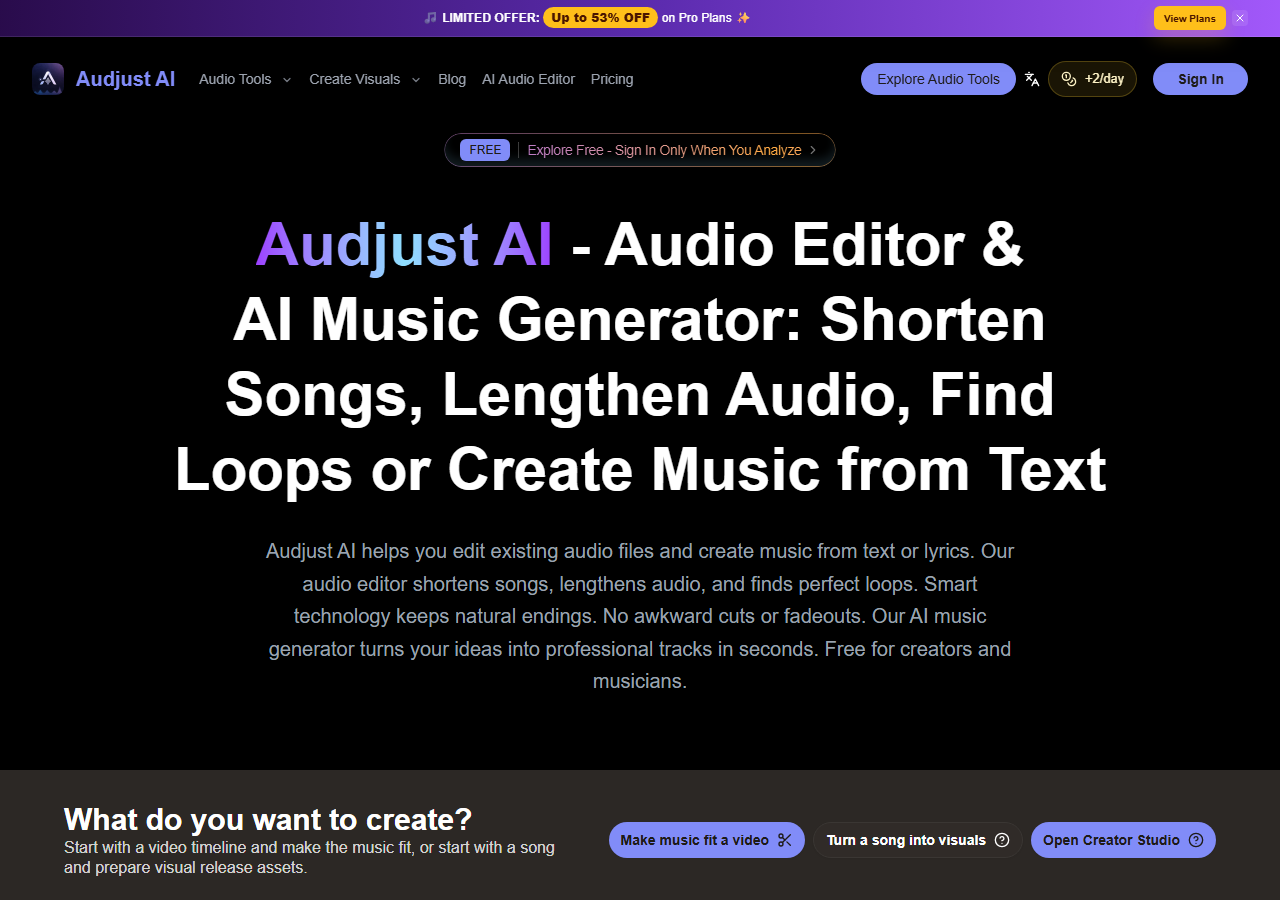
Audjust AI is a browser-based audio editor and music generator run as a small, self-published product with no separate parent company or founding date disclosed on the site. It targets a narrow, concrete problem: making an existing song fit a fixed slot, a 15-second Reel, a 30-second ad, a podcast intro, without hiring an audio engineer or opening a full multitrack editor. By its own count on the homepage, the tool has processed over 100,000 song edits and surfaced more than 50,000 loop points for users.
Instead of treating a track as a flat waveform, the editor runs a beat and section analysis pass, so a shorten or extend job lands on a beat, bar, breath, or natural decay point instead of mid-phrase. The same workspace generates original tracks from a text prompt, from lyrics, or from a single reference image using the vendor's own AUDjUST V-Series models, a proprietary line with no disclosed connection to a third-party foundation model. A separate stem-separation tool splits a mix into vocal and instrumental layers, which the generation side can recombine with AI vocals or hand off to a dedicated voice tool like ElevenLabs for further work.
The tool is built for short-form video editors trimming background music for TikTok, Reels, and YouTube Shorts, a workflow that pairs naturally with a cutting tool like CapCut, podcasters and filmmakers adjusting an existing cue to a fixed runtime, and independent musicians or advertisers who want a royalty-free instrumental or vocal draft without commissioning original composition. It sits in the same AI content creation category as full song generators like Suno and Udio, but its core job is resizing and looping audio a user already has rather than writing a song from a blank page.
Audjust AI runs entirely in the browser, with a free preview for basic edits and sign-in required only to export. Three paid subscription tiers scale from a light personal plan up to a high-volume plan built for heavy generation use, each unlocking watermark-free exports and commercial-use rights on generated music (exact pricing is in the FAQ below). The editor accepts MP3, WAV, M4A, AAC, OGG, and FLAC files, and the whole job, unlike a manual Descript session, stays inside a single browser tab from upload to export.
Screenshots

Pricing
Free preview: basic shorten, extend, and loop editing with no account required; sign-in is needed only to export. Lite is $10/month or $120/year (2,400 credits/year). Pro is $25/month or $300/year (9,600 credits/year, 4x Lite) and unlocks AI music generation.
Premium is $59/month or $708/year (43,200 credits/year, 18x Lite) and adds higher-throughput workflows and priority support. All paid tiers include watermark-free exports, private creation, and commercial-use rights on generated music. 99 for 1,500 credits, each valid for 1 year; AI music generation costs 20 credits per track, and video generation is billed per credit quote and requires an active Pro or Premium subscription.
| Tier | Monthly price | What it includes |
|---|---|---|
| Free | Free | |
| Lite | $10/mo | |
| Pro | $25/mo | |
| Premium | $59/mo |
Key Features
- Section-aware length editing: Shortens or extends a track using beat and section analysis, so the cut falls on a rhythmic pulse, bar line, breath, or decay point rather than mid-phrase.
- Loop point detection: Scans an uploaded track for repeatable sections and returns loop points suitable for background music or game audio without an audible seam.
- Text, lyrics, and image-to-music generation: Generates an original track from a written prompt of up to 500 characters, song lyrics, or a photo used as a mood reference, via the proprietary AUDjUST V-Series models.
- Stem separation: Splits a mixed track into vocal and instrumental layers so a user can isolate, remix, or replace either part.
- MIDI conversion and lo-fi transformation: Converts an audio track to MIDI for use in a DAW and applies a lo-fi style transform for ambient or study-music edits.
- Commercial-use, watermark-free exports: Every paid tier removes export watermarks and grants commercial-use rights on AI-generated music, with private creation on by default.
Pros
- No sign-in is required to preview a basic shorten, extend, or loop edit; an account is only needed to export, lowering the barrier compared with subscription-gated editors.
- Commercial-use rights and watermark-free exports are included on Audjust's entry-level paid plan, whereas Suno reserves commercial rights for its paid tier and blocks commercial use entirely on its free plan.
- One workspace covers both audio editing (shorten, extend, loop, stem separation) and from-scratch generation (text, lyrics, image); Suno and Udio generate but do not edit existing tracks, and Descript edits but does not generate music.
- Accepts six audio formats end to end, from compressed MP3 to lossless FLAC, without a separate conversion step before editing.
Cons
- Uploads are capped at 50MB per file, which excludes long multitrack session exports or full-album masters.
- No independent G2, Trustpilot, or Product Hunt rating was found for audjust.ai; a similarly named Trustpilot listing for audjust.com belongs to an unrelated product from a different operator, which risks confusion when researching reviews.
- No public API, MCP connector, or Zapier integration was found, so the editor cannot be wired into an automated content pipeline the way some competitors can.
- The privacy policy does not publish a specific data-retention period in days, a hosting location, or a SOC 2, ISO 27001, GDPR, or HIPAA attestation, so buyers with compliance requirements cannot verify data handling from the site alone.
Frequently Asked Questions
How much do you pay for Audjust AI?
Lite costs $10 a month or $120 a year for 2,400 credits, Pro is $25 a month or $300 a year for 9,600 credits, and Premium is $59 a month or $708 a year for 43,200 credits. Generating one track with the AI music tool draws 20 credits from that allotment, one-time credit packs run $19.99 to $99.99, and video jobs are quoted in credits under an active Pro or Premium plan.
Is Audjust AI free to use?
Yes, basic shortening, extending, and loop-finding can be previewed for free with no account required, and sign-in is only needed to export a finished file. AI music generation, watermark-free exports, and commercial-use rights all require a paid Lite, Pro, or Premium plan.
What should you use instead of Audjust AI?
For pure text-to-song generation, [Suno](/hub/tools/suno) and [Udio](/hub/tools/udio) offer more established music-generation engines with stem exports and voice cloning. For editing spoken-word audio or video with transcript-based cuts rather than music length, [Descript](/hub/tools/descript) is the closer fit.
Is Audjust AI better than Suno?
Neither wins outright: Suno is the stronger pure generator, with multi-stem exports and voice cloning on its paid plans, while Audjust AI is the one built to shorten, extend, or loop a track a user already owns. Pick Suno to write a song from nothing and Audjust AI to fit an existing song into a fixed runtime.
How long does it take to get going with Audjust AI?
You can start immediately at audjust.ai with no signup: upload an audio file (MP3, WAV, and four other common formats are supported, up to 50MB), choose shorten, extend, or loop, and preview the result. Creating an account is only required to export the file, generate music, or remove the watermark.
Top Alternatives
- Suno: Suno wins for writing a from-scratch song with stem exports and voice cloning; Audjust AI wins when the job is resizing or looping a track that already exists.
- Udio: Choose Udio for higher-fidelity full-song generation from a single text prompt, and choose Audjust AI when the task is trimming, extending, or looping existing audio instead.
- Descript: Descript fits a talking-head podcast or video edited around a transcript; Audjust AI fits a job that only needs a track's length or loop points adjusted.