What CapCut Is Actually For, Now That Pro Costs Twice What It Did
CapCut is ByteDance's video editor, free for basic TikTok and Reels-style cuts but restructured in 2026 around paid AI editing. Pro now costs $19.99 monthly or $179.99 yearly and includes EditPilot, an agent aimed at webinars and interviews rather than short social clips.
The short version
CapCut's Pro plan rose to $179.99 a year in February 2026, and its free tier lost cloud storage back in August 2024. The new AI editor, EditPilot, targets long-form footage work, not quick TikTok cuts, which changes who Pro is actually worth paying for.
CapCut's annual Pro plan jumped from roughly $78 to $179.99 in February 2026, and the app had already stopped offering free cloud storage a year and a half before that.
The price increase, first reported by Newsweek on February 17, 2026, doubled what many subscribers paid for Pro. The company's own help center separately confirms that free-tier cloud sync ended in August 2024.
Both changes land as the app leans harder into agentic AI editing, not away from it. The same stretch brought EditPilot, a natural-language editing agent that assembles a rough cut from a spoken instruction. For a solo creator who has posted to TikTok or Reels on the free tier since 2022, the tool underneath that account has changed twice in three years without much warning either time.
What Actually Changed, and When
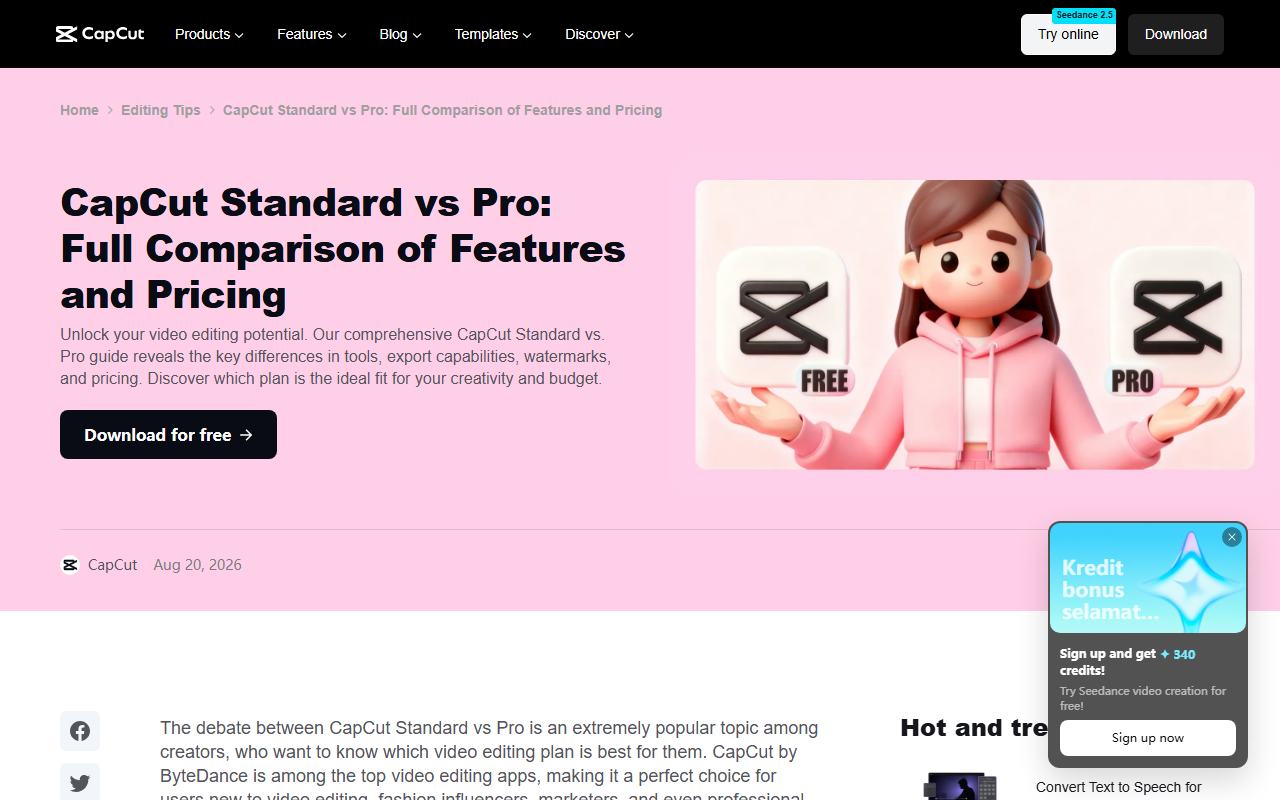 CapCut's own pricing comparison page, captured 23 Aug 2026 and dated Aug 20, 2026 in its byline.
CapCut's own comparison page lists Pro at $19.99 a month or $179.99 a year, up from an introductory annual rate close to $78, the jump Newsweek centered its report on. Standard, a mobile-only tier at $9.99 a month, sits between free and Pro: it removes the watermark and unlocks 1080p export without touching Pro's 4K and 8K ceiling. CapCut's Team plan, aimed at small studios rather than solo creators, starts near $24.99 a seat and adds shared asset libraries on top of everything Pro includes.
The bigger change is easy to miss, because it never appeared on a pricing page at all. The free tier's 1GB of cloud storage was discontinued in August 2024, more than a year before the price story broke. A free account today can still edit and export. It cannot sync a project between a phone and a laptop the way it could three years ago.
The AI Pitch Sitting Behind the Price
 CapCut's own EditPilot walkthrough, captured 23 Aug 2026 and dated Aug 6, 2026 in its byline.
CapCut's EditPilot is described in the company's own guide as an agent built into the desktop timeline: type an instruction like turning a 12-minute tutorial into a 90-second cut, and it produces a first pass to review and refine. Paid subscribers reach some of the underlying models, including one called Seedance 2.5, through per-second credit billing rather than a flat monthly cap.
Read closely, the target user isn't someone stitching together nine-second clips for a feed. The company's own documentation points this feature at webinars, interviews and product demos: footage-heavy, long-form work that used to belong to desktop editors. It's also the exact segment OpusClip built its whole product around, turning long recordings into short clips automatically. EditPilot looks less like a novel feature and more like a catch-up move into a category it didn't invent.
Who Still Gets Their Money's Worth
Descript is the useful comparison, not because it's cheaper. Its own free plan caps out at 60 minutes of media and 720p export a month. It's useful because it already charges for the same kind of long-form AI editing Pro is now chasing.
A small team recording weekly interviews, paying $19.99 a month for 4K export, roughly 1TB of storage and an editing agent, is buying something closer to Descript's paid tiers than to the app's old one. For that reader, the higher price tracks the product it's now attached to, even if the number on the renewal notice still comes as a surprise.
Who the Free Tier Left Behind
The reader this app built its reputation on is a different one: a single creator posting vertical video to one or two platforms, who never needed 4K, an editing agent, or much cloud storage until the sync option disappeared. For that person, 2026 brought a slightly worse free tool attached to a much more expensive paid one.
Veed still markets itself as free to start, and Wondershare's Filmora covers the same mobile-plus-desktop ground with its own AI features, which is exactly the gap a squeezed free tier opens up. Meta's own rival app, Edits, launched in April 2025 promising watermark-free exports at no cost, aimed squarely at creators posting to Instagram and Facebook, according to TechCrunch's reporting at the time. None of these replace the template library. All of them are one download away from a creator who just watched free storage vanish and a renewal double.
The Case This Changes Less Than It Looks
The rebuttal writes itself: most free users never hit the old storage limit even when it existed, and a price increase on a paid tier doesn't touch anyone who wasn't already paying for it. That's true. It's also why the Newsweek story reads as a Pro-subscriber complaint rather than a free-tier one.
But the free tier didn't stay flat while Pro moved. It lost a real feature eighteen months earlier, with no comparable announcement either time. A product doesn't have to raise a price to become a worse deal. The free tier just got smaller. The name didn't change.
What to Watch Next
The number that will actually settle this is the app's App Store and Google Play rating trend through the rest of 2026, alongside whatever download figures Meta reports for its own app. If ratings hold and the rival stays a minor player, the free-tier squeeze cost little. If either moves by more than a few tenths of a point before the end of the year, the pricing bet did more than annoy the subscribers who read Newsweek.
The free tier still opens, still edits, and still exports a watermark-free clip if you skip the templates and the premium effects. What it doesn't do anymore is remember your project when you switch devices, and nobody put that in a press release.
Frequently asked questions
Is CapCut still free to use in 2026?
Yes, CapCut's free tier still lets users edit and export video. It lost its cloud storage option in August 2024, so a free account can no longer sync a project across devices the way it once could.
Why did CapCut's price go up in 2026?
CapCut restructured its paid tiers in early 2026, and Newsweek reported on February 17, 2026 that the annual Pro plan rose from roughly $78 to $179.99. CapCut and parent company ByteDance did not issue a public statement explaining the change.
What is CapCut's EditPilot and who is it for?
EditPilot is an AI agent inside CapCut PC that turns a written instruction into a first-pass edit on the timeline. CapCut's own guide points it at footage-heavy projects like webinars, interviews and product demos rather than short vertical clips.
Is there a free alternative to CapCut without a watermark?
Meta's Edits app launched in April 2025 with watermark-free exports at no cost, built for creators posting to Instagram and Facebook. Veed also offers a free starting tier for social video editing.
Does CapCut's free tier still include cloud storage?
No. CapCut's help center confirms the free tier's 1GB of cloud storage was discontinued in August 2024. Paid Pro subscribers get roughly 1TB of cloud storage instead.
Covered in this guide
- CapCut: AI-powered video editor for creating trending content across all platforms
- Descript: AI-powered video & audio editing as easy as editing text
- Filmora: Professional video editing made accessible to everyone with AI-powered features
- OpusClip: AI-powered video editing tool that turns long videos into viral short clips in one click
- Veed: Browser-based video editor with AI subtitles, avatars, voice cloning, and text-to-video: no download needed.
Sources
Still deciding?
This guide covers a handful of options. Smart Match checks every listing in the directory against how you actually work and what you can spend, then hands you the shortlist and the reason behind each pick.
Start Smart MatchRelated guides
- The AI 80s Photo Trend: How to Make Yours (and Turn It Into a Video) in 2026AnalysisWhat changed and who it affects
- Best AI for Creating YouTube Videos in 2026: A Buyer's GuideBuyer's guideHow to pick, across a category
- The Best Free AI for Turning a Photo Into a Video in 2026Buyer's guideHow to pick, across a category
- Best AI for Video Editing and Content Creation in 2026: Pick the Job, Not the CategoryBuyer's guideHow to pick, across a category
- Best AI Text to Speech in 2026: What an Hour of Audio Really CostsBuyer's guideHow to pick, across a category
- Best AI Tools for YouTube Research in 2026Buyer's guideHow to pick, across a category