
Last updated: 2026-08-19
Gencraft is an AI art generator that has offered 31 artistic styles, from photorealism to anime and 3D, since launch. It turns text prompts into images, videos, and artwork through Magic Edit, custom model training, and Photobooth face swapping, positioning it as a simpler, Discord-free alternative to community-driven art generators.
About Gencraft
Gencraft launched in 2023 as an AI-powered creative platform for generating images, videos, and artwork from short text descriptions, aiming to make professional-looking visual content available to people without traditional art training. The company positions itself around creator recognition and intellectual property protection, crediting original prompt authors within its creator community.
Beyond core image generation, Gencraft supports face swapping through its Photobooth tool and lets creators remix or build on each other's posts inside a 10M+ member community. The app runs on web, iOS, and Android with synced accounts, and a free tier keeps the barrier to entry low before anyone commits to a paid plan.
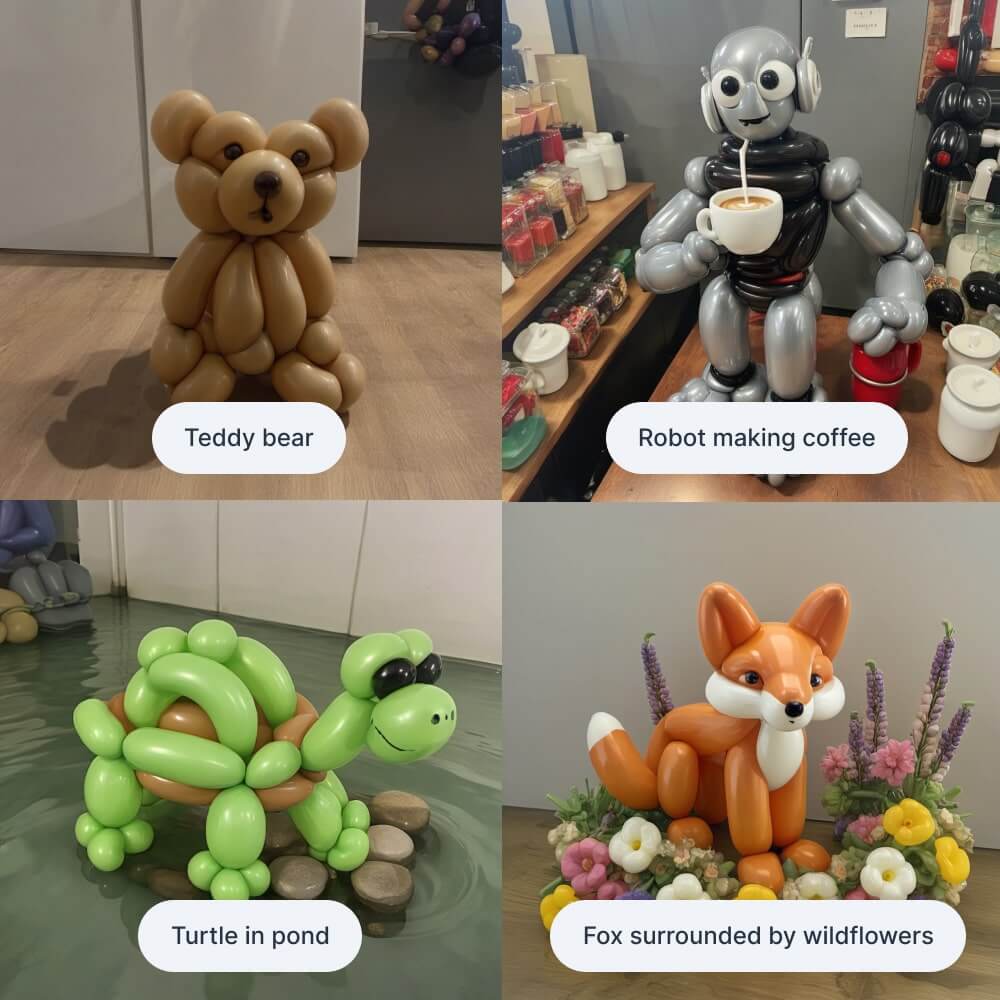
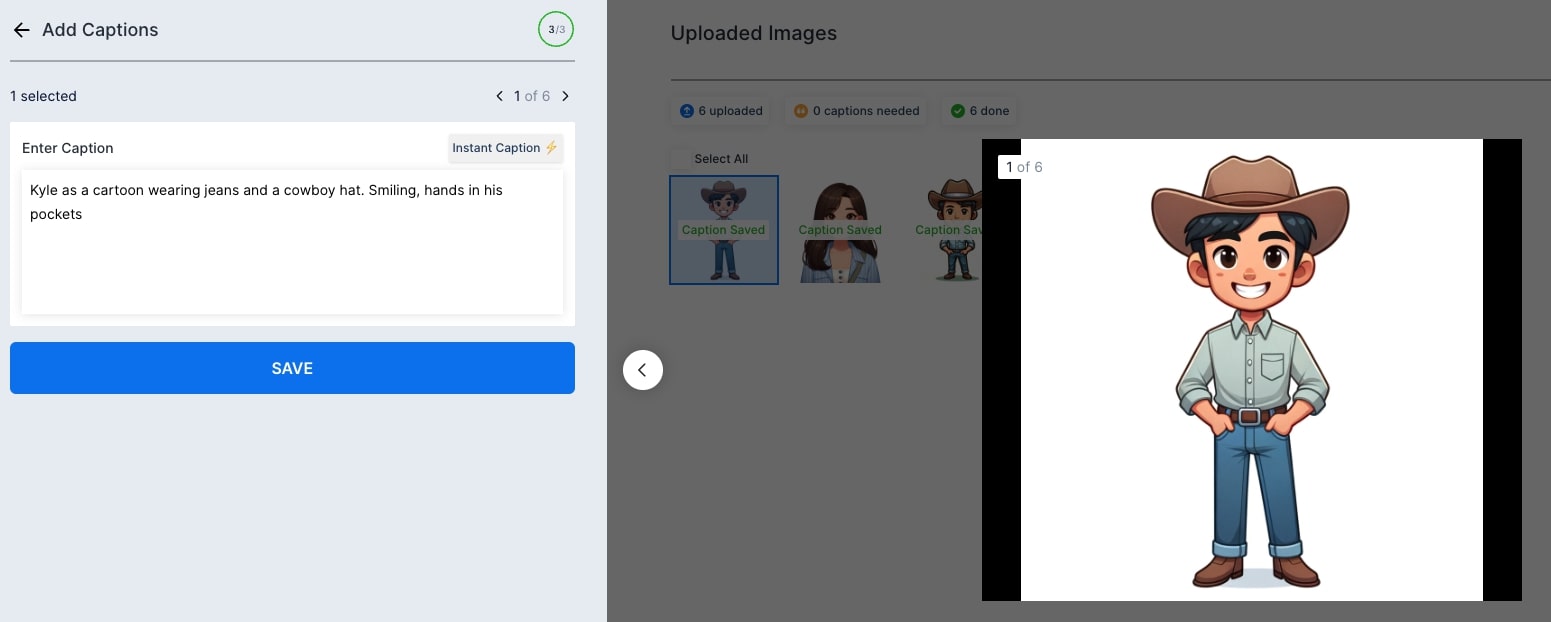
Screenshots
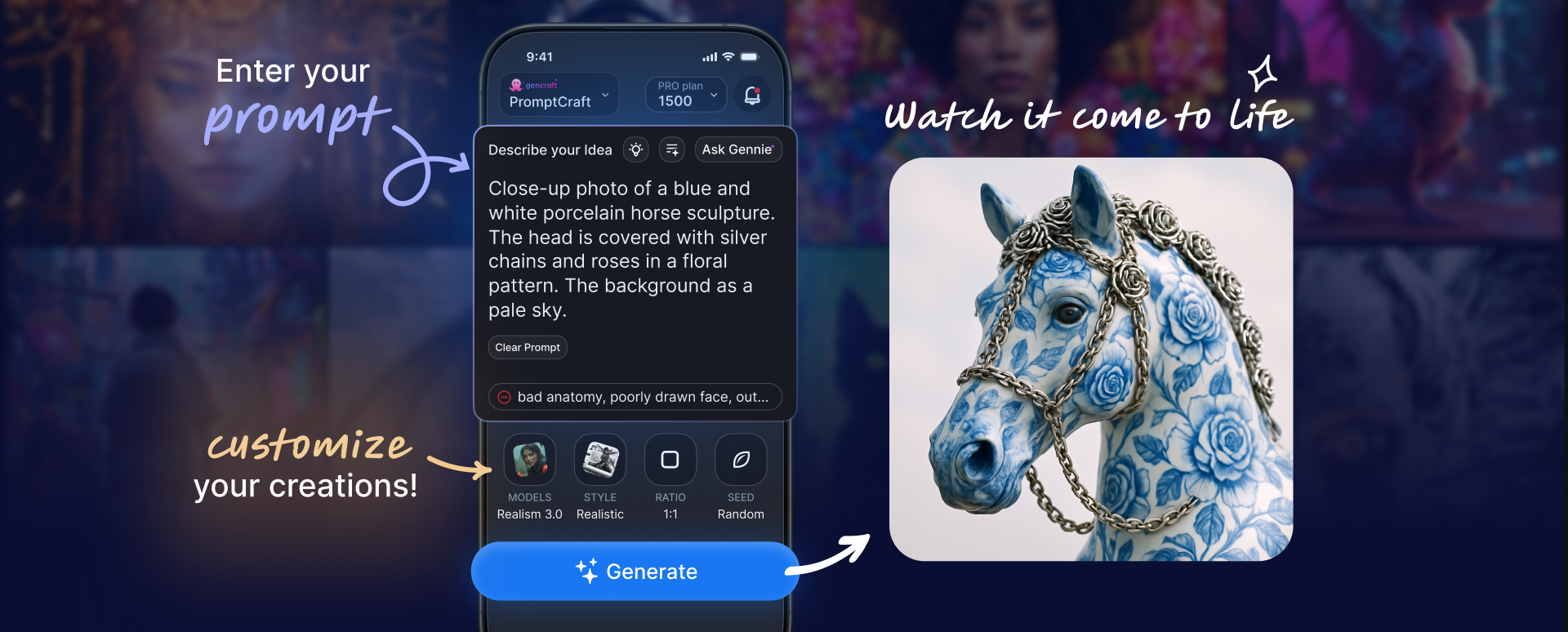
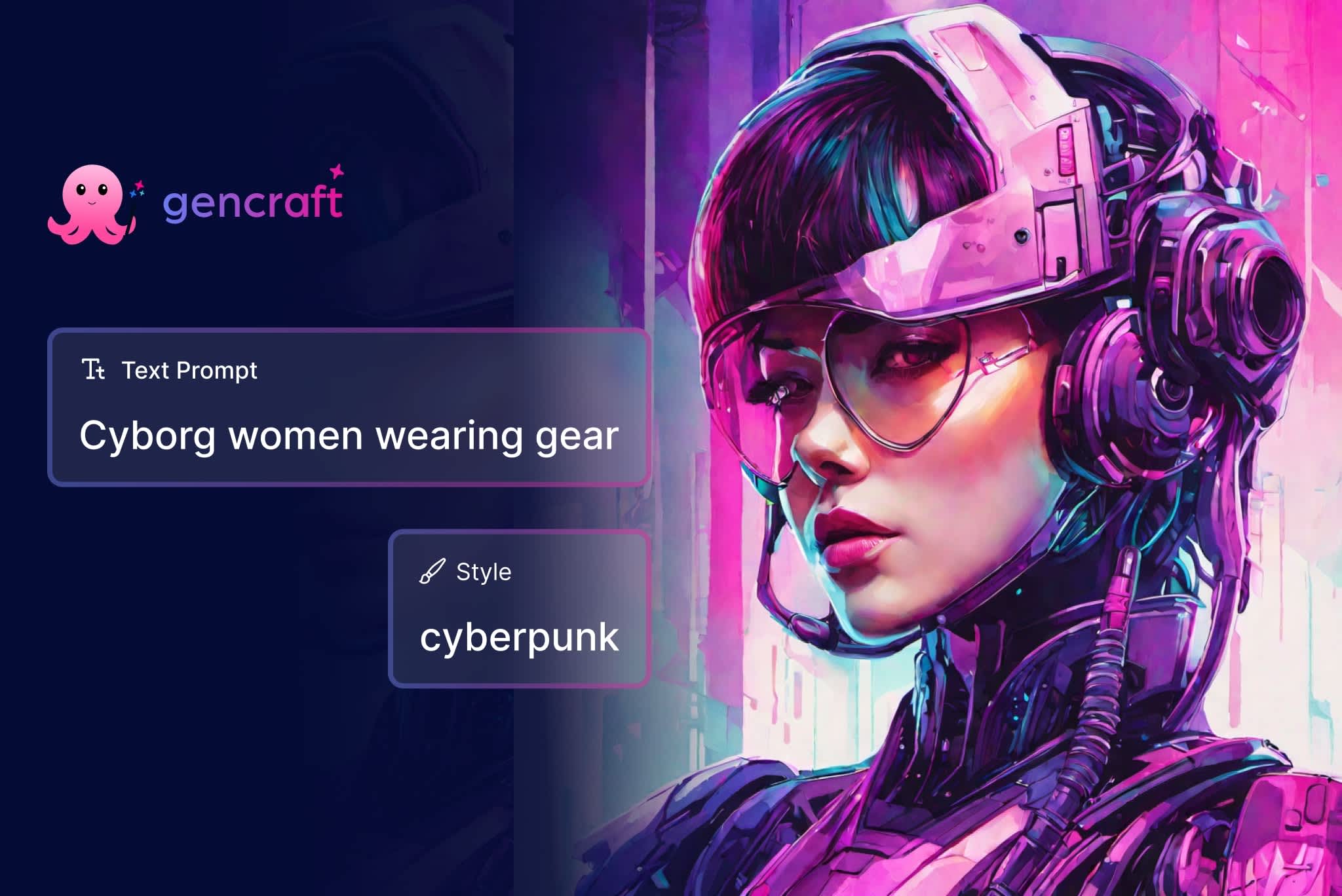
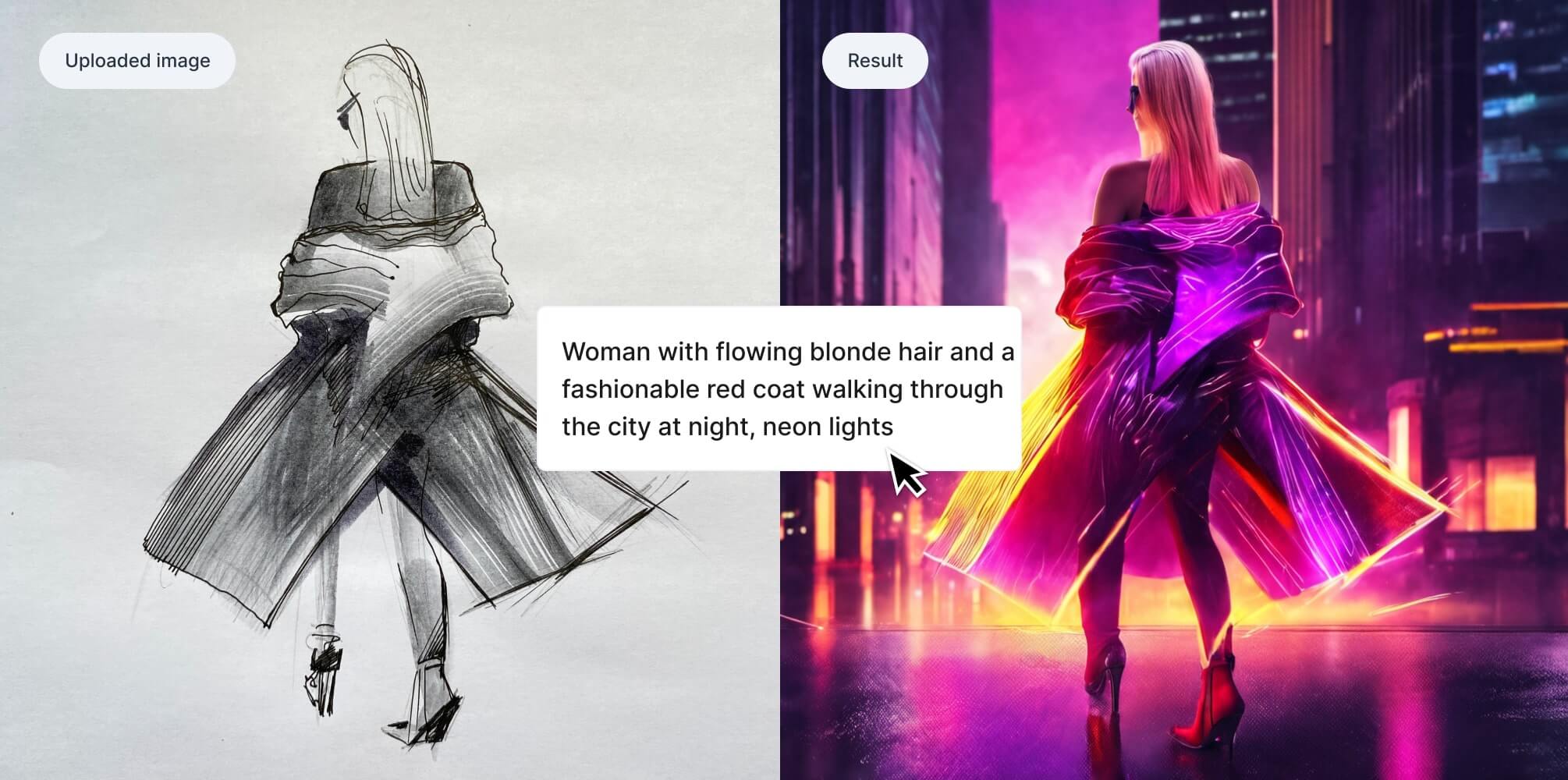
Pricing
Free tier includes 5 image generations per day. 99 per week for 25 prompts per day with a watermark. 99 per month for unlimited generations, HD and 4K downloads, video generation, and commercial usage rights.
Business pricing is custom for enterprise and commercial teams.
| Tier | Monthly price | What it includes |
|---|---|---|
| Free | Free | Credit-based (5 daily credits) |
| Business | Free | Custom pricing based on usage and team requirements |
| Starter | $3.99/mo | Weekly subscription - 25 daily prompts with watermark |
| Pro | $19.99/mo | Monthly subscription - unlimited generations with commercial rights |
Feature Comparison by Tier
| Feature | Pro | Free | Starter | Business |
|---|---|---|---|---|
| Daily generations | Unlimited | 5 | 25 | Unlimited |
| 4K downloads | ✓ | — | — | ✓ |
| Video generation | ✓ | — | — | ✓ |
| Custom model training | ✓ | — | — | ✓ |
| Commercial usage rights | ✓ | — | — | ✓ |
| AI models available | 20+ | 1 | Limited | 20+ |
| Magic Edit 2.0 | ✓ | Limited | Limited | ✓ |
| Priority access | ✓ | — | — | ✓ |
Key Features
- Text-to-Image Generation: Generates images from a written prompt across 31 built-in artistic styles, from photorealism and anime to abstract and 3D art.
- Magic Edit 2.0: Lets you select just part of a generated image and rewrite that region with a new prompt instead of regenerating the whole piece.
- Custom Model Training: Pro subscribers can upload their own images and train a personal model in about 30 minutes to keep every new generation in the same style.
- Video Generation: Turns a text prompt into a short video clip, available to Pro and Business subscribers as a newer addition to the image toolkit.
- Photobooth Face Swap: Swaps a face from an uploaded photo into a generated image or video for personalized artwork.
- Cross-Platform Sync: Available as native apps on iOS and Android plus the web platform, with your account and generation history synced across all three.
Pros
- The free tier requires no credit card, so newcomers can try image generation before deciding to pay.
- A large, active creator community is a strong source of prompt ideas, since posts are easy to remix and build on.
- Photobooth face-swap gives Gencraft a personalization niche that pure text-to-image tools like Midjourney don't cover.
- Commercial usage rights are bundled into the Pro plan instead of gated behind a separate enterprise tier.
Cons
- Prompt adherence is inconsistent, especially for hand and limb anatomy, so results often need a few retries.
- Video generation is limited next to dedicated AI video tools and is locked behind a paid plan.
- Style parameter control is coarser than professional tools such as Midjourney's advanced parameter flags.
- Output quality can be unpredictable even with a detailed prompt, so expect some trial and error before you land on a keeper.
Product Information
- Cloud
- Yes
- Self-Hosted
- No
- On-Premise
- No
- Languages
- English
- Training
- Documentation, Video Tutorials, Community Discord, Blog
Frequently Asked Questions
What are Gencraft's pricing plans in 2026?
Gencraft has four tiers: a free plan, Starter at $3.99 per week, Pro at $9.99 per week or $19.99 per month, and a custom-priced Business plan for teams. Pro is the tier that unlocks unlimited generations, 4K downloads, and commercial usage rights; Business adds enterprise support.
Can you use Gencraft without paying?
Yes, the free tier gives 5 image generations per day with standard downloads and no commercial usage rights. Starter and Pro subscribers get more daily volume and lose those restrictions.
What should you use instead of Gencraft?
Midjourney, Adobe Firefly, and Ideogram cover most of the same ground. Midjourney has the highest artistic polish if you don't mind Discord, Adobe Firefly brings commercial indemnification inside Creative Cloud, and Ideogram is the one that renders readable text inside the image.
Is Gencraft better than Midjourney?
Gencraft is the more beginner-friendly pick: it skips Discord entirely, runs as a standalone web and mobile app, and its Pro plan costs less per month. Midjourney still produces more consistently polished output and has a longer-established style-prompt community.
How long does it take to get going with Gencraft?
A couple of minutes, start to finish. Create an account at gencraft.com or in the iOS or Android app with no card required, choose an artistic style, and type a prompt; the first image lands in seconds. Video generation and custom model training come later, with the Pro upgrade.
Top Alternatives
- Midjourney: Pick Midjourney if artistic quality and Discord-community immersion are the top priority over simplicity.
- Adobe Firefly: Pick Adobe Firefly when you need commercial indemnification or you already live inside Creative Cloud.
- Ideogram: Pick Ideogram if readable text inside the image or lower per-generation pricing is the deciding factor.
HokAI guides covering Gencraft
- Adobe Firefly or Gencraft: A 2026 Pricing and Feature Comparison: Adobe Firefly runs $9.99-$199.99/month with IP indemnification; Gencraft tops out at $19.99/month for hobbyists. A verified 2026 cost and feature breakdown.
- Best AI for Creating Logos in 2026: Tested Picks & Verdict: Nine AI logo tools, compared by file type and price for 2026. See which give a true vector file, which are free, and the pick for five different budgets.
- Best AI Tools to Create Images and Videos in 2026: All-in-One vs. Specialists: Compare 8 AI tools that create images and video in 2026: all-in-one platforms like Magnific vs. specialists like Grok Imagine and Kinovi, with real pricing.